Getting help on any page
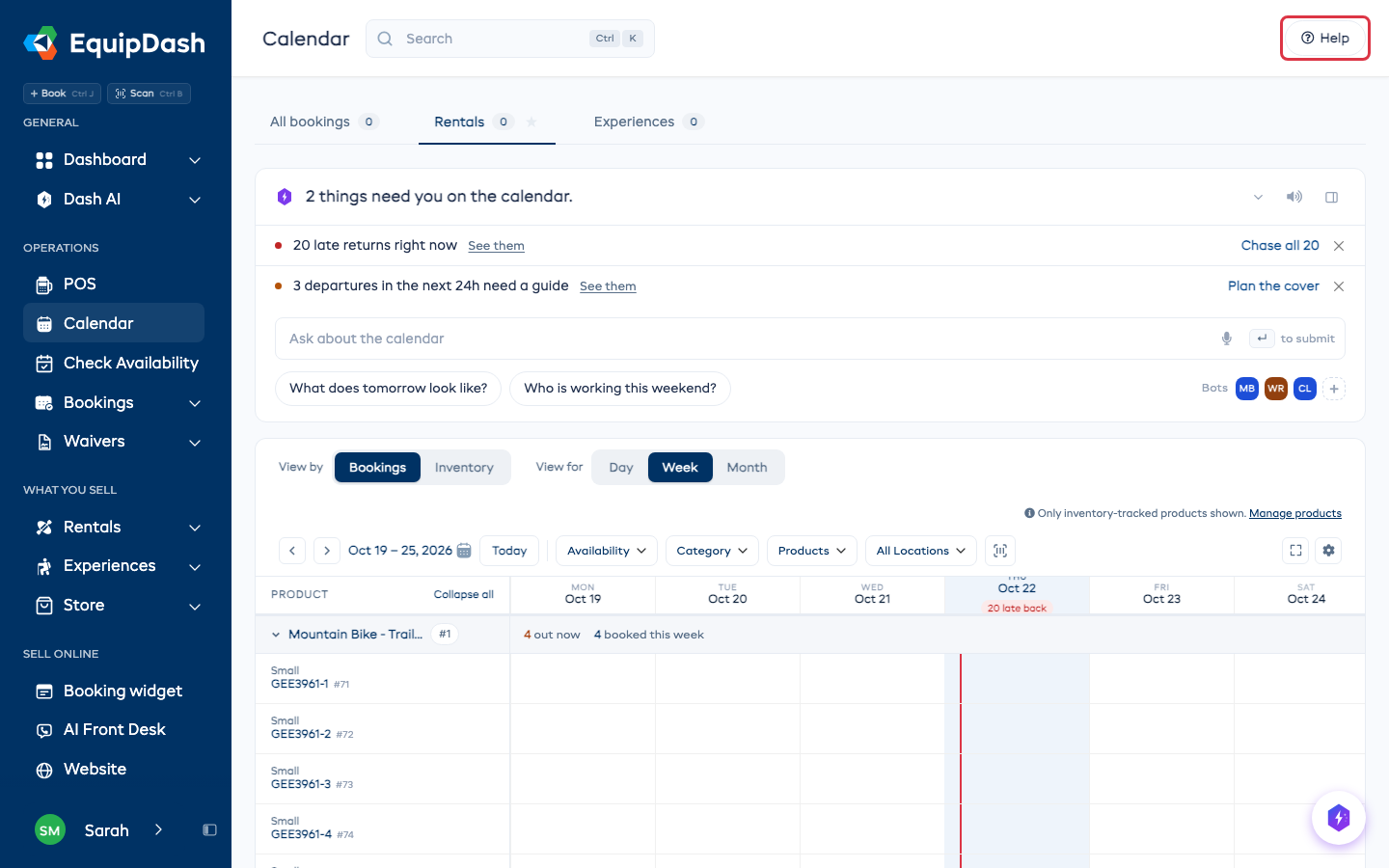
Every page has a Help button at the right end of its header. It opens help for the page you are on.
Watch the video
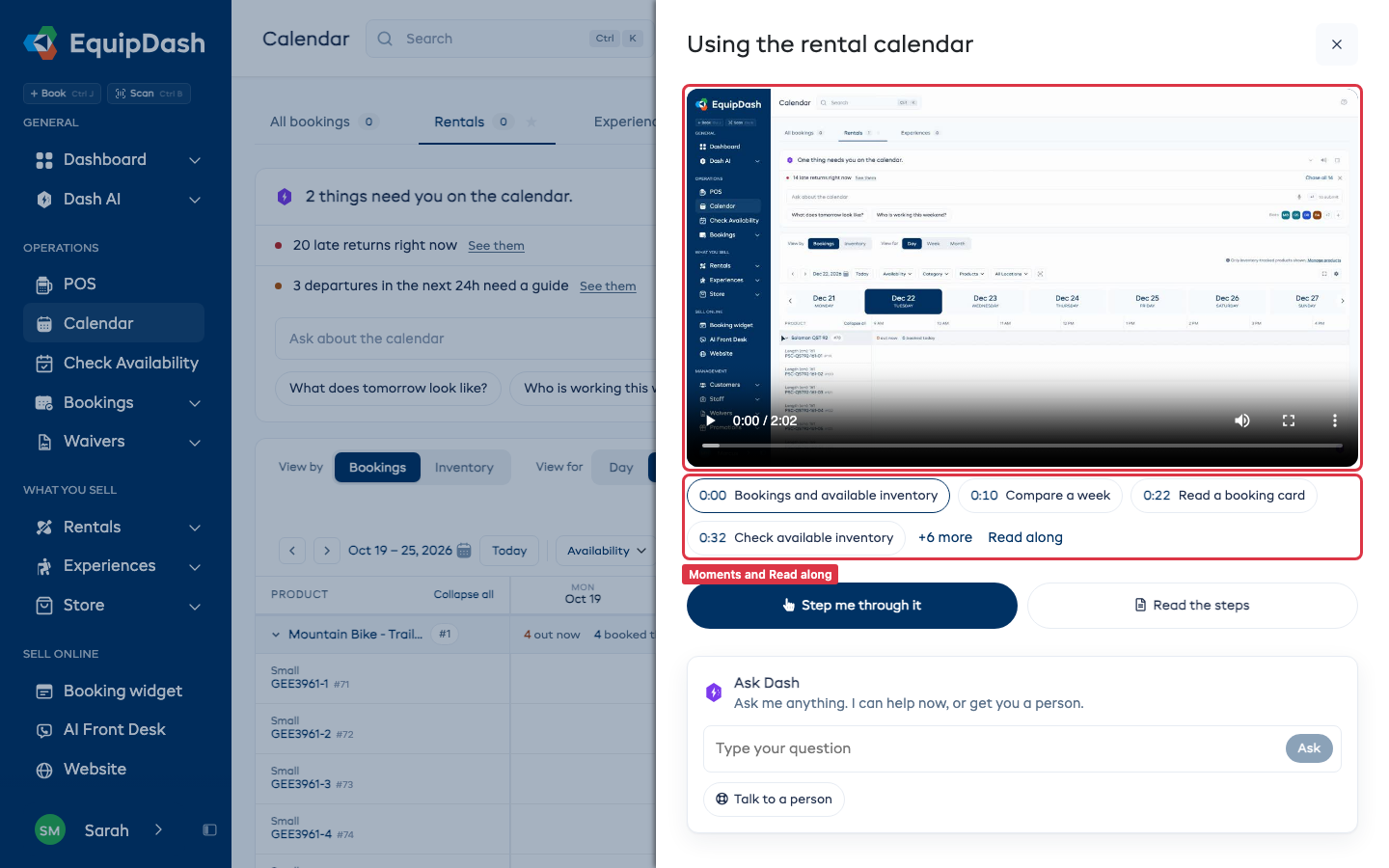
The page's video is at the top. Each moment under it jumps to that part of the video, and more shows the rest. Read along shows the words of the video. Click a time to jump to it.
Step me through it
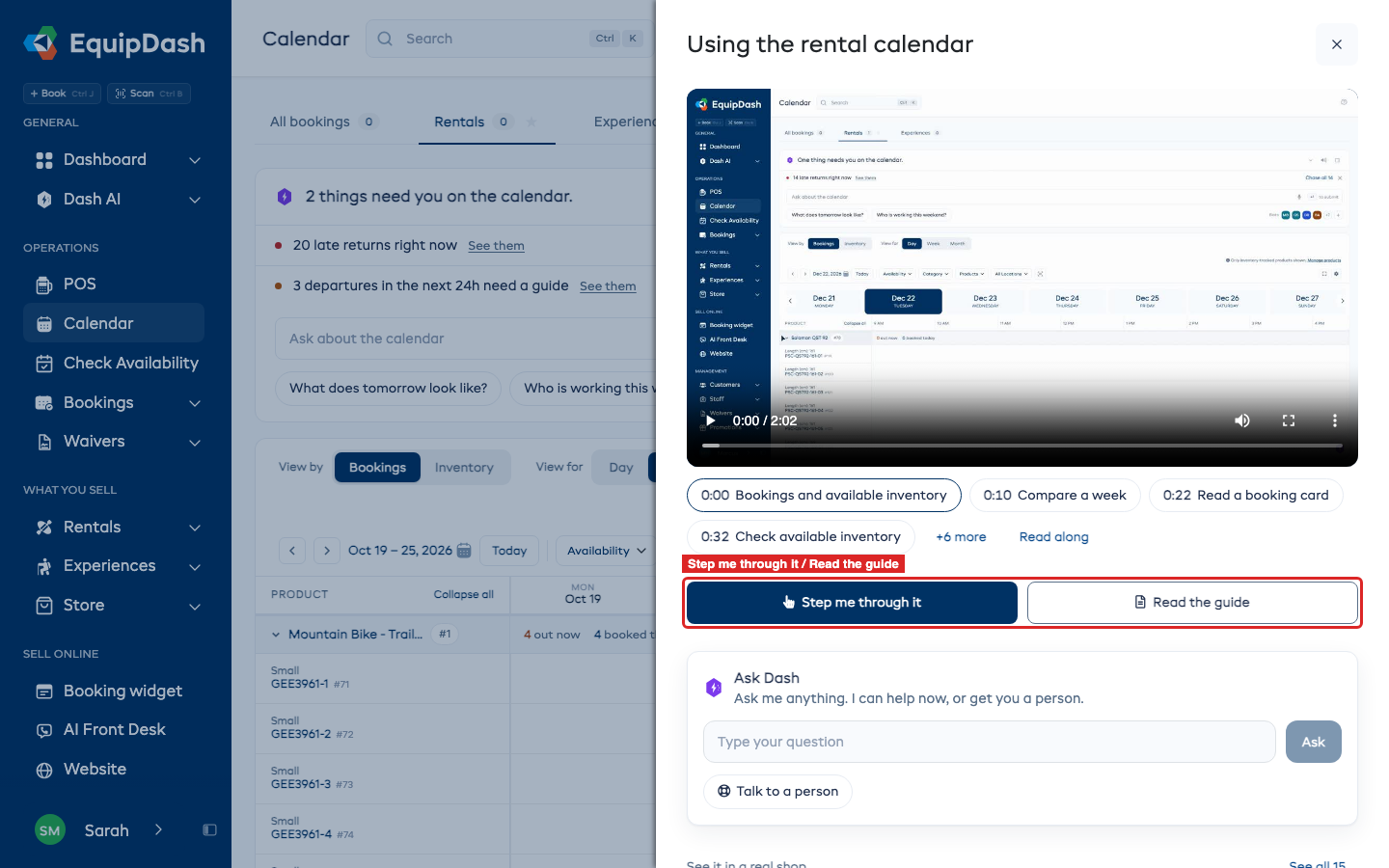
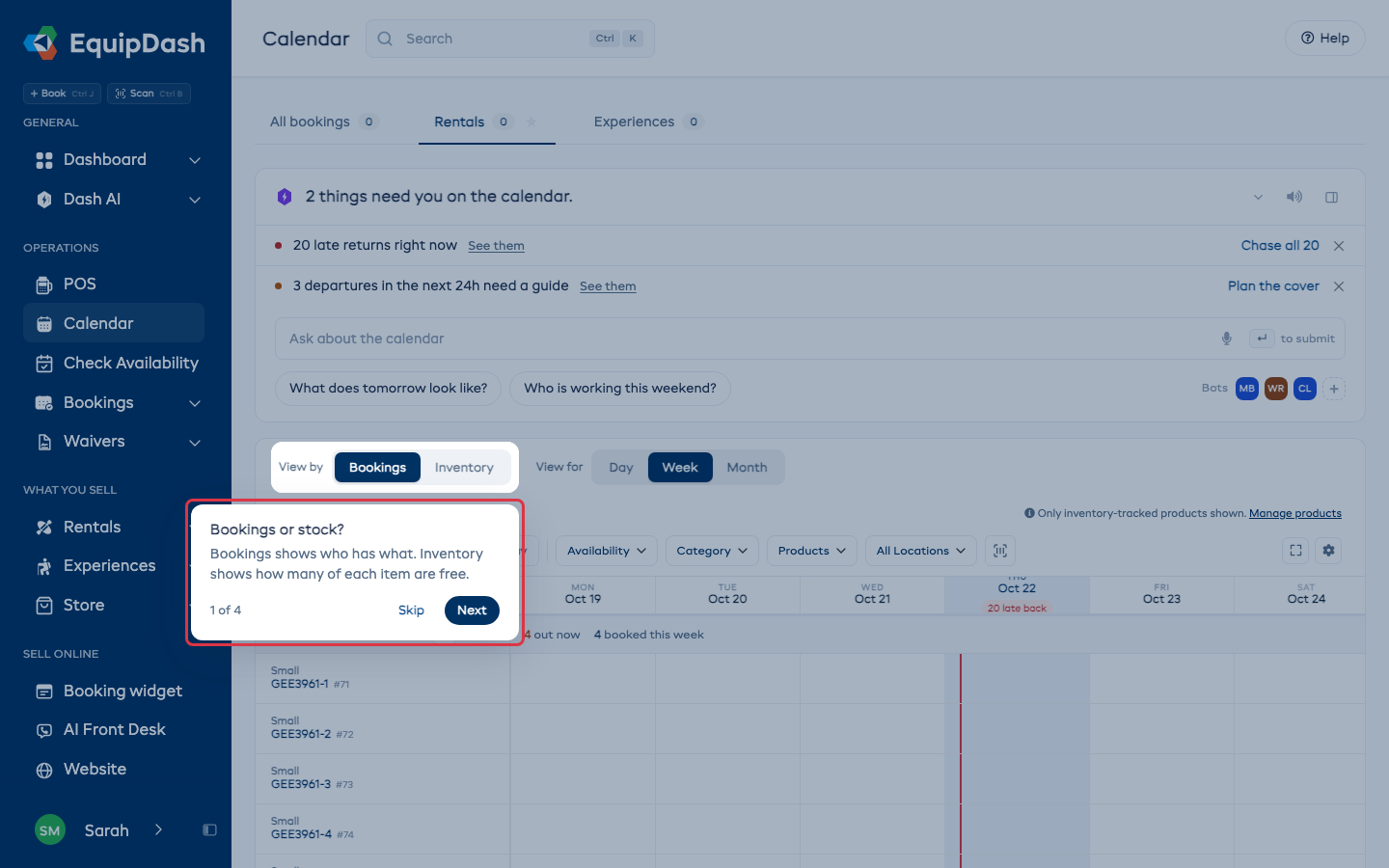
Step me through it closes the help and points at each control on the page in turn, with a short tip. It only shows on pages that have tips.
Press Next to move on, or Skip to stop.
Read the guide
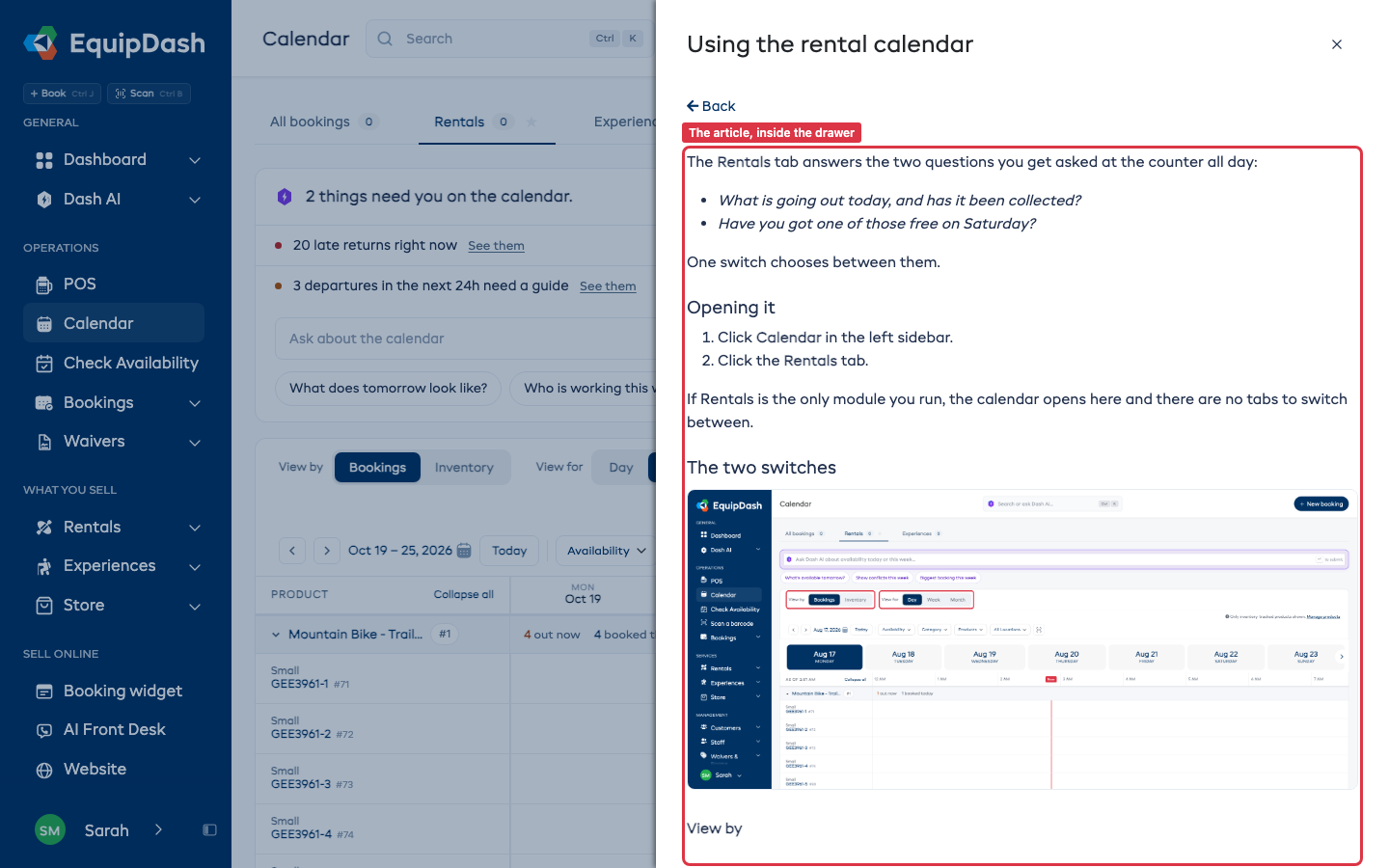
Read the guide opens the written guide for the page inside the help, so you can read it beside your work. It only shows on pages that have a guide. Back returns to the video. Open in Help center opens the full article in a new tab.
Ask Dash
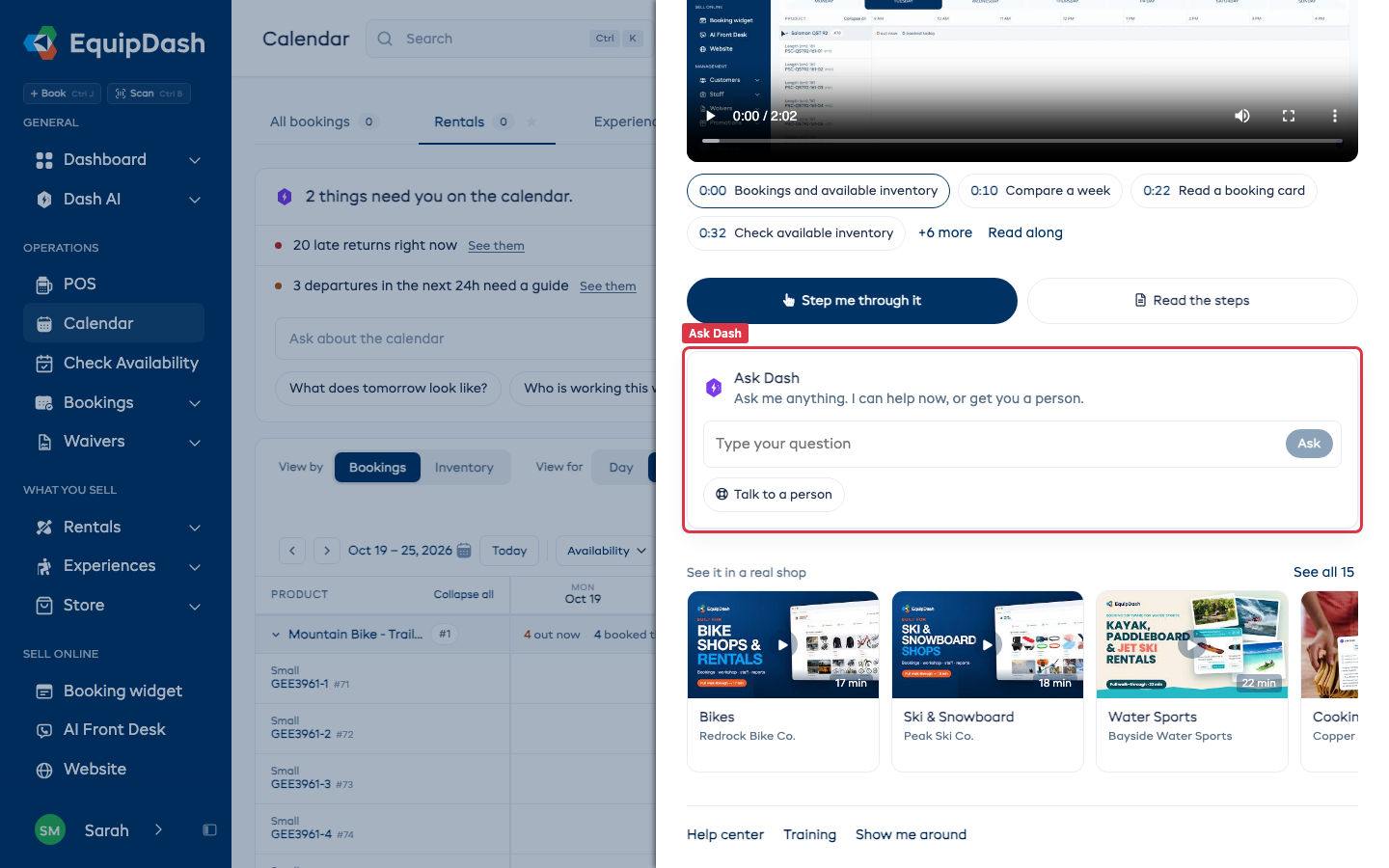
Type your question under Ask Dash and press Ask. The answer appears in the help, and the page behind it stays where it was.
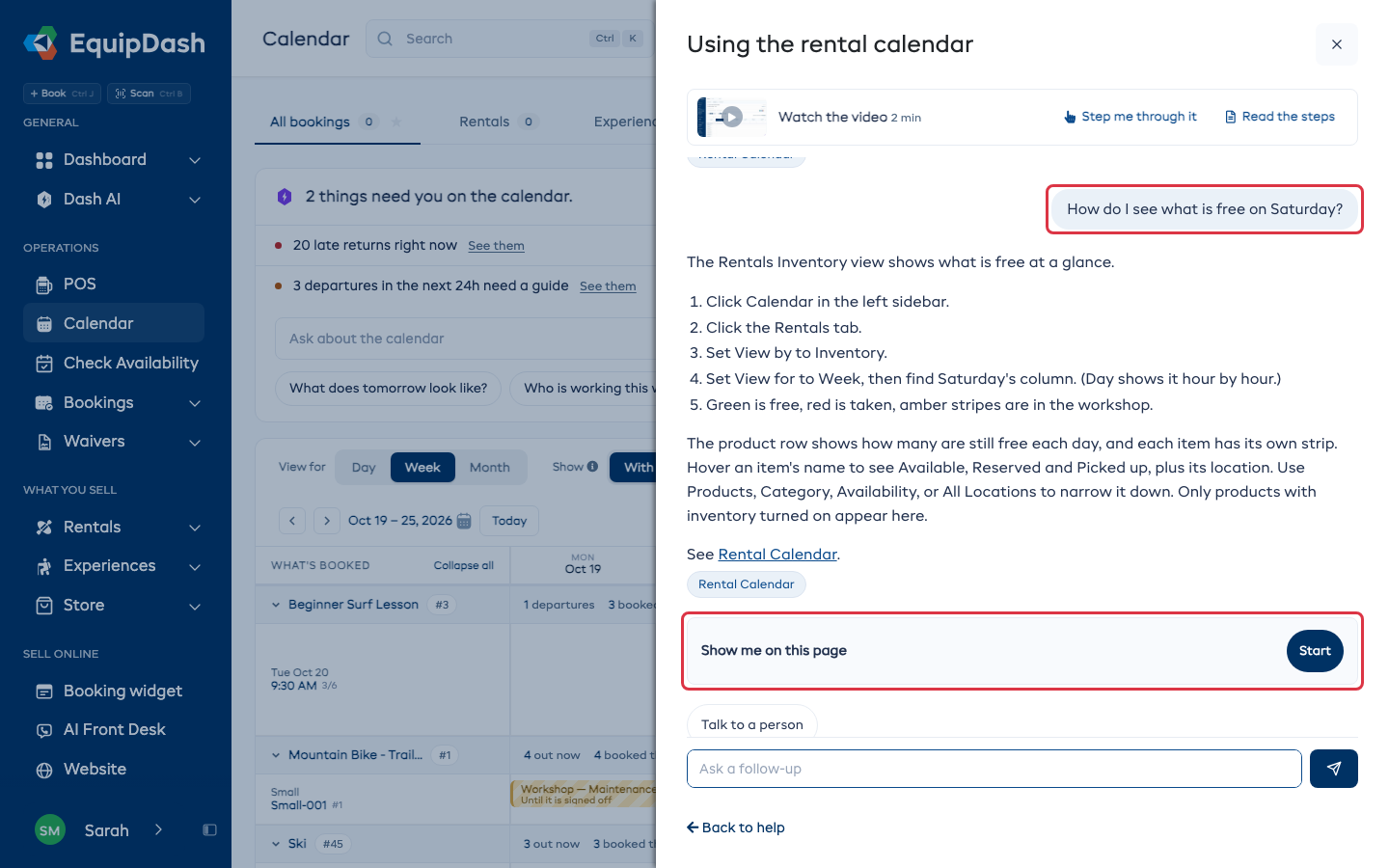
When the answer is about the page you are on, it ends with Show me on this page. Press Start and the tips point at the controls. When the answer is about another page, it ends with Go there. Back to help returns to the video.
Talk to a person
Press Talk to a person and your question goes to the EquipDash team as a support ticket, with the chat so far. If you have not asked anything yet, Dash first asks what you need help with, and your answer becomes the ticket. The ticket shows in the chat. The team replies by email and on your Support page.
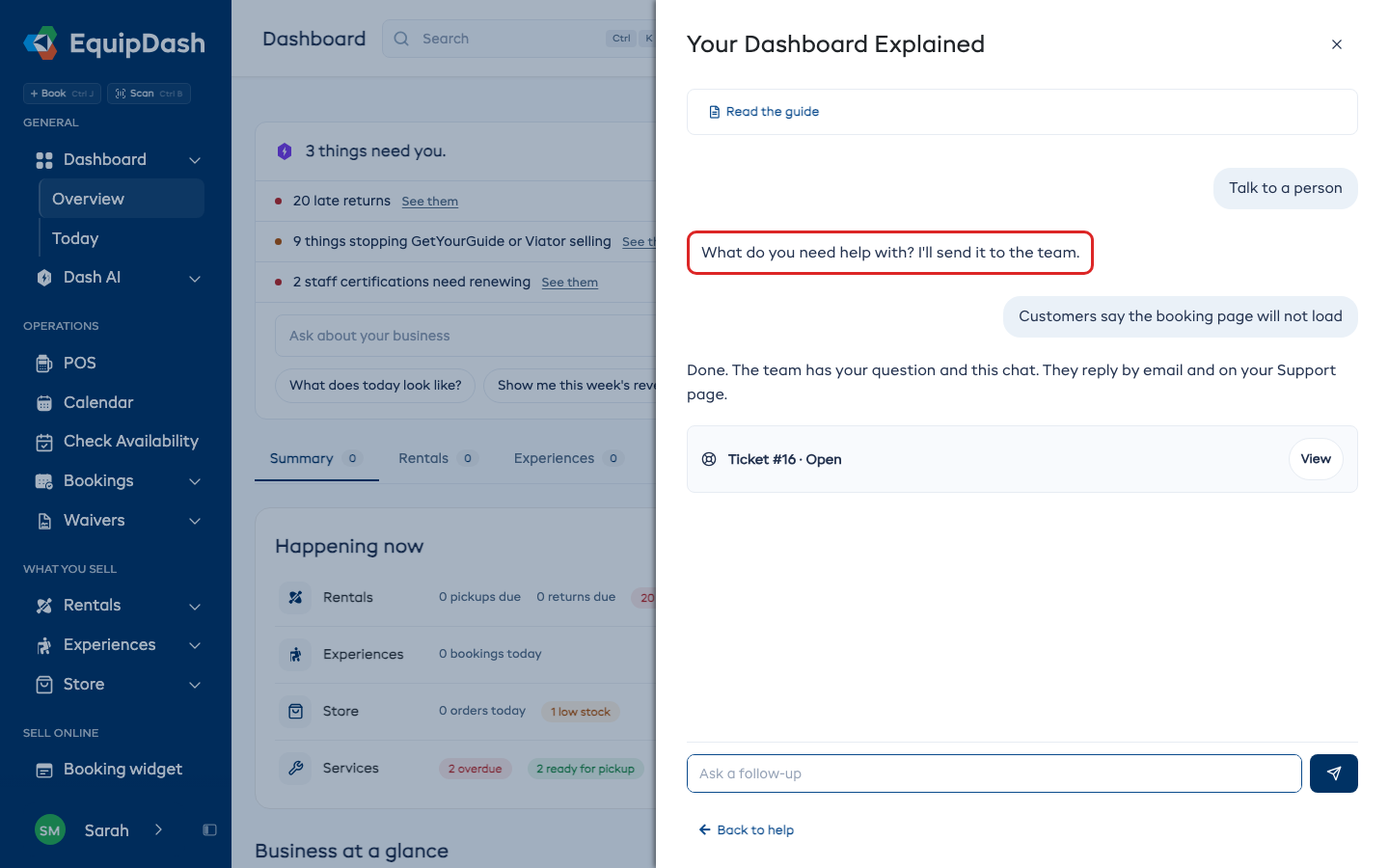
Pick up where you left off
When you open the help again, Ask Dash shows Your last question. Press Continue to open that chat again, with its messages, for up to a week.
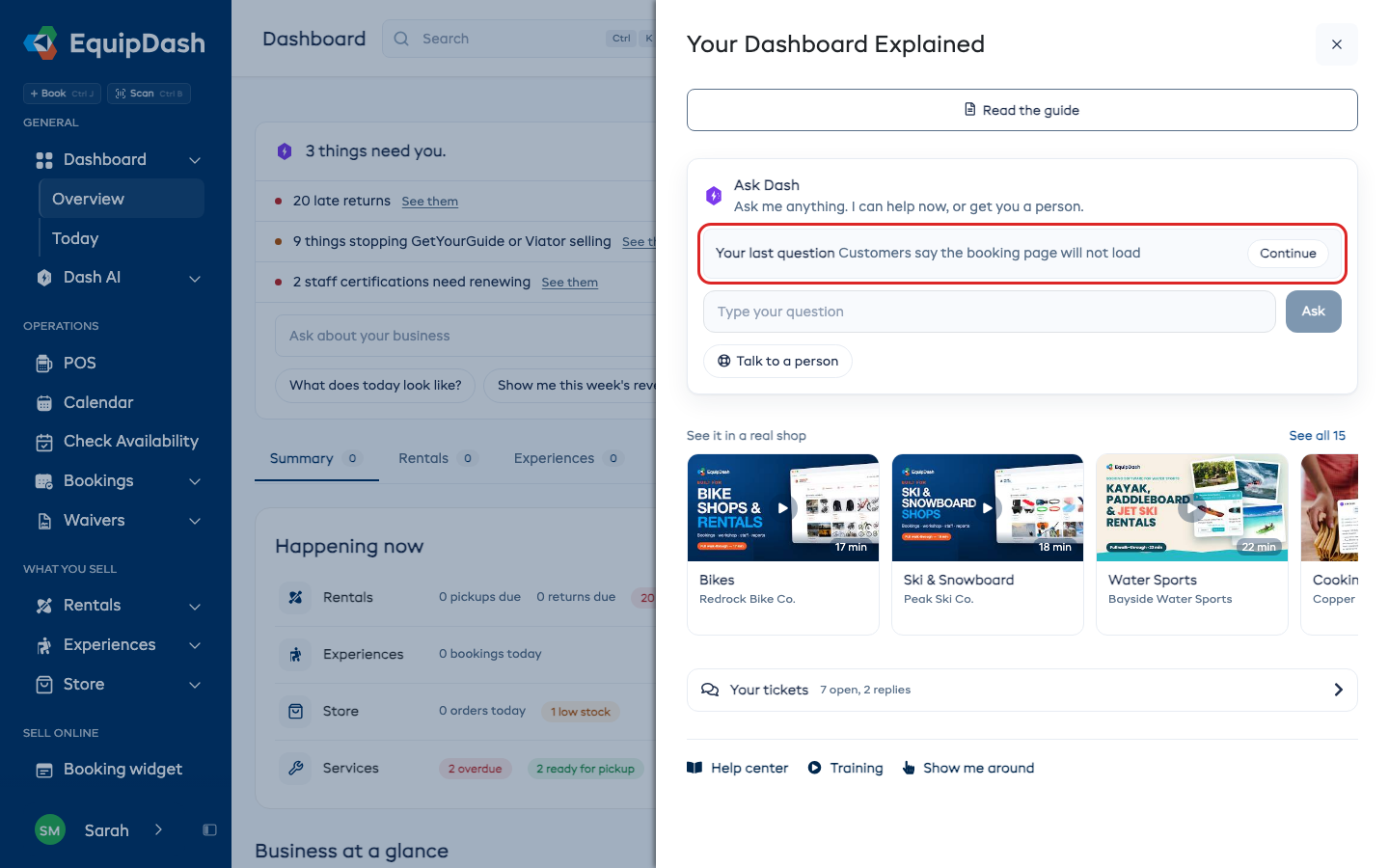
Related help and real shops
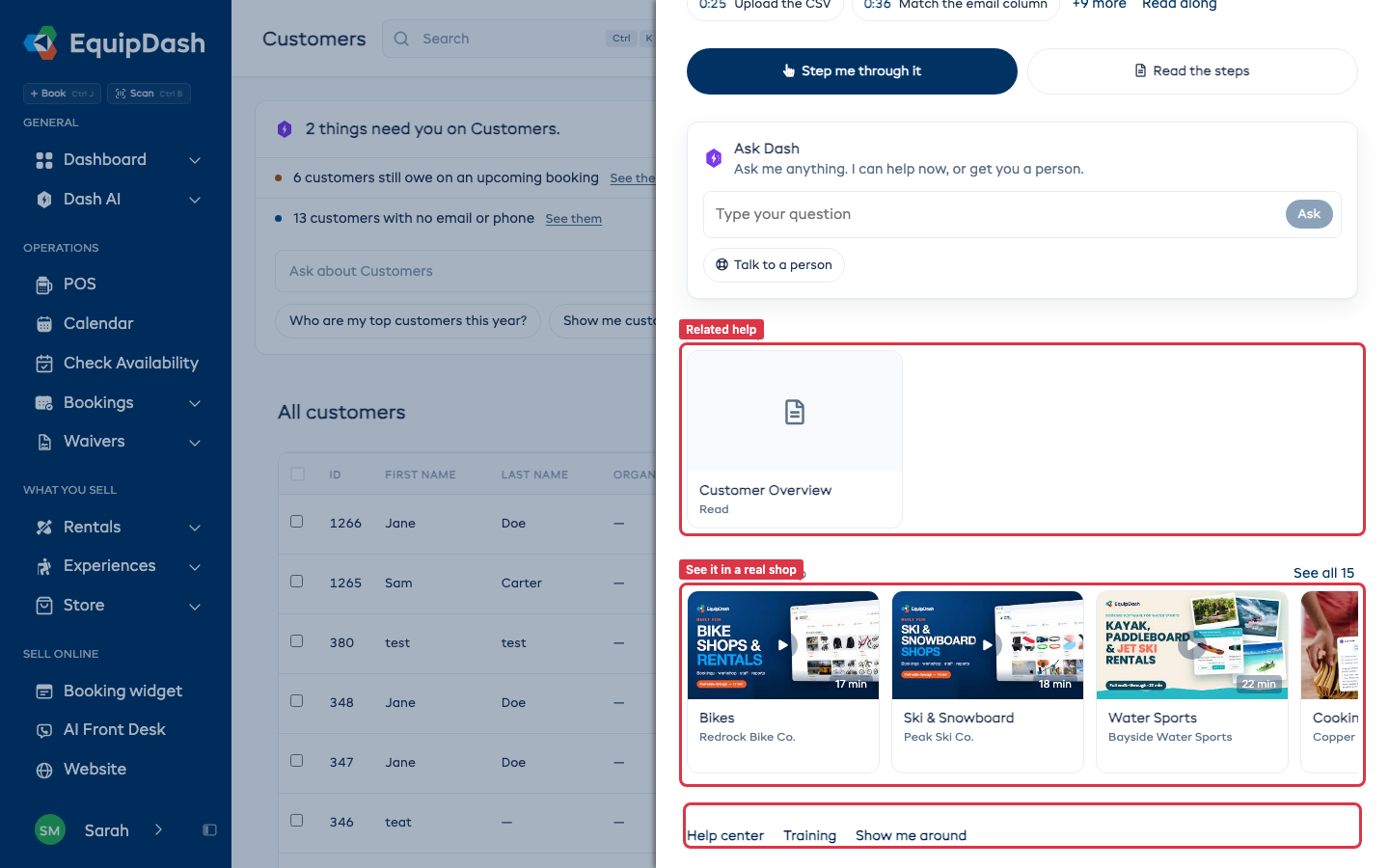
Related help lists other videos and articles for the page. See it in a real shop has walkthroughs of EquipDash in different kinds of shops, with the closest to yours first. A walkthrough plays at full width above the cards; Close puts it away. See all shows the full list.
At the bottom, Help center opens this site, Training opens your lessons, and Show me around replays the first-look tour. Only admins see Show me around.
Pages with nothing on them yet
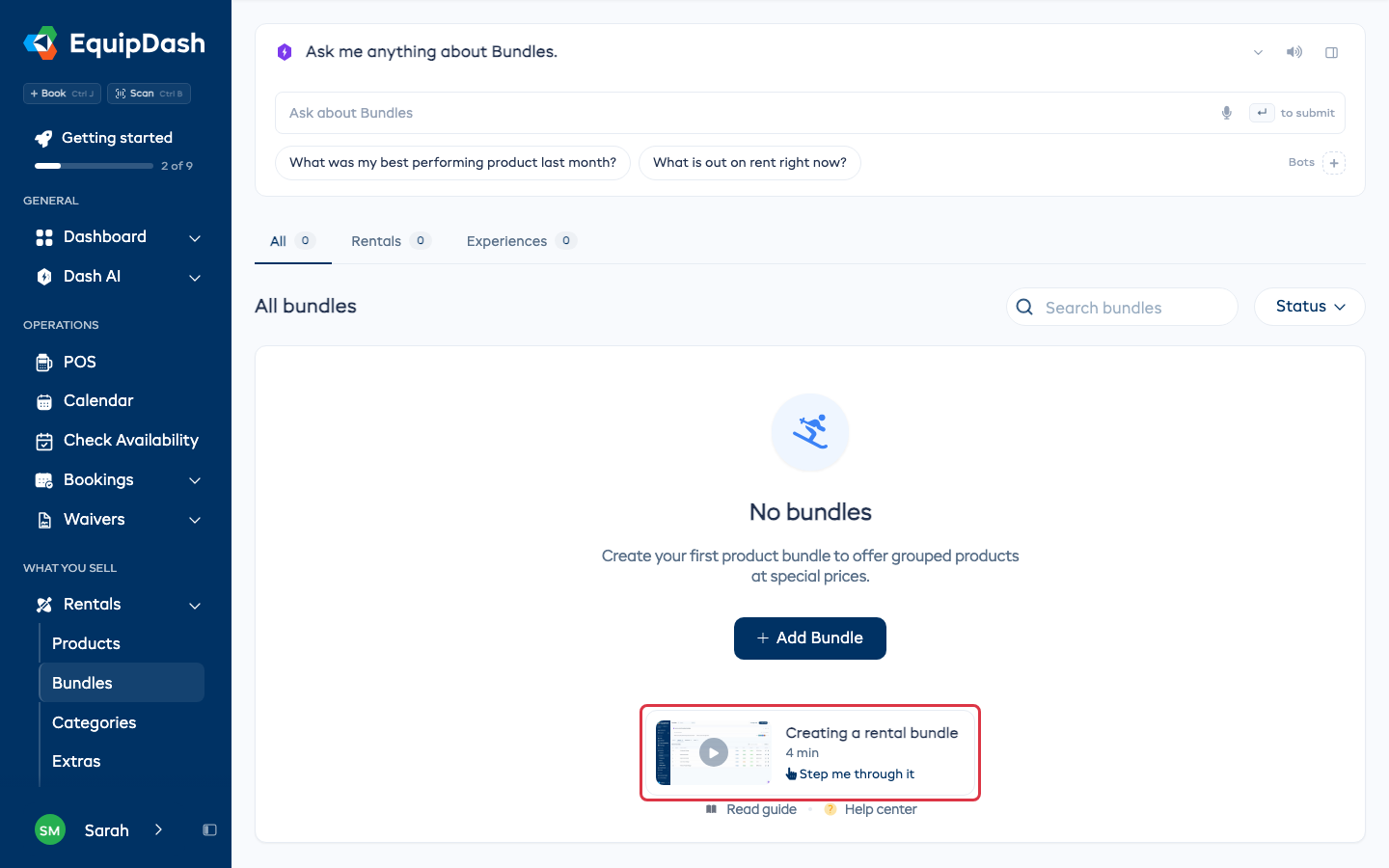
When a list is empty, such as before you add your first bundle, the page's video sits under its first button. Click it to watch. Step me through it shows on the card when the page has tips.