Logo, colors and fonts ProThis feature requires the Pro plan
Click Design in the toolbar. Everything here applies to the whole site, so you set it once.
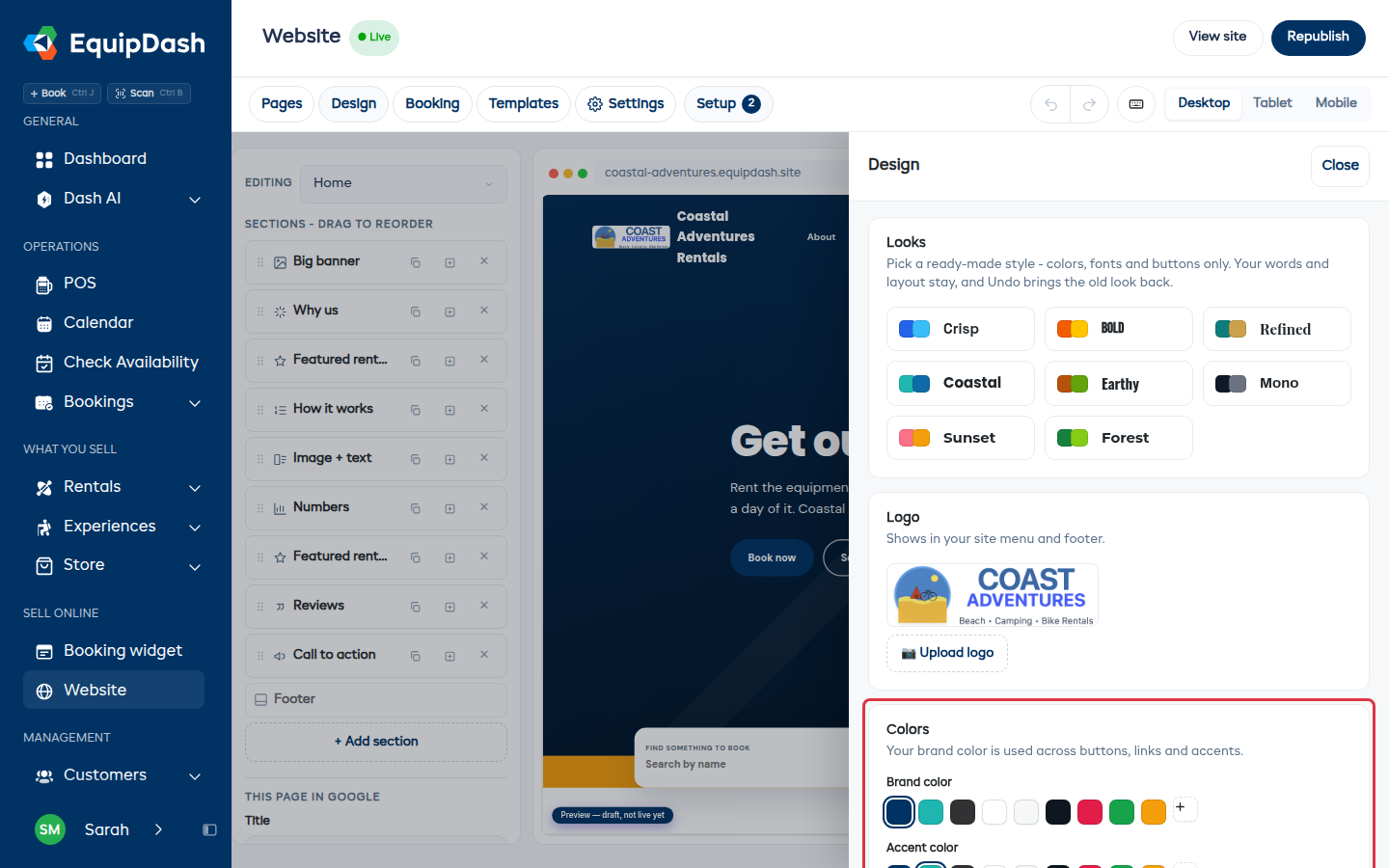
Looks
A row of ready-made styles - Crisp, Bold, Refined, Coastal, Earthy, Mono, Sunset, Forest. Picking one changes the colors, fonts, buttons and banner style. Your words and layout stay exactly as they are, and undo brings the old look back, so try a few.
Logo
Upload it once and it shows in your site menu and in the footer. A PNG with a transparent background looks best on a colored header.
Colors
- Brand color is used for buttons, links and highlights across the site.
- Accent color is the second color, used sparingly.
Text color looks after itself - paint a section in your brand color and the writing on it flips to whatever stays readable.
Fonts
Pick one for Headings and one for Body text. The sample under each one shows how it reads before you commit.
Header
The bar at the top of every page.
- Book button text - what the button says, in the header, the footer and the bar at the bottom of a phone screen. "Book now" suits most shops; "Check availability" or "Rent gear" may suit yours better.
- Phone in header - add your number and it shows next to the button, so a customer can call instead.
Header, footer and promotion bar
Open Header, Footer or Promotion bar from the section list or by clicking that area on the page. Header controls include search, spacing, a sticky header and a dropdown or full-screen mobile menu. Footer controls include a separate logo, text, copyright, legal links and enabled payment icons.
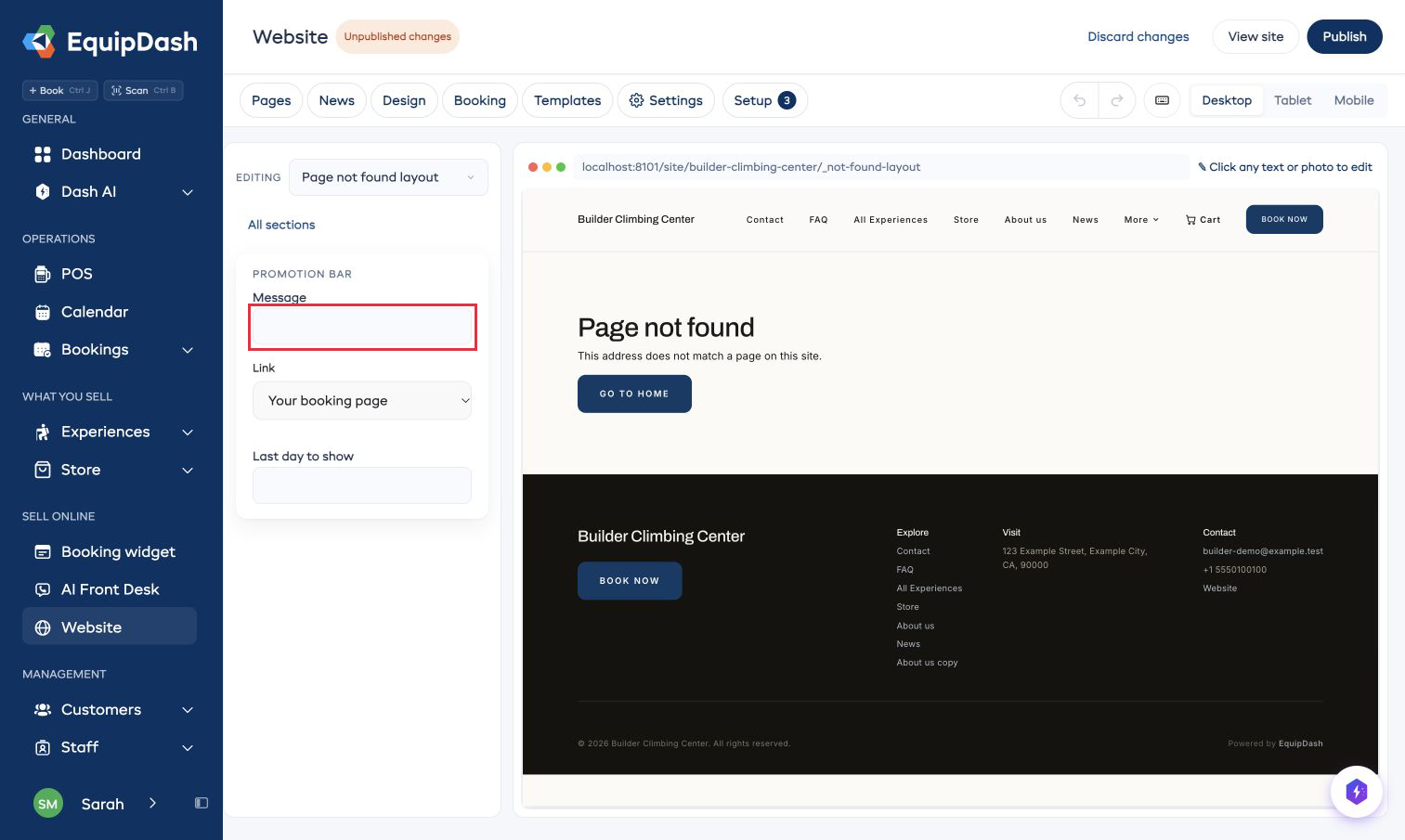
A promotion message shows across your site until Last day to show, using your shop's date. Today's note keeps its own expiry.
Short guides
These silent guides show the controls in the website builder.
Change the look of your website