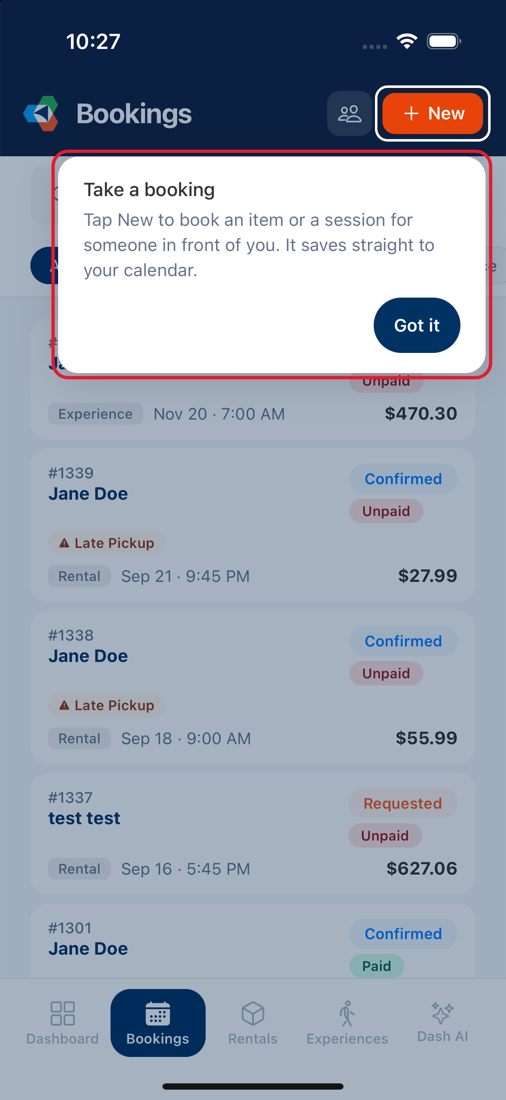
First-time tips
The first time you reach a job in EquipDash, a tip points at the control you need next. It follows you as you do the job, so the first time you open Workshop it points at Checklists, then Add Item, then the scanner, then Return Item.
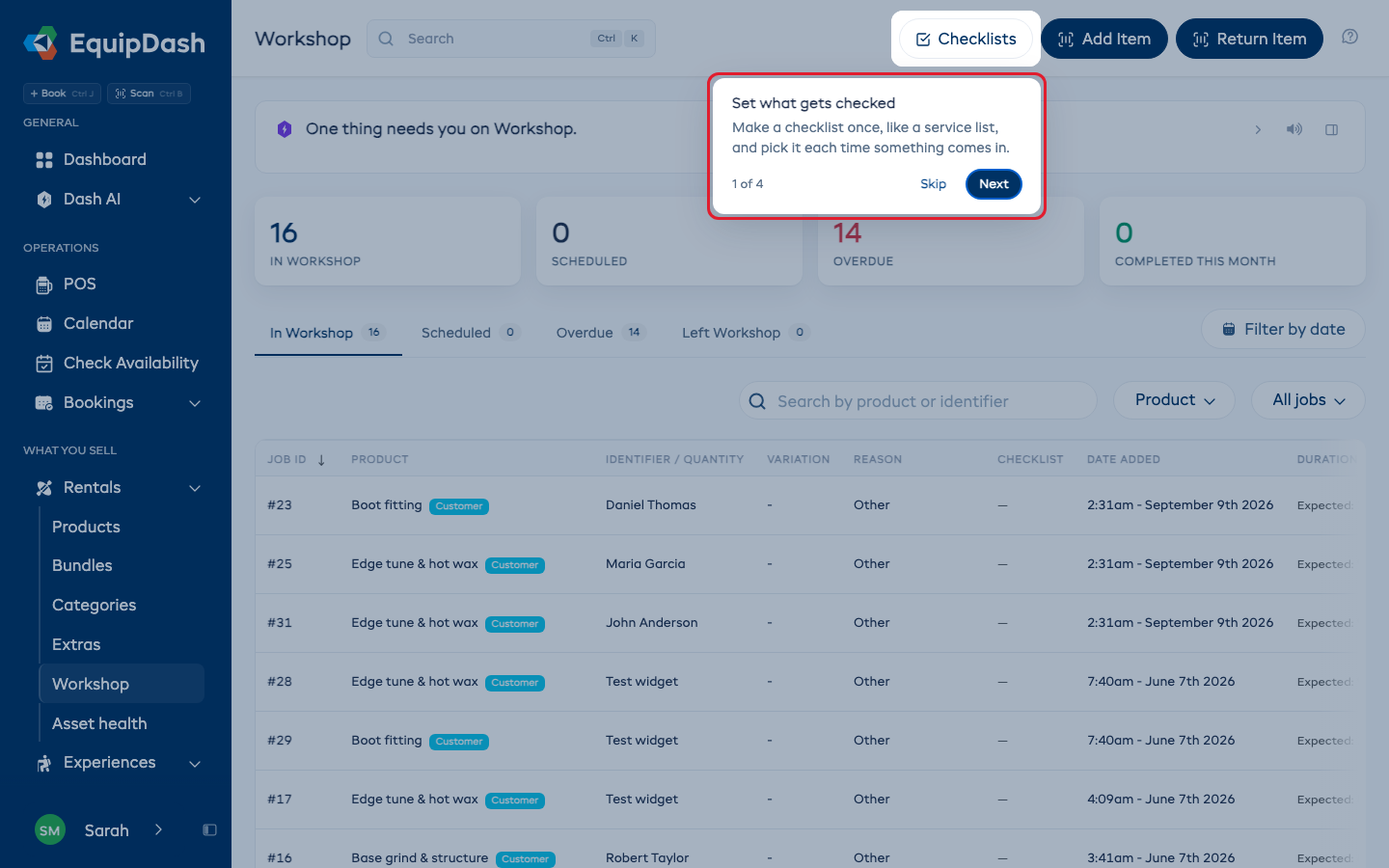
Moving through a tip
- Press Next to move on. When a tip points at a button or tab, Next opens it for you, or you can click it yourself. The last tip says Done.
- When Next opens a form, such as a new waiver or a new promo code, the tips wait while you fill it in and come back on the next thing to look at.
- Press Skip to stop the tips for that job.
Each person sees each set of tips once, the first time they reach that job. A new staff member gets them on their first day, even if you have seen them already. Tips only point at things that person can do, so someone who cannot scan items is never shown the scanner.
Seeing the tips again
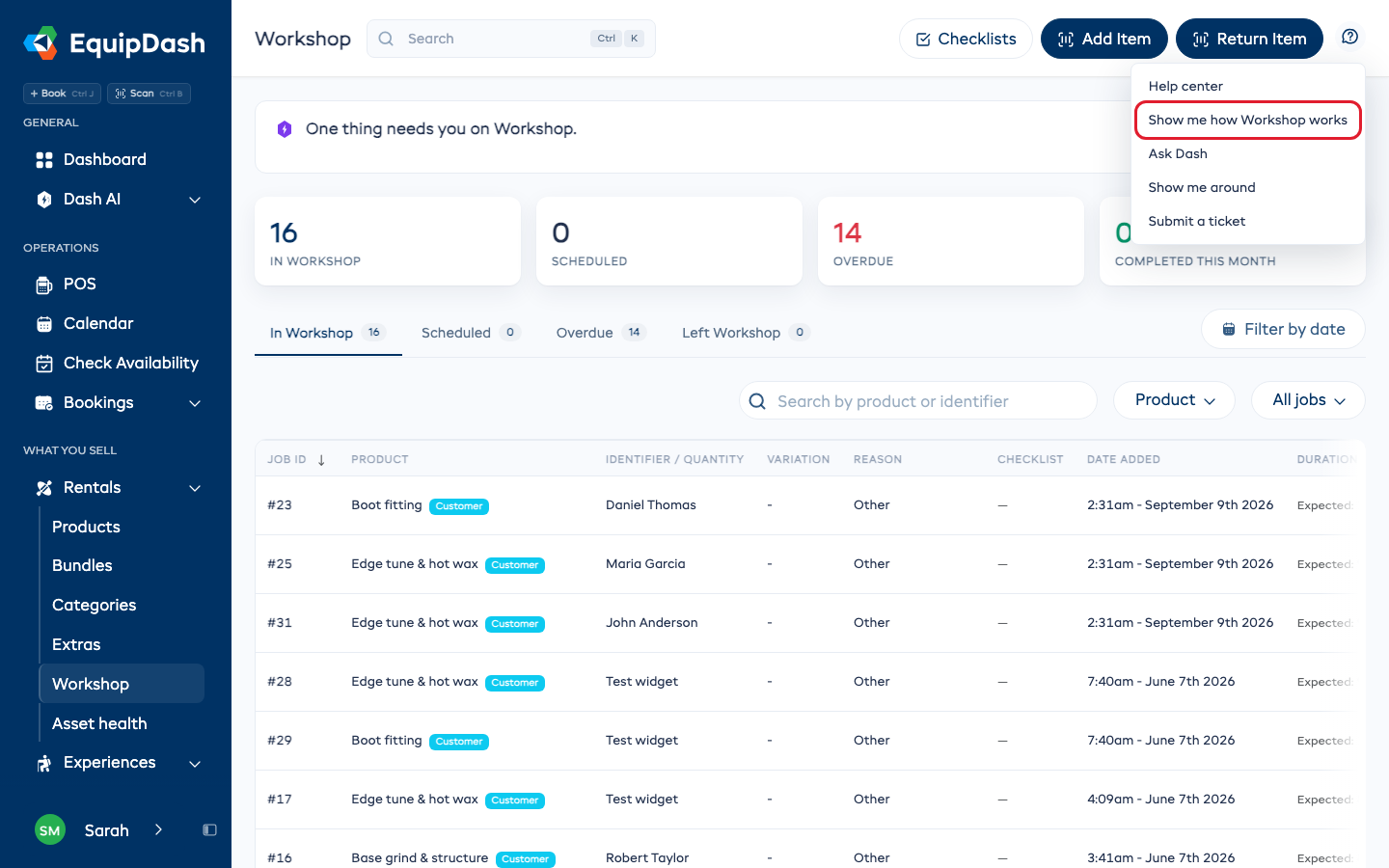
On the web, open Help (the question mark at the top right of any page) and choose Show me how ... works. The line only appears on pages that have tips.
On the phone
The EquipDash app shows tips the first time you open Bookings, a booking, a session's check-in list and a workshop job. Tips you have seen on the web are not shown again on the phone, and the other way round.
To see them again, open More and tap Show tips again. Each screen shows its tips again the next time you open it.