How Rentals Work
Rentals are one of the two core booking types in EquipDash (the other being Experiences). A rental is any physical item that a customer borrows for a period of time -- from surfboards and kayaks to cameras and camping gear.
Key Concepts
Before diving in, here are the building blocks of the rental system:
Products
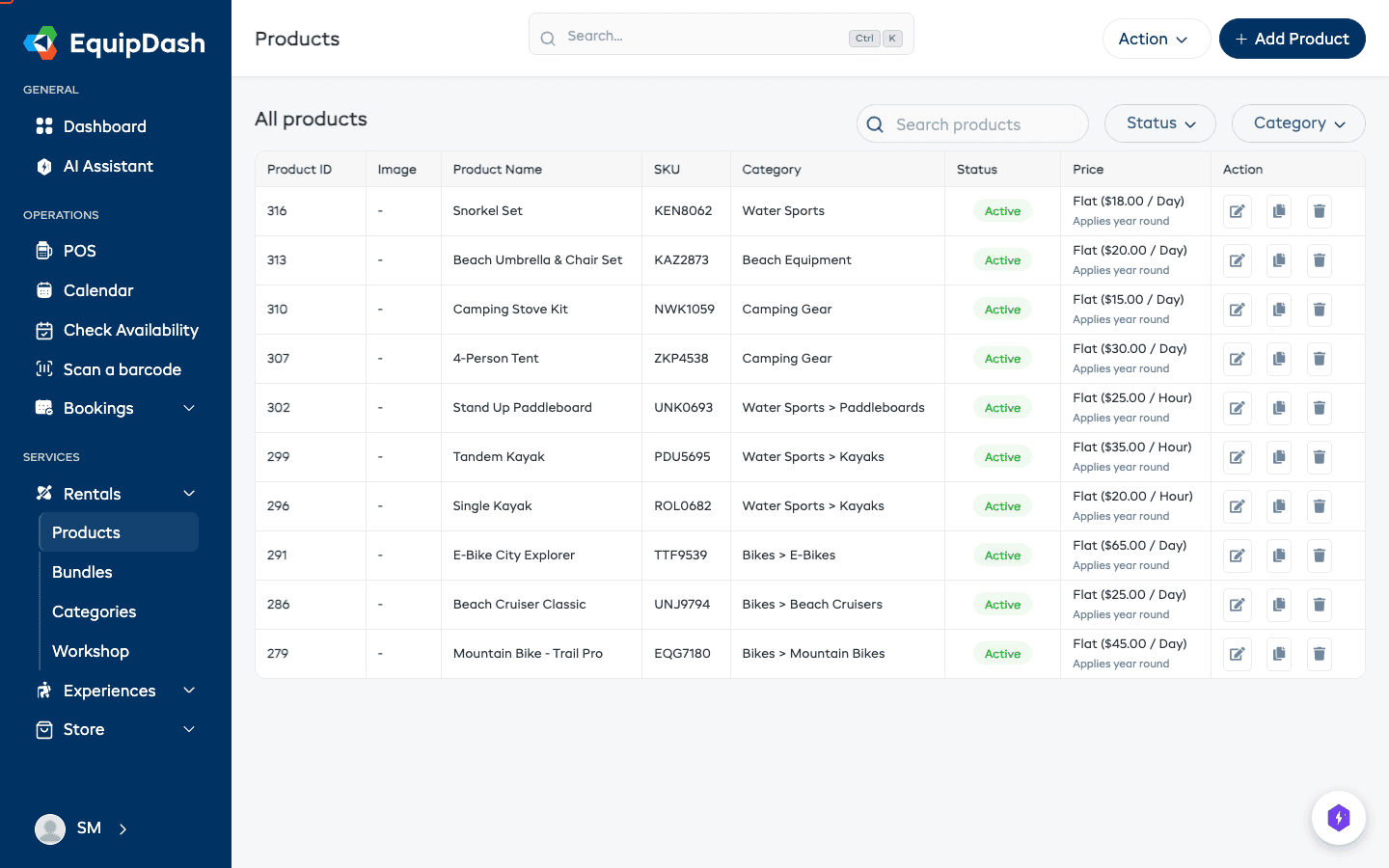
A product is the thing you rent out -- for example, "Mountain Bike" or "Wetsuit". Each product has a name, description, images, pricing, and category. Products are what your customers see and book through the widget or point of sale.
Inventory Units
Each product can have one or more inventory units -- these are the individual physical items you own. If you have five mountain bikes, you would create one "Mountain Bike" product with five inventory units. EquipDash tracks each unit separately so you always know exactly what is available, what is out on rental, and what is in the workshop for repairs.
Variations
Some products come in different options, like sizes or colors. Variations let you offer these options under a single product. For example, a "Wetsuit" product might have size variations of S, M, L, and XL.
Categories
Categories help you organize your products into groups (e.g., "Water Sports", "Camping", "Photography"). Categories also appear on your booking widget, making it easier for customers to browse.
Pricing
Every product needs pricing. EquipDash supports two pricing structures:
- Flat pricing -- A single price per time unit, such as $10/hour, $50/half day, or $100/day.
- Schedule-based pricing -- Custom prices for different durations, such as $10 for 1 hour, $19 for 2 hours, $25 for 3 hours.
Pricing can apply year-round or be adjusted for specific seasons (e.g., higher rates in summer).
The Rental Flow
Here is how a typical rental works from start to finish:
- Customer browses -- A customer views your products on the booking widget (or you create the booking in the dashboard or POS).
- Availability is checked -- EquipDash checks how many inventory units are available for the requested dates and times.
- Booking is created -- The customer selects a product, picks their dates, and completes the booking. Inventory units are reserved.
- Pickup -- On the pickup date, you hand over the item and mark it as picked up in EquipDash. The booking status changes to reflect this.
- Return -- When the customer brings the item back, you mark it as returned. The inventory unit becomes available again.
- Workshop (optional) -- If the item needs maintenance after a rental, you can send it to the workshop for repair before it goes back into circulation. Checklists can be attached to workshop jobs to guide staff through inspections and repairs, and jobs can be assigned to specific team members.
Browse Products → Add to Cart → Book & Pay → Pick Up → Use → Return → (Workshop if needed)
Where to Find Rentals
- Rentals > Products -- Manage your product catalog, inventory, and pricing.
- Rentals > Categories -- Organize products into browsable groups.
- Rentals > Bundles -- Create product bundles for discounted multi-item rentals.
- Rentals > Workshop -- Track items under maintenance or repair.
- Operations > Scan a barcode -- Scan barcodes for quick item lookup and management (found in the Operations section of the sidebar, not under Rentals).
- Calendar -- View all rental bookings on a visual calendar.
Products vs Experiences
Not sure whether to set something up as a rental or an experience? Here is a quick comparison:
| Rental | Experience | |
|---|---|---|
| What it is | A physical item borrowed for a time period | A scheduled activity or session |
| Booking type | Date range (pickup to return) | Time slot on a specific date |
| Inventory | Tracked per physical unit | Tracked by capacity per session |
| Example | Surfboard, Camera, Bicycle | Guided Tour, Surf Lesson, Wine Tasting |
Related Guides
- Creating a Product -- Step-by-step guide to adding your first product.
- How Pricing Works -- Understanding the pricing model.
- Understanding Availability -- How inventory determines availability.
- Rentals vs Experiences -- Detailed comparison of the two booking types.