Your Profile
Your profile contains the personal details tied to your EquipDash account. Keeping this information up to date ensures that emails, notifications, and team member listings display the correct name and contact details.
Updating Your Profile
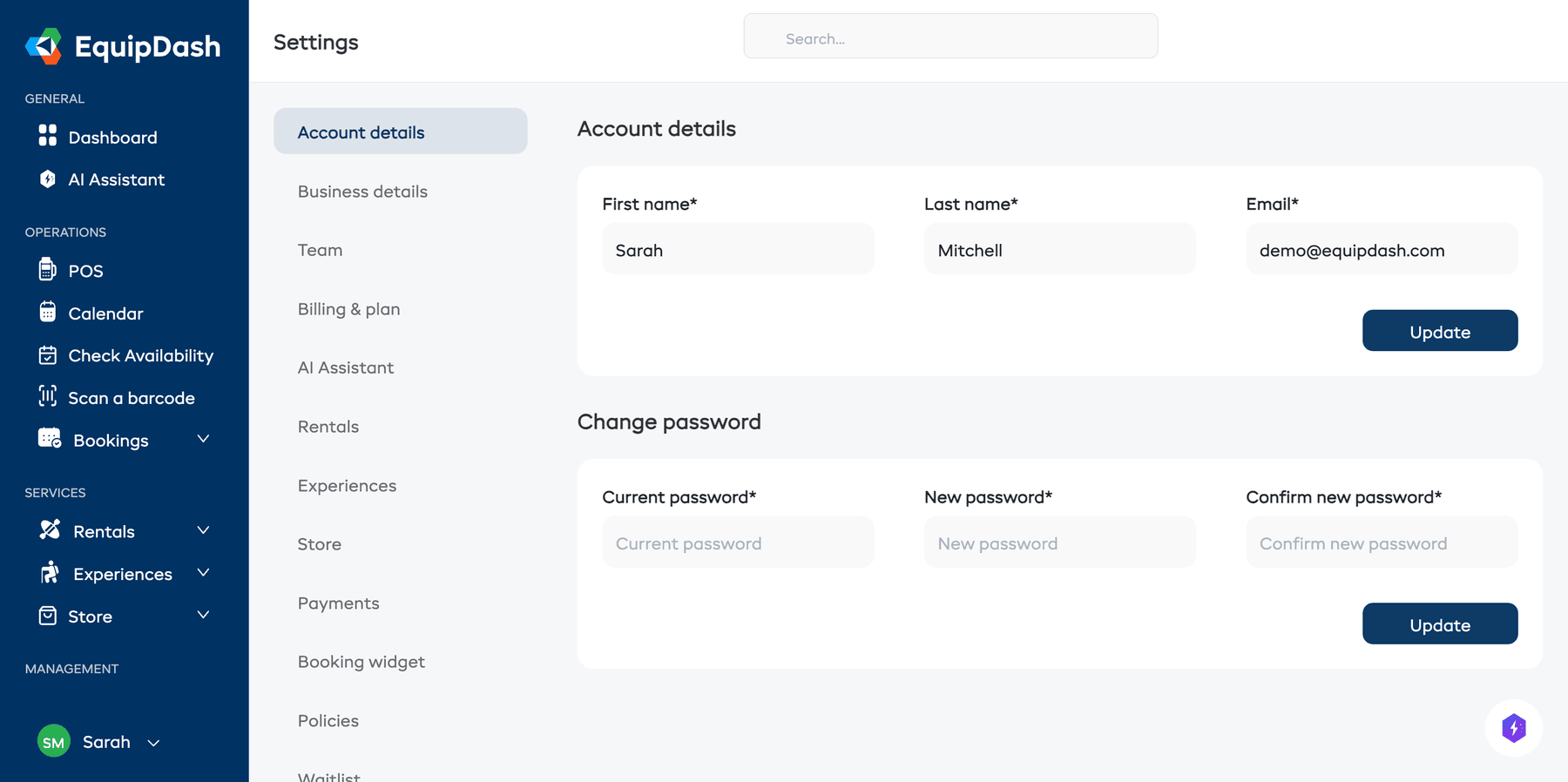
- Click Settings in the sidebar.
- You will land on the Account details page (it is the first item in the settings menu).
- Update any of the following fields:
- First name -- your given name as it appears to team members.
- Last name -- your surname.
- Email -- the email address you use to log in and receive notifications.
- Click Update.
tip
If you change your email address, you will use the new email the next time you log in. Make sure you have access to the new address before saving.
Things to Keep in Mind
- Your profile is personal to your account. It is not the same as your business details (which are configured under Business Details).
- Every team member has their own profile. Changing your name or email does not affect other team members.
- Your email must be unique across all EquipDash accounts. If the email is already in use, you will see a validation error.