Webhooks Setup Growth+This feature requires the Growth+ plan or higher
Webhooks let external applications receive real-time notifications when something happens in your EquipDash account. Instead of repeatedly polling the API, your application gets an instant HTTP POST request every time a selected event occurs.
Creating a Webhook Endpoint
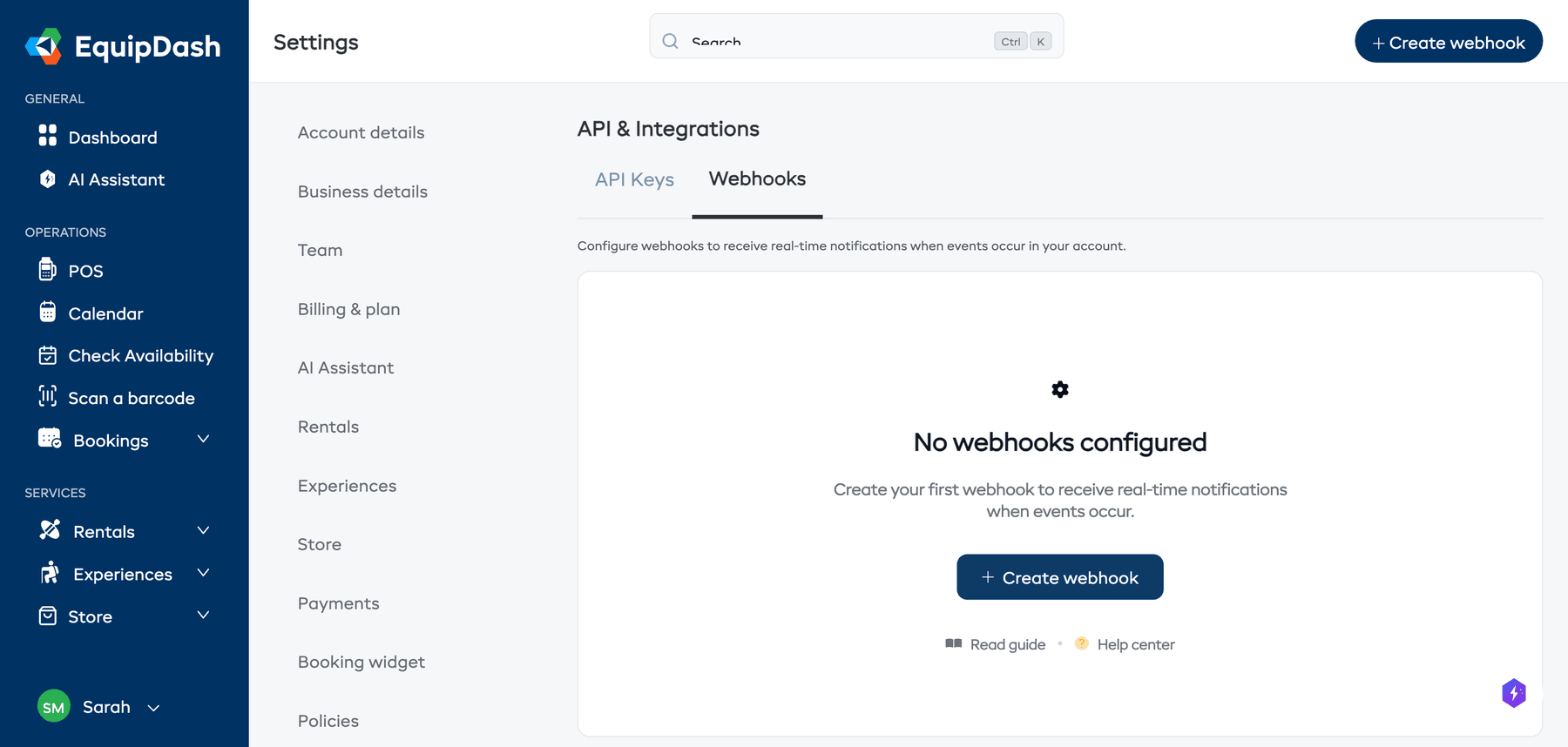
- Click Settings in the sidebar.
- Select API & Integrations from the settings menu.
- Click the Webhooks tab.
- Click + Create webhook.
- Fill in the following:
- Name -- a descriptive label (e.g., "Accounting Sync", "Slack Notifications").
- URL -- the endpoint URL where EquipDash should send the webhook payloads (must be HTTPS).
- Events -- select which events should trigger this webhook (see the events table below).
- Active -- toggle on to start receiving events immediately.
- Click Create.
Webhook Secret
After creating a webhook, EquipDash generates a webhook secret. This secret is used to verify that incoming requests genuinely came from EquipDash.
- Copy the secret immediately and store it securely.
- Use the secret to validate the
X-Webhook-Signatureheader on incoming requests.
The webhook secret is shown only once when the webhook is created. If you lose it, you can regenerate it from the webhook detail page -- but your application will need to be updated with the new secret.
Available Webhook Events
Bookings
| Event | Triggered when |
|---|---|
booking.created | A new booking is created |
booking.updated | A booking is modified |
booking.cancelled | A booking is cancelled |
booking.completed | A booking is marked as completed |
Payments
| Event | Triggered when |
|---|---|
payment.received | A payment is recorded |
payment.refunded | A refund is processed |
Customers
| Event | Triggered when |
|---|---|
customer.created | A new customer is added |
customer.updated | A customer record is modified |
customer.deleted | A customer is deleted |
Products
| Event | Triggered when |
|---|---|
product.created | A new product is added |
product.updated | A product is modified |
product.archived | A product is archived |
Experiences
| Event | Triggered when |
|---|---|
experience.created | A new experience is added |
experience.updated | An experience is modified |
experience.archived | An experience is archived |
Forms
| Event | Triggered when |
|---|---|
form_response.submitted | A customer submits a waiver or form |
Vouchers
| Event | Triggered when |
|---|---|
voucher.sold | A voucher or gift card is purchased |
voucher.redeemed | A voucher is used on a booking |
Managing Webhooks
From the Webhooks tab, you can:
- Edit a webhook to change its name, URL, or selected events.
- Pause a webhook by toggling it to inactive. Events will not be sent while paused.
- Regenerate Secret if your webhook secret has been compromised.
- Delete a webhook to remove it permanently.
Verifying Webhook Signatures
Every webhook request includes an X-Webhook-Signature header. To verify the request is genuine:
- Compute an HMAC-SHA256 hash of the request body using your webhook secret.
- Compare the computed hash with the value in the
X-Webhook-Signatureheader. - If they match, the request is authentic.
This prevents attackers from sending fake webhook events to your endpoint.