Managing Permissions
Sometimes a team member needs a few extra permissions beyond their role, or you want to restrict a specific capability. EquipDash lets you override permissions at the individual level for fine-grained control.
How Permission Priority Works
EquipDash resolves permissions in this order (highest priority first):
- Individual permission overrides -- set directly on a specific team member.
- Custom role permissions -- if the team member is assigned a custom role.
- Built-in role defaults -- the default permissions for Admin, Manager, or Staff.
This means an individual override always wins, regardless of what the role or custom role says.
Editing Individual Permissions
- Click Settings in the sidebar.
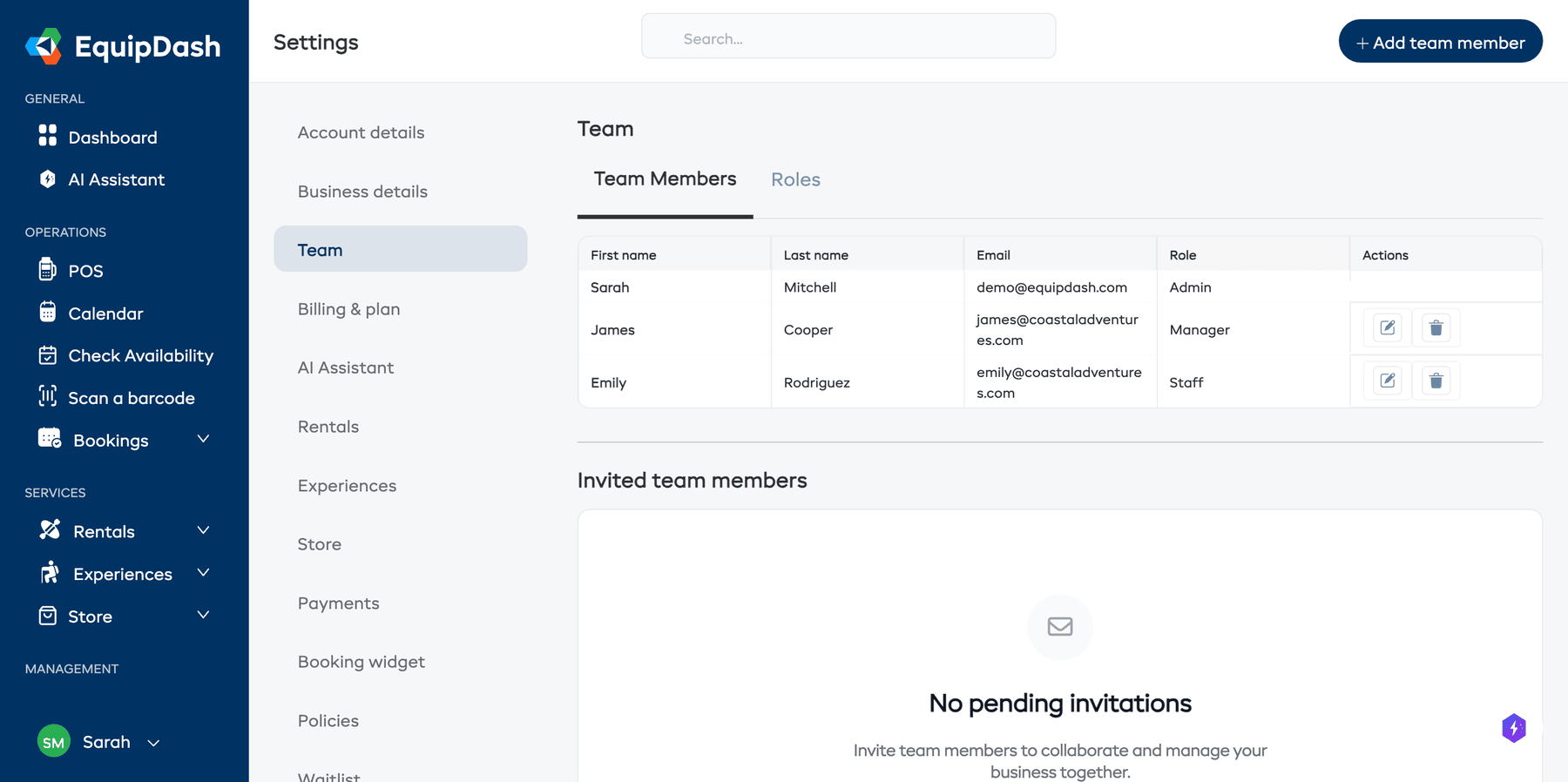
- Select Team from the settings menu.
- Find the team member and click Edit.
- In the edit form, select Custom as the role.
- You will see a full list of permissions, grouped by category.
- Toggle individual permissions on or off as needed.
- Use Select All or Deselect All for quick bulk changes.
- Click Update.
Common Permission Adjustments
| Scenario | Adjustment |
|---|---|
| Give a Staff member access to refunds | Enable Process refunds under Bookings |
| Prevent a Manager from seeing customer data | Disable all Customers permissions |
| Allow a custom role to access only the calendar | Enable View calendar only |
| Give a guide read-only access to experiences | Enable View experiences only under Experiences |
Real-Time Permission Changes
Permission changes in EquipDash take effect immediately. The team member does not need to log out and back in. The next page they load will reflect their updated permissions.
This is possible because EquipDash refreshes permissions on every request using the session.
Things to Keep in Mind
- You cannot change your own permissions or role. This prevents accidentally locking yourself out.
- There must always be at least one Admin on the account.
- If you find yourself making the same individual overrides for multiple people, consider creating a Custom Role instead.