Talking to Dash ProThis feature requires the Pro plan
Dash can listen and it can talk back. Useful when your hands are busy - at the counter, on the water, halfway through a handover.
Speaking instead of typing
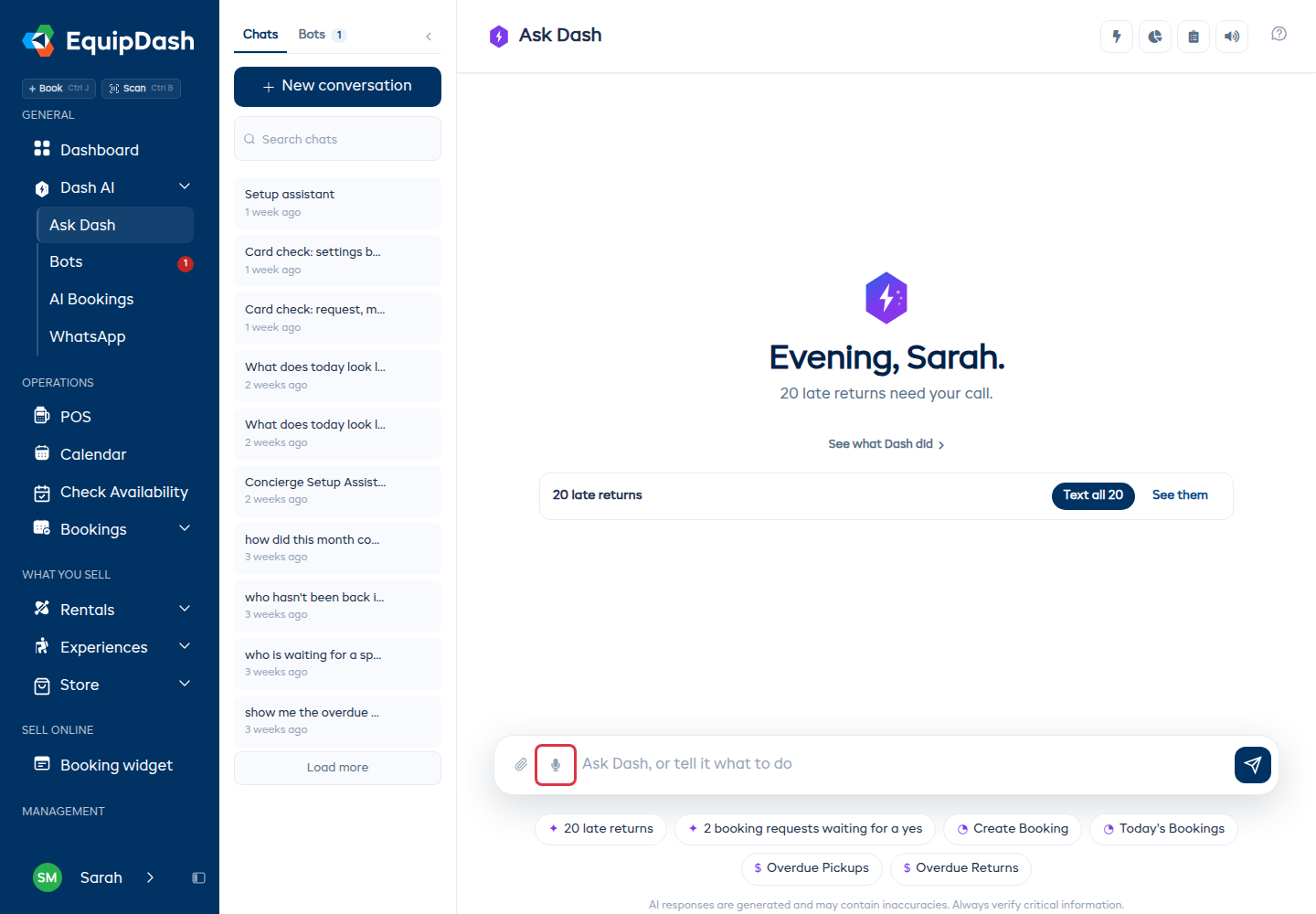
Press the microphone in the ask box and say your question the way you would say it to someone standing there. "What have I got on tomorrow?" Press it again to stop, and the words appear in the box so you can read them before you send.
This uses your browser's own speech recognition, so it works best in Chrome and it needs microphone permission the first time. If the microphone does not appear, your browser does not support it - typing still works everywhere.
Check what it heard before you send. A name or a number it mishears is easier to fix in the box than in the answer.
Having Dash read its answers
Press the speaker on any answer and Dash reads it aloud.
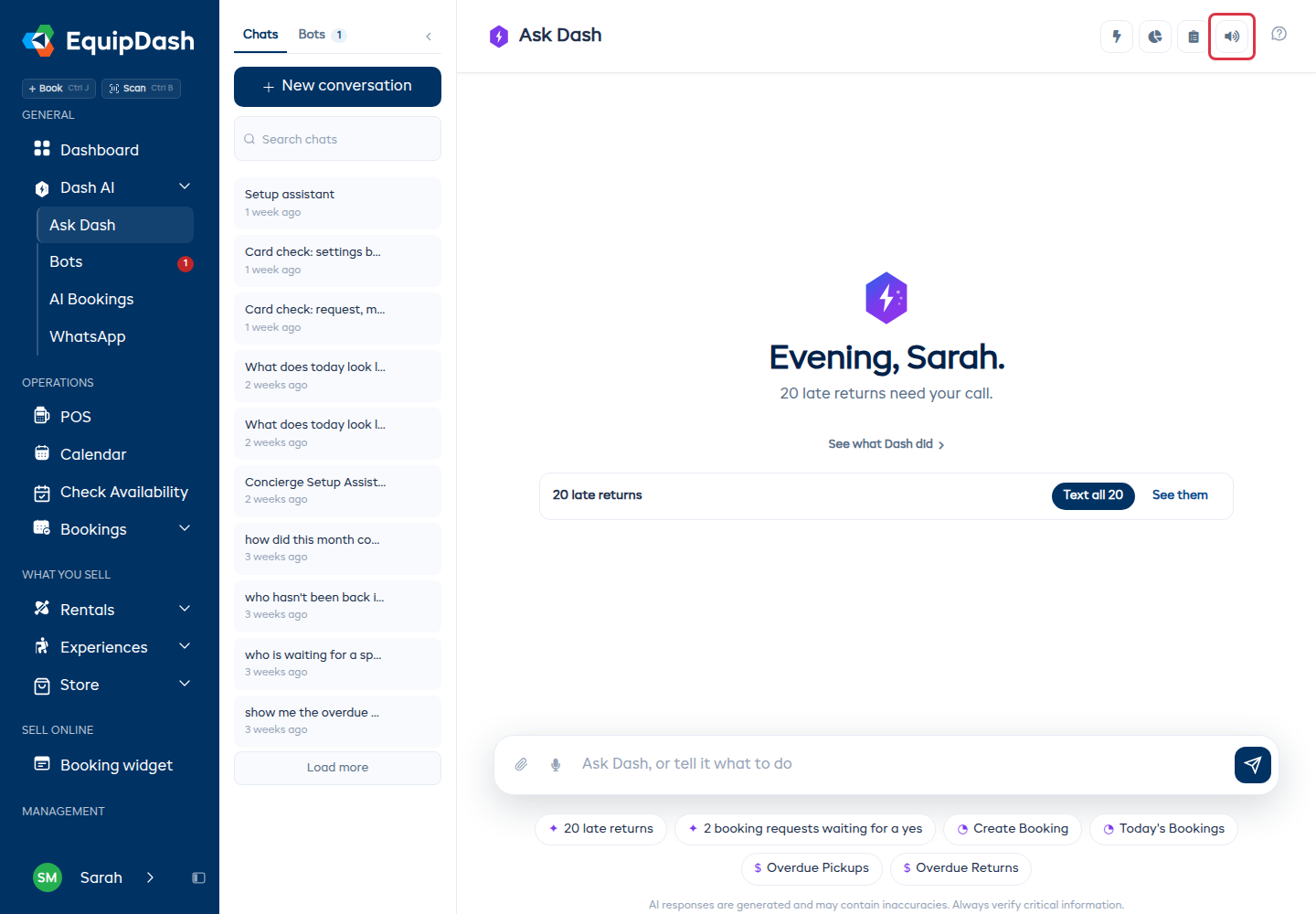
To have it read every answer without asking, turn on Read replies aloud in the tools row. It stays on until you turn it off.
Dash reads what is on screen: the line it wrote and the rows under it. It does not read out a table cell by cell, and a long answer is trimmed at the end of a sentence rather than cut mid-word.
What it costs
Reading an answer aloud uses AI credits, charged on the length of what it reads - roughly one credit per hundred characters. A short answer costs almost nothing; a long report costs more, which is another reason Dash keeps its answers short.
Typing and reading on screen cost nothing extra beyond the usual.
On the phone
The same controls are on the phone. If you would rather not have EquipDash open at all, connect WhatsApp and message Dash there instead - WhatsApp's own voice notes work in that chat.
If you cannot hear anything
- Check the tab is not muted. Browsers mute audio on a tab that has never been clicked.
- Check your AI credit balance - reading stops when credits run out, and the answer is still on screen to read yourself.
- Try the speaker on a single answer first. If that works and Read replies aloud does not, turn it off and on again.