Returning Customer Auto-fill
If a customer has booked with you before (or through any EquipDash supplier, matched by email), the checkout recognises them as soon as they type their email — and offers to auto-fill the rest of their details.
It's low-friction, optional, and dramatically shortens repeat bookings.
How It Works
- Customer reaches checkout and starts entering their email address.
- As soon as the email is valid, EquipDash silently looks up matching customer records.
- If a match is found, a small prompt appears below the email field: "Welcome back, {first name}. Auto-fill your details?"
- Customer clicks Auto-fill — first name, last name, phone, address (if collected), and country are populated.
- Customer can edit any field before continuing.
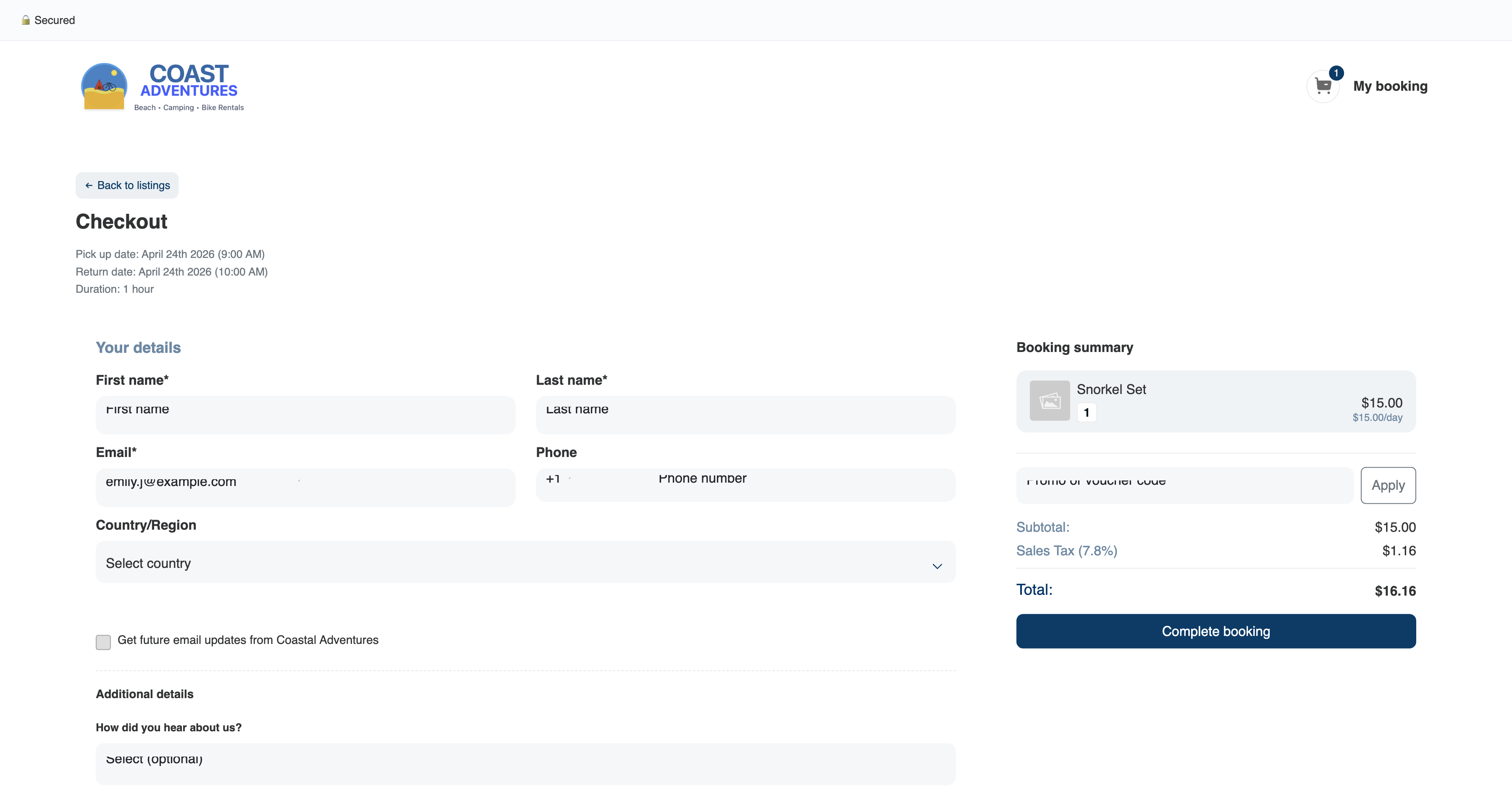
What Gets Auto-filled
- First name
- Last name
- Phone (if they have one on file)
- Address (if collected on their earlier booking)
- Country
Not auto-filled:
- Passwords (nothing password-based — we don't ask for one)
- Payment details (always entered fresh for PCI compliance)
- Per-booking fields like participant counts or comments
Privacy Model
- Lookup only happens after a valid email is typed — no silent harvesting.
- The prompt is always visible — the customer is informed.
- Customer always clicks to accept — nothing happens without their action.
- Lookup is scoped to the specific supplier's customer base — we don't cross-pollinate data between suppliers.
Tips
- Don't worry about privacy optics. Every major booking platform does this. Customers expect it.
- Keep your required fields tight so the auto-fill feels instant — if the customer has to re-type address and country even after auto-fill, the feature feels pointless. See Checkout Field Requirements.