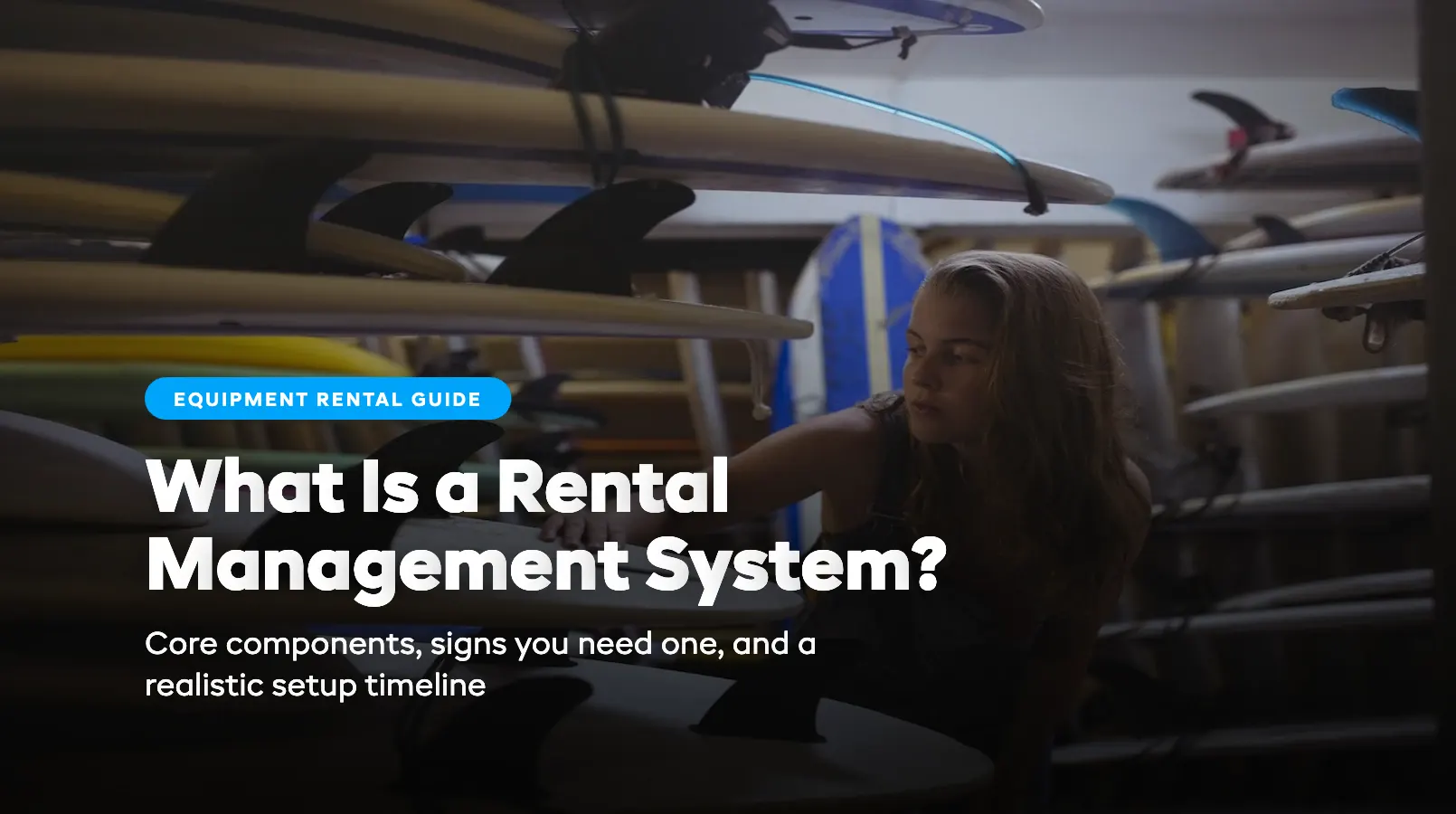
What Is a Rental Management System?
If you run a rental business, you've probably cobbled together a workflow from booking calendars, spreadsheets, payment apps, and sticky notes. Each tool handles one piece. None of them talk to each other. And every busy weekend, the cracks show.
A rental management system replaces that patchwork. It's a single platform that handles bookings, inventory, payments, customer records, and reporting in one connected place, so your data stays accurate and your team stops juggling tabs.
This guide explains what a rental management system actually does, what it includes, and how to tell whether you need one.
What a Rental Management System Actually Does
A rental management system is equipment rental software built to handle items that leave your shop and come back. That distinction matters. Standard point-of-sale or e-commerce tools track products you sell — units go out, they don't return. Rental software tracks the full cycle: availability, checkout, return, inspection, and re-rental.
In practice, a modern rental management platform connects every part of your operation:
- A customer books a mountain bike online for Saturday. The system blocks that bike from other bookings instantly.
- Your counter staff see the same live availability when a walk-in asks what's left. No phone calls to "check the back."
- When the bike comes back Sunday evening, a staff member marks it returned, logs its condition, and it's immediately available again.
- If the bike needs a tune-up, it gets flagged for maintenance and disappears from bookable inventory until cleared.
That loop (book, rent, return, inspect, repeat) runs continuously without anyone copying data between systems. It's the core of what separates a rental management system from a generic booking tool.
Core Components
Most rental management systems share five building blocks. The best platforms, including cloud-based options, combine all five in a single dashboard.
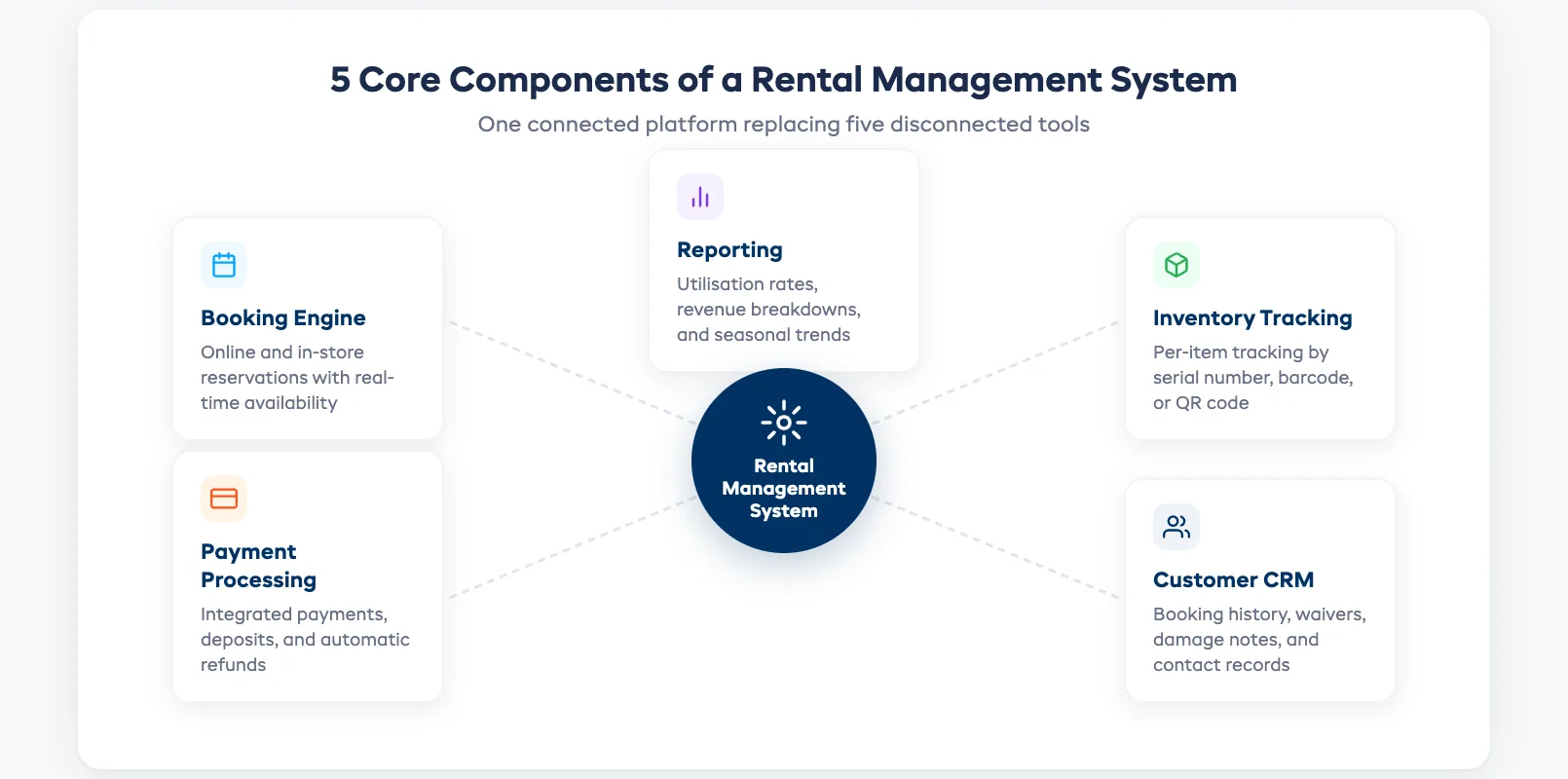
Booking engine. Online and in-store reservations with real-time availability. Customers see what's available, pick their dates, and confirm — 24/7. Your booking software should handle both walk-ins and online orders from the same inventory pool.
Inventory tracking. Per-item tracking by serial number or barcode. You know which specific kayak is rented, which is in the shop, and which is overdue for maintenance. This goes deeper than generic inventory tools. Read more in our guide to equipment rental software with inventory tracking.
Payment processing. Integrated payments, deposits, and refunds. No separate payment app. Customers pay at booking or at the counter, and the system records everything against the right reservation.
Customer management (CRM). A record of every customer: booking history, waivers signed, damage notes, contact details. When a repeat renter walks in, your staff already know who they are and what they've booked before.
Reporting. Utilization rates, revenue by item category, peak-day analysis, and seasonal trends. These numbers tell you what to buy more of, what to retire, and when to hire extra staff.
Signs You've Outgrown Your Current Setup
Not every rental shop needs dedicated software on day one. But most hit a tipping point, and it usually arrives during the busiest week of the year. Here are the signals:
You've double-booked a customer. If two people show up for the same paddleboard, your availability data is stale or split across systems. A connected rental management system prevents double bookings by blocking items the moment they're reserved.
Staff spend more time on admin than customers. Cross-referencing spreadsheets, manually updating calendars, and chasing payments by email are symptoms of disconnected tools. Software handles the data; your team handles the people.
You can't answer basic questions quickly. "How many bikes did we rent last month?" or "Which items have the lowest utilization?" If answering takes more than 30 seconds, your systems aren't giving you what you need.
Peak season terrifies you. If scaling from 20 bookings a week to 100 feels impossible without hiring extra admin staff, your workflow won't survive growth. Rental software scales with volume — your spreadsheet doesn't.
For small businesses especially, the right time to switch is before the chaos, not during it.
How Long Setup Takes (Realistically)
Most operators are up and running within one to five days. Here's a realistic timeline:
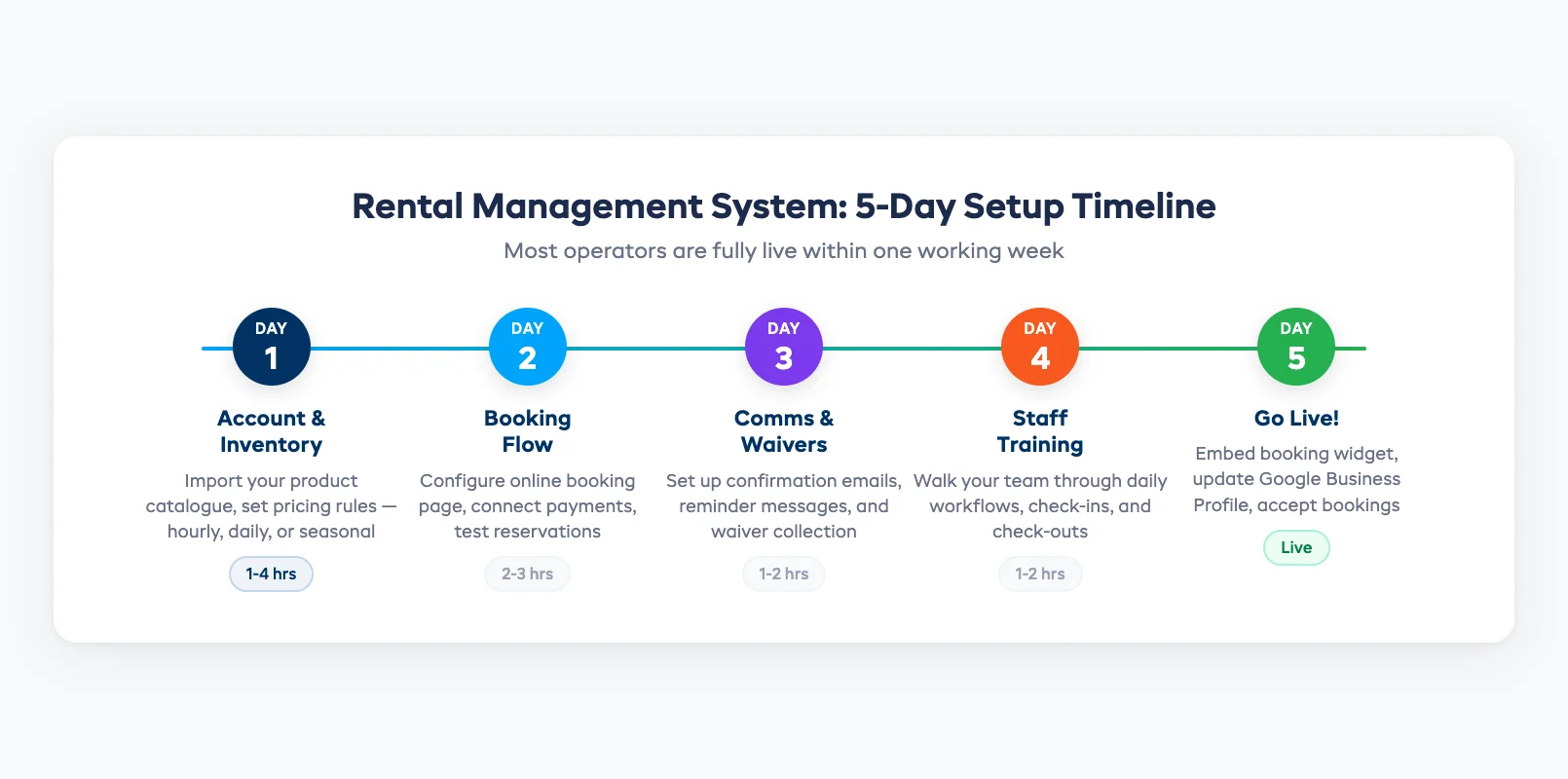
- Day 1: Account and inventory. Create your account, import your product catalog (CSV upload or manual entry), and set your pricing rules: hourly, daily, weekly, or seasonal rates.
- Day 2: Booking flow. Configure your online booking page, connect your payment processor, and test the full reservation flow yourself.
- Day 3: Communications. Set up automated confirmation emails, reminder messages, and waiver collection.
- Day 4: Staff training. Walk your team through the daily workflow: checking the calendar, processing walk-ins, handling check-ins and check-outs.
- Day 5: Go live. Embed the booking widget on your website, update your Google Business Profile, and start accepting online reservations.
The biggest time investment is importing inventory. If you've got 50 items, it takes an hour. If you've got 500, budget half a day. Either way, it's a one-time effort that replaces months of manual tracking.
Frequently Asked Questions
What exactly is a rental management system and how is it different from a booking tool? A booking tool handles reservations: dates, times, and confirmations. A rental management system does that plus inventory tracking, maintenance scheduling, payment processing, customer records, and reporting. It manages the full lifecycle of items that leave your business and come back, not just the initial reservation.
What does a rental management system replace in my current workflow? It typically replaces your booking calendar, inventory spreadsheet, payment processor, and customer contact list with one connected platform. Instead of updating four tools every time someone rents a kayak, you update one, and most of the updates happen automatically.
How long does it take to set up and start using one? Most small rental shops are fully operational in one to five days. The main effort is importing your inventory catalog and configuring pricing. Staff training usually takes under an hour for daily tasks like processing bookings and check-ins.
in one place