
Dash Bots
Describe a job in one sentence or turn on a ready-made bot. Anything involving money waits for your OK.
On Growth and Pro. No credit card. 21-day free trial.
For rentals, tours, boats, diving and more.
Refunds, charges and cancellations always ask.
Growth, half price for your first 3 months.
No card to start. Cancel anytime.
One plain sentence is the whole setup. No code, no flowcharts, no wizard.
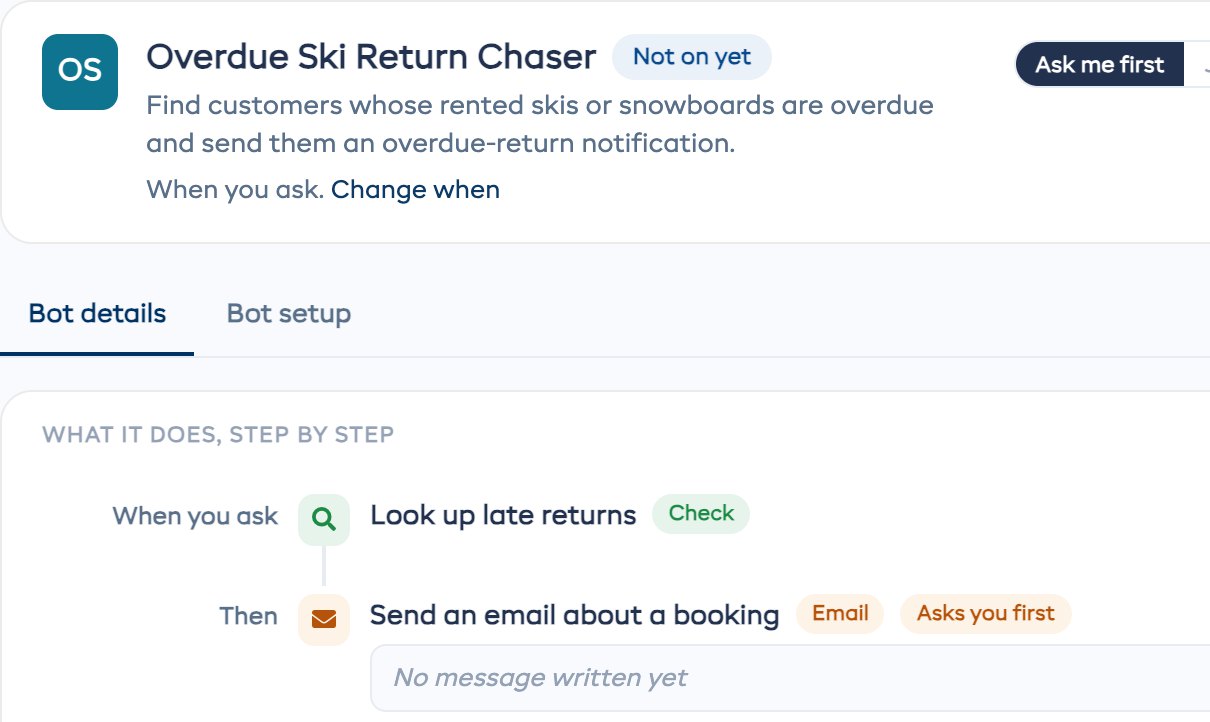
Change when on any bot, any time.
Each one comes set up with the right steps and timing. Turn it on, or change a step first.
Change the timing on any of them, or edit a step before it runs.
| Bot | What it does | Runs |
|---|---|---|
| Daily Booking Summary | Sums up the day's bookings, arrivals, returns and expected revenue. | Every day, 7 AM |
| Store Low Stock Alert | Lists the store items running low, ready to reorder. | Every day, 8 AM |
| Late Return Follow-up | Emails customers with overdue rentals, with their booking and return details. | Every day, 9 AM |
| Workshop Status Digest | Flags overdue repairs and workshop items with a booking coming up. | Every day, 10 AM |
| Experience Availability Monitor | Flags sessions with few bookings or no spaces left. | Every day, 6 PM |
| Late Pickup Reminder | Contacts customers who haven't picked up their rental on time. | Every hour |
| Waiver & Form Chaser | Reminds customers with an unsigned waiver or an unfinished form. | Every 4 hours |
| Booking Preparation Guide | Emails customers what to expect, what to bring and where to go. | When a booking is made |
| Survey Follow-up Bot | Thanks happy customers and asks for a review, and apologizes to unhappy ones. | When a survey comes in |
| Weekly Performance Report | Compares revenue, busy days and your top-selling items. | Mondays, 8 AM |
| Customer Re-engagement | Finds customers who haven't booked in 30 days and suggests what to send. | Fridays, 10 AM |
| Staff Roster Builder | Reviews the bookings and drafts the shifts to cover them. | Sundays, 6 PM |
By job:Customers 19Operations 18Inventory 7Reports 7Forms 4Staff 4Experiences 1
A bot can only do what you switched on. Money always comes back to you.
Read the message a bot wrote, then approve or skip it. Skipping lets the bot carry on with the rest of its run.
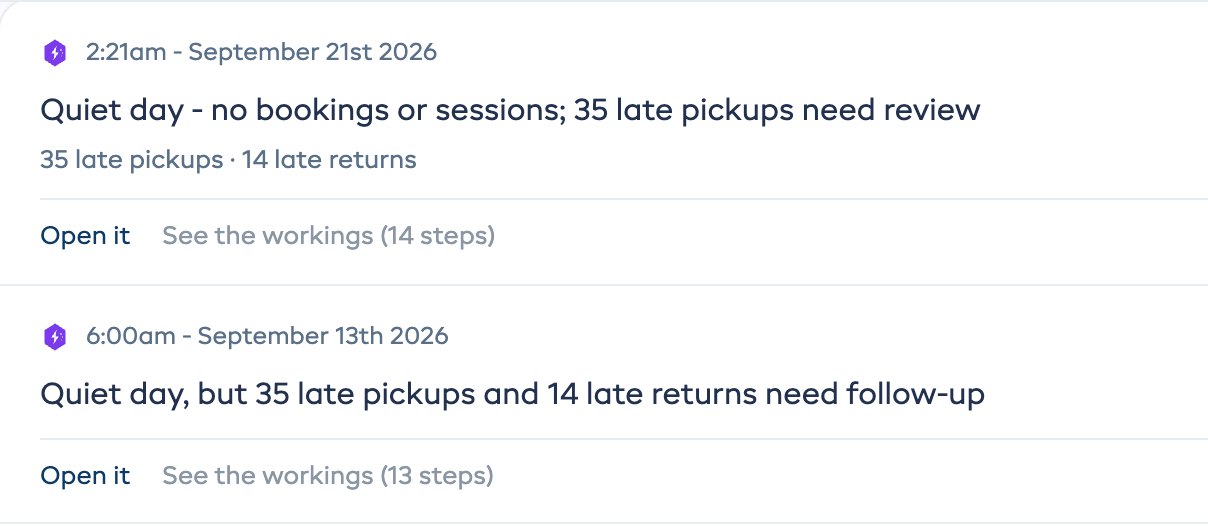
A skill is how your shop handles a situation, written in plain English.
Connect your calendar, email, spreadsheets and accounting, and bots can act there too.
 Google Calendar
 Gmail
Gmail
 Google Sheets
 Xero
Xero
 QuickBooks
 Mailchimp
 Any app with a connection address
 Dash on WhatsApp
Switch on the bots you want to hear from. Each one messages you when it finishes or needs your OK.
FREQUENTLY ASKED QUESTIONS
Making bots, approvals and plans. Contact us if yours isn't here.
Contact UsBots that do one job for you, the same way every time, without you typing a message. Describe the job in plain English and Dash writes it out as steps you can read before it runs, or turn on one of 60 ready-made bots.
Included with Growth and Pro. Start your 21-day free trial, no credit card.