Share Places Between Experiences
Some bookings are their own product but use the same places as a public session: a birthday party on a children's course, a school group on a guided walk, a team day in a cooking class. Link them once and a booking on either one takes places from both.
A party of 10 at 10:00 on a course with 15 places leaves 5 on the course at 10:00. A course booked with 12 at 10:00 leaves 3 for a party at 10:00.
Link an experience to the one whose places it shares
- Open the party (or school group, or team day) and go to the Details tab.
- Next to Shares places with, click Add.
- Pick the experience whose places it uses, such as your public course, and click Save.
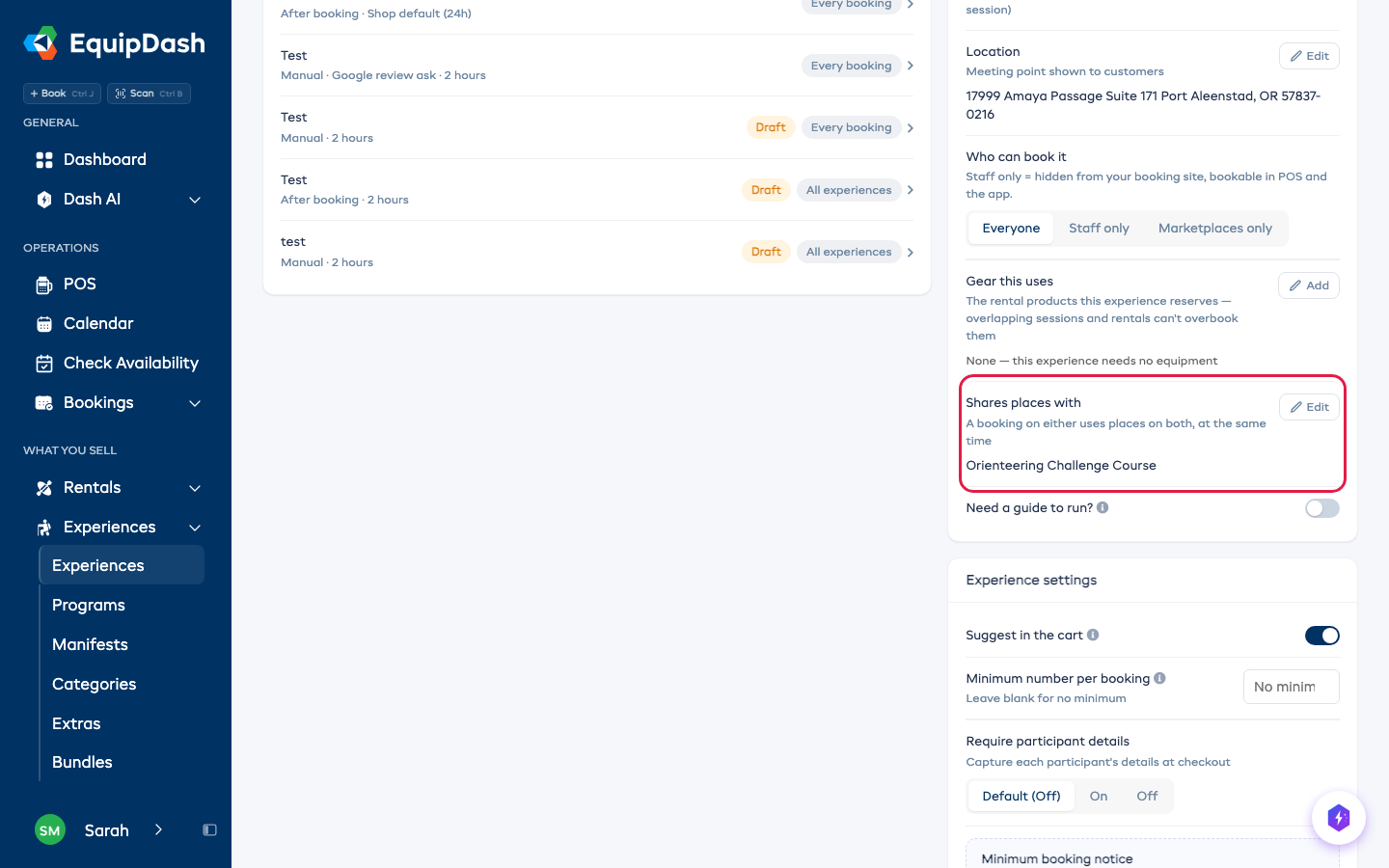
The course's own Details tab now lists everything that shares its places. You can add or remove them from there too.
How the places are counted
- The course's places are the pool. Its session's places are shared by its own bookings and every linked booking whose time overlaps that session.
- Each experience keeps its own limit too. A party with room for 20 still takes no more than the course has left.
- No course session at that time? The party sells on its own places.
- Back-to-back times don't share. A party from 11:00 doesn't use places on a course session that ends at 11:00.
- Your team can't book past it either. POS, the app and Dash follow the same count, because the places aren't there.
Several experiences can share one course's places, for example a party, a school group and a team day.
What can't share places
- An experience sold as private groups counts groups, not people, so its places can't be shared. Switching a course that others share to private groups stops the sharing.
- Tour packages run on their own departures and never share places.
Stop sharing
Open the experience's Details tab, click Edit next to Shares places with, pick None and click Save. Each experience goes back to counting only its own places.
Related
- Share Equipment Across Experiences and Rentals - link experiences to the products they use.
- Staff only experiences - keep a party or group rate off your booking site.