
Ask what needs you today and hear from the bots you pick, in one chat. No business number to set up.

Connect your own phone in a few seconds.
Refunds and charges open in EquipDash to approve.
Each person sees only what they can in EquipDash.
No card to start. Cancel anytime.
CONNECTING YOUR PHONE
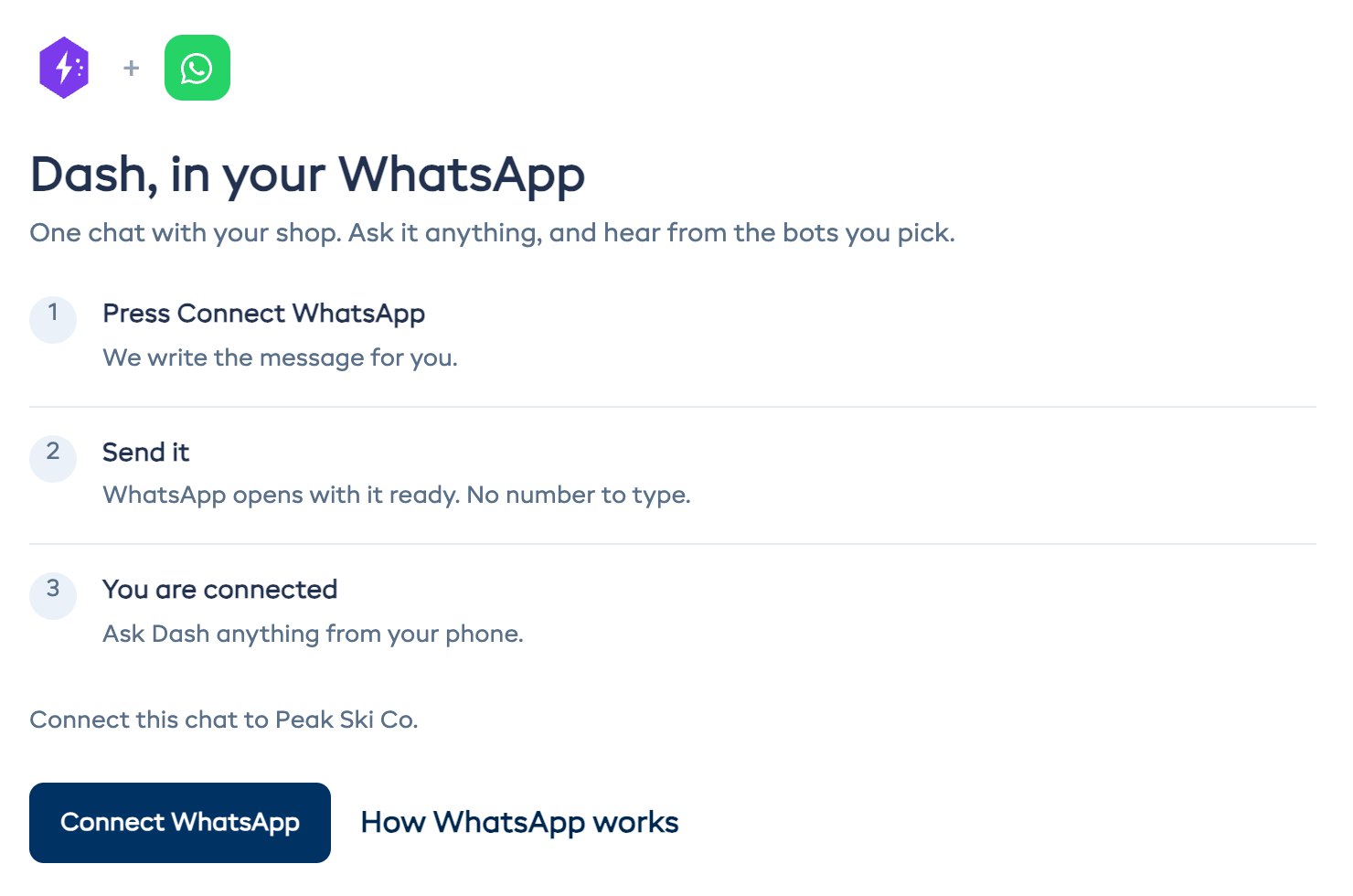
Press Connect and send the message WhatsApp opens with. Whichever phone sends it gets connected.
ASK DASH
Ask about bookings, payments, stock and the roster. Dash reads the same data you see when you log in, so every answer is current.
BOT UPDATES
Switch on the bots you want to hear from. Each one messages you when it finishes or needs your OK.
Each person picks their own list, so whoever handles refunds isn't woken up about the guide briefing.
FREQUENTLY ASKED QUESTIONS
Connecting and your team. Contact us if yours isn't here.
Contact UsNo. EquipDash has one and you connect your phone to it, so there is no WhatsApp Business account to register or pay for. The chat shows up as Dash.
Start your 21-day free trial. No credit card required.