October 2026 Product Releases
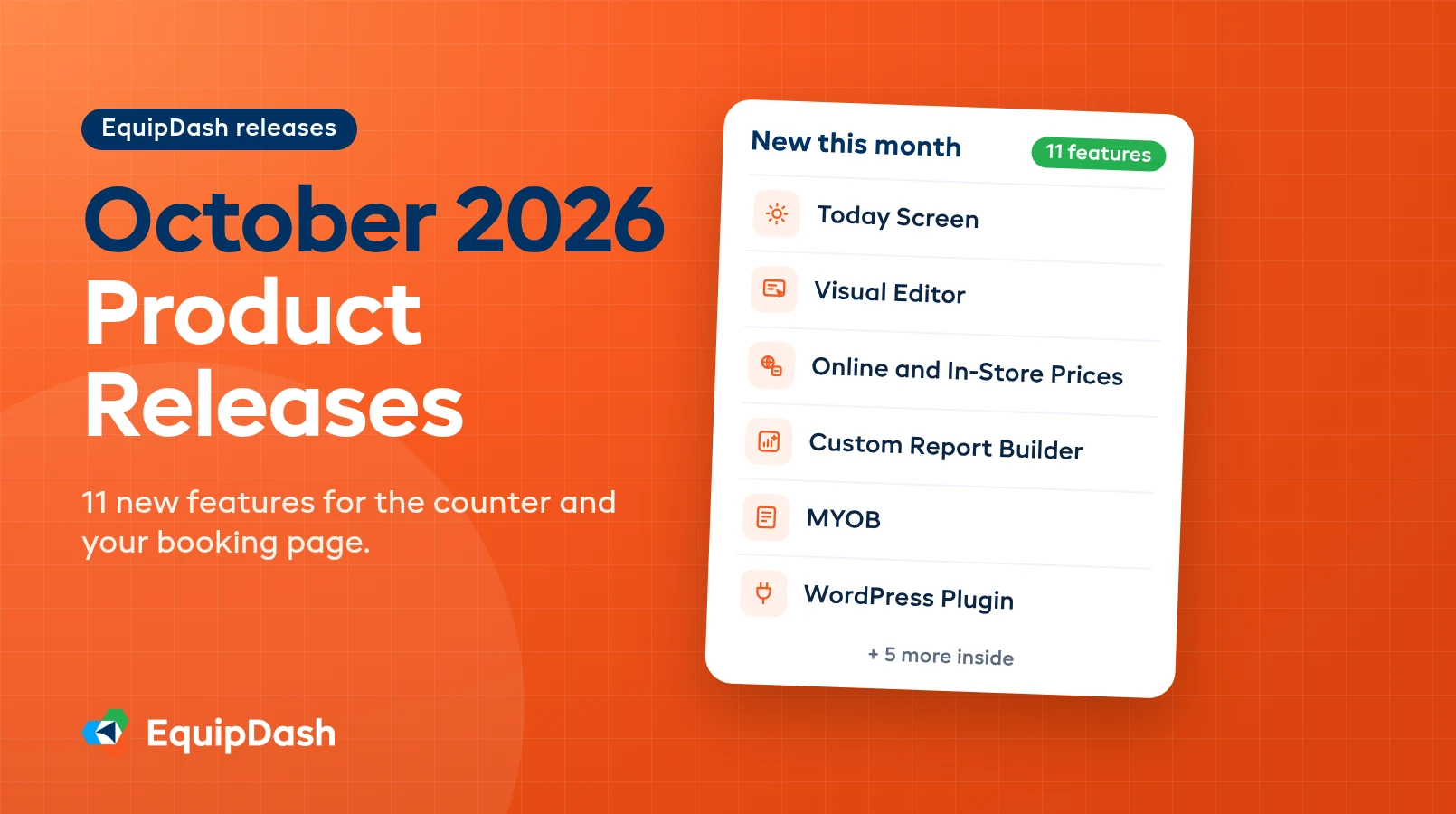
October is about the counter and the booking page. Eleven features shipped this month: a Today screen that runs the whole day from one place, a visual editor that lets you change your booking page by clicking on it, a free WordPress plugin, a price list layout for big catalogs, weekend and holiday surcharges, separate online and in-store prices, bookable service appointments, a drag-and-drop report builder, an audit log of every change, and sales files for MYOB. Here's what each one does and where to find it.
Your Booking Page
Four ways to make the page customers book from look and read the way you want, without a developer or a support ticket.
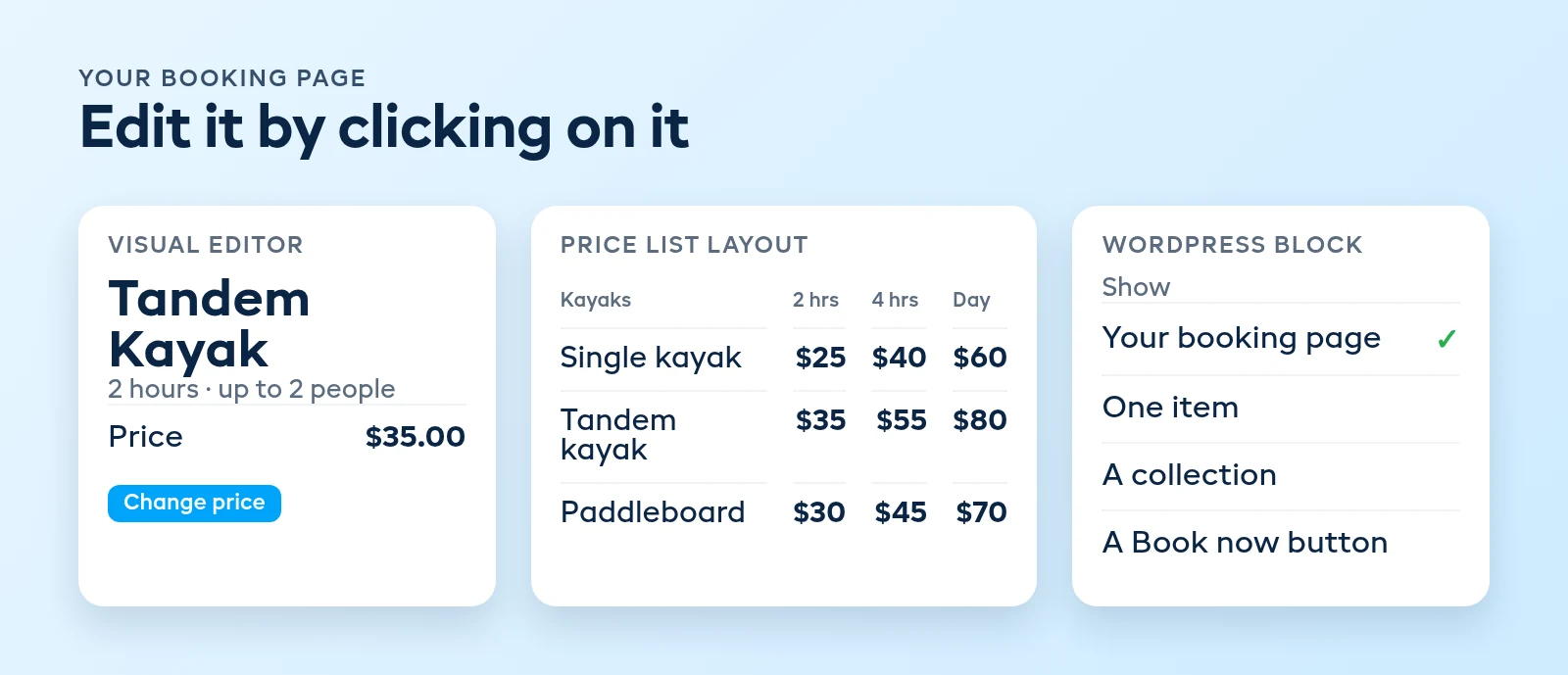
Visual Editor. Open any rental, experience, store item or bundle and click Visual editor. Your booking page opens the way customers see it, and you type over the name or description, click the price or the photos to change them, or ask Dash to make the change. There's a phone-size preview so you can check it before anyone else does.
Booking Page Visual Editor. The same idea for the whole page. Drag sections, categories and items into the order you want, add a welcome note or a featured item, and rename any button or heading. Every change can be undone. Find it in Settings under Booking widget, then click Visual editor.
Catalog Price List. A new layout that shows your catalog like a printed price sheet: grouped by category, no photos, and for rentals a price for every hire length side by side. Customers who already know what they want scan the list and tap a price to add it. It's one of the layouts under Settings, Booking widget, Browsing & listings.
WordPress Plugin. If your website runs on WordPress, install the free EquipDash Bookings plugin and add the EquipDash block to any page. Show your whole booking page, one item with its calendar, a collection, or a Book now button. Customers see live availability and pay in a pop-up without leaving your site. It works with the block editor, Elementor, Divi and the classic editor.
Pricing & Bookings
Charge what the day is worth, price the counter differently from the web, and let customers book time with a person.
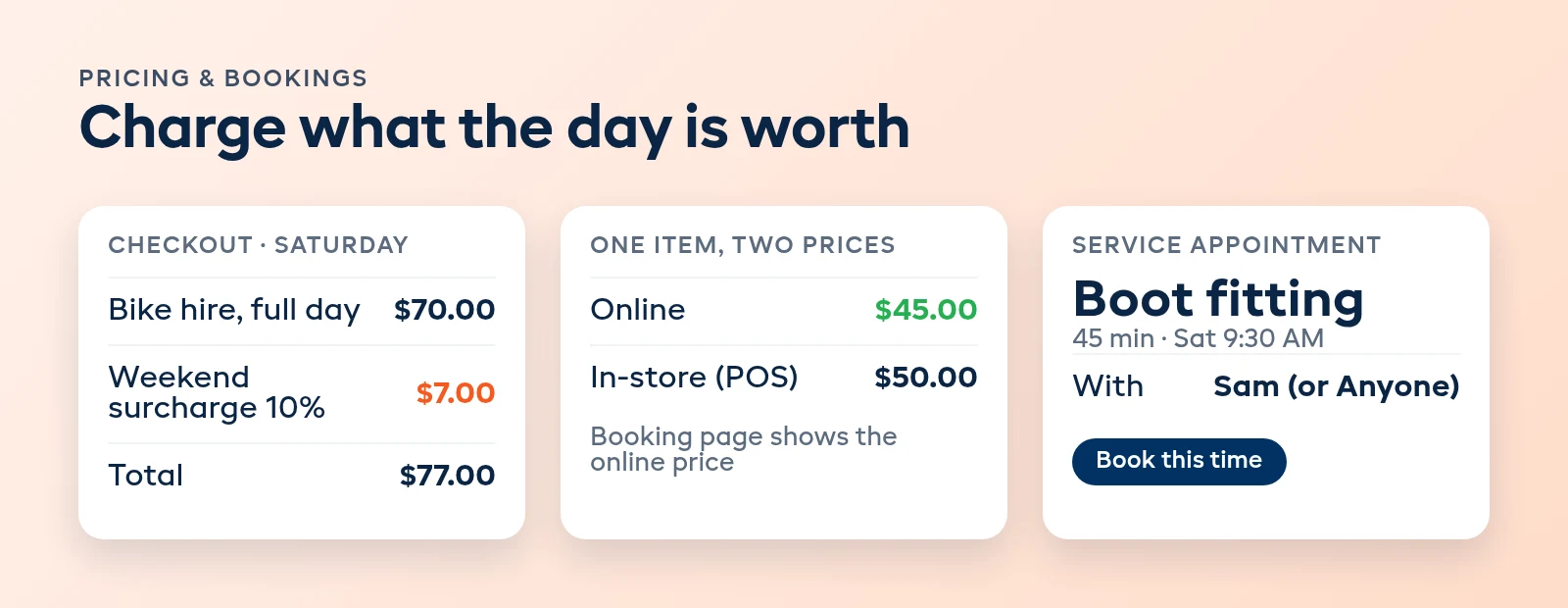
Surcharges. Charge more on the days you choose, like weekends or public holidays, as a percentage, a set amount per booking, or a set amount per person. The surcharge shows as its own line at checkout, on the confirmation and on the invoice, and your item prices stay as they are. Staff can take it off a single booking at the counter. Add one in Settings under Payments.
Online and In-Store Prices. Set one price for online bookings and another for counter sales. Your booking page shows the online price and the POS uses the in-store price, so you can reward people who book ahead without touching your walk-in rate.
Service Appointments. Let customers book a fitting, a setup or a repair consult for a set time, with a named staff member or Anyone. Times open and close on their own from who's rostered, approved time off and what each person already has booked. Appointments show on a Services tab in the Calendar, one row per person, and you can drag one to move it.
Operations
The counter view, the numbers you actually look at, and a record of who changed what.
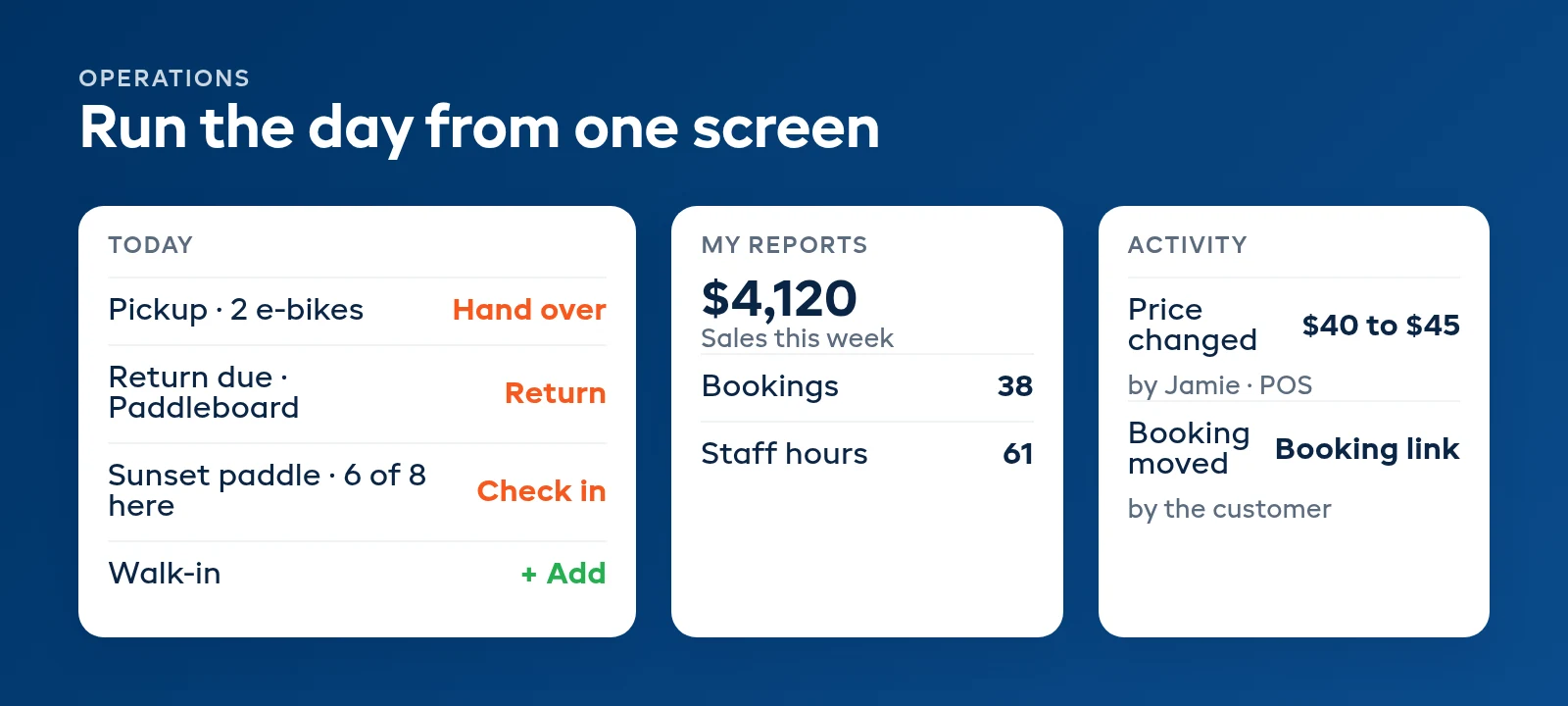
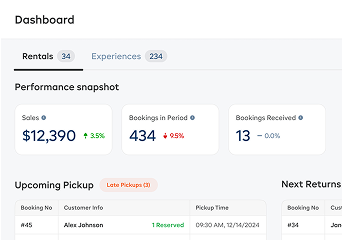
Today Screen. Run the day from one screen. Across the top is what needs someone right now, then the gear to get out, then pickups, returns due and the next sessions side by side. Each booking has one button for its next step, so staff can check people in, take payment and add walk-ins without opening a booking. Lock a shared counter device to it, or click Open Today on the Dashboard.
Custom Report Builder. Drag totals, charts, tables and notes onto a page, then drop in fields like sales, bookings, items or staff hours. Start from a ready-made report, save it under My reports, and export it or email it to your team on a schedule. On the Pro plan.
Audit Log. See who changed what, when, and where it came from: the portal, the POS, the phone app, Dash, an API key or a customer's booking link. Every change to a booking, customer, item, price or setting is recorded and kept for 12 months. Find it in Settings under Team, on the Activity tab, or on the History tab of any booking, customer or item.
Integrations
MYOB. Bring your EquipDash sales, payments and customers into MYOB AccountRight, each on the account number and tax code you choose, with card fees and Stripe payouts too. Set your accounts once in Settings under API & Integrations, then download each month's files and import them into MYOB. There's no MYOB login to hand over. On Growth and Pro.
That's October: a busier counter that needs fewer clicks, a booking page you can change yourself, and prices that match the day. Everything here is live in your dashboard now. Catch up on last month in the September 2026 roundup, browse the full history on the releases page, or if you're not on EquipDash yet, see how it fits together on the product overview or book a demo.
FAQ
Are all 11 October features available on my plan?
The Custom Report Builder is on the Pro plan, and MYOB is on Growth and Pro. The WordPress plugin is free on every plan. For the rest, check the plan table on the pricing page or look for a lock in your dashboard, and ask our team if you're unsure.
Do I need to install or update anything?
No. EquipDash is cloud-based, so every October feature is already in your dashboard. The one exception is the WordPress plugin, which you install from Plugins, Add New in your own WordPress site and connect to your business in a couple of clicks.
What's the difference between the two visual editors?
The Visual Editor changes one item's page: its words, price, photos and settings. The Booking Page Visual Editor arranges the whole page: the order of sections, categories and items, the welcome note, the featured item and button labels. Open the first from any item, and the second from Settings under Booking widget.
How do surcharges work on multi-day rentals?
A hire over several days pays the surcharge on the share of days that fall on surcharge days. A Friday-to-Monday hire pays a weekend percentage on half its price. Bookings already taken keep the surcharge they were sold with, so changing a surcharge only affects new bookings.
Does the Today screen replace the dashboard?
No. Today sits under Dashboard in the sidebar, next to Overview, which is the dashboard you already know. Today is the counter's view of the day, built so staff can hand over, check in and return without opening each booking.
Do I need to connect a MYOB account?
No. EquipDash gives you your sales, payments and customers as files that you import into MYOB AccountRight, so there's no login to share and nothing to install. It works with AccountRight Plus and above.
in one place