July 2026 Product Releases
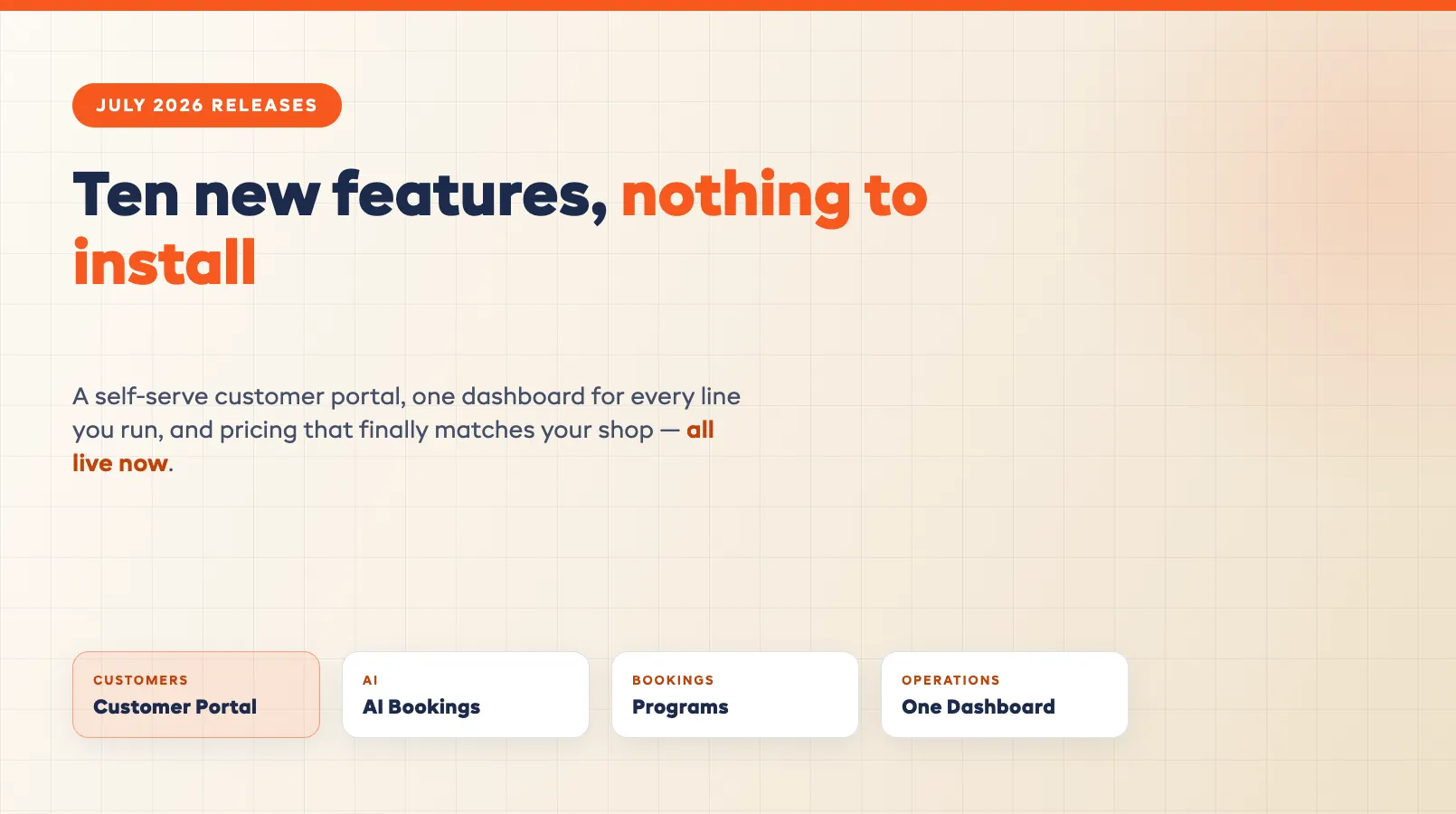
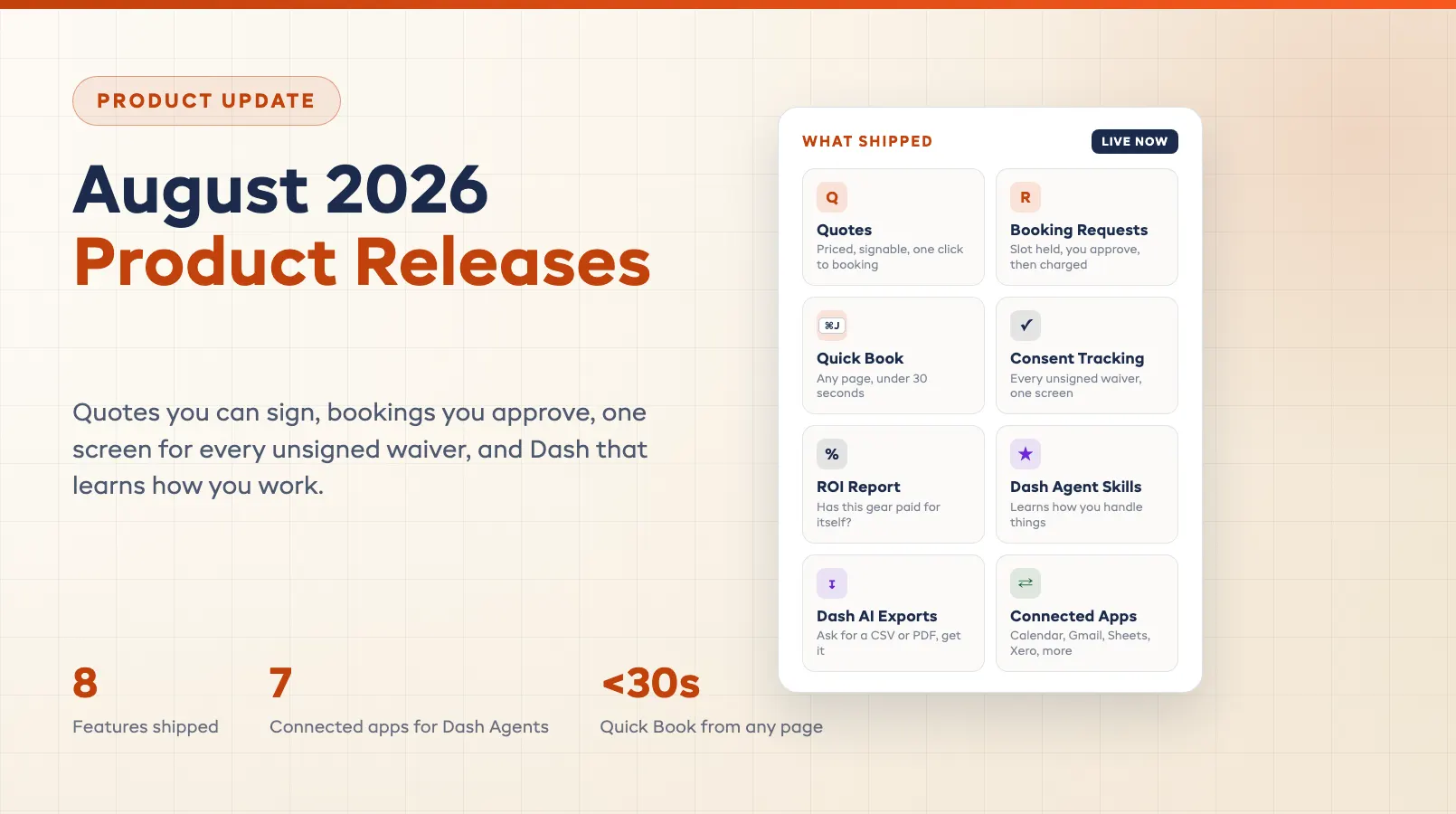
July's theme was handing work back — to your customers, and to one screen. Ten features shipped this month: a self-serve portal where customers manage their own bookings, an assistant that sells on your booking page while you run the counter, one dashboard for every line you operate, and pricing, deposits, and paperwork that finally bend to how real shops work. Whether you rent gear, run tours, or do both, here's the roundup, grouped by what it does.
Customers & Marketing
Four features that cut the phone calls: customers help themselves, your emails sell for you, and repeat visitors stop re-doing paperwork.
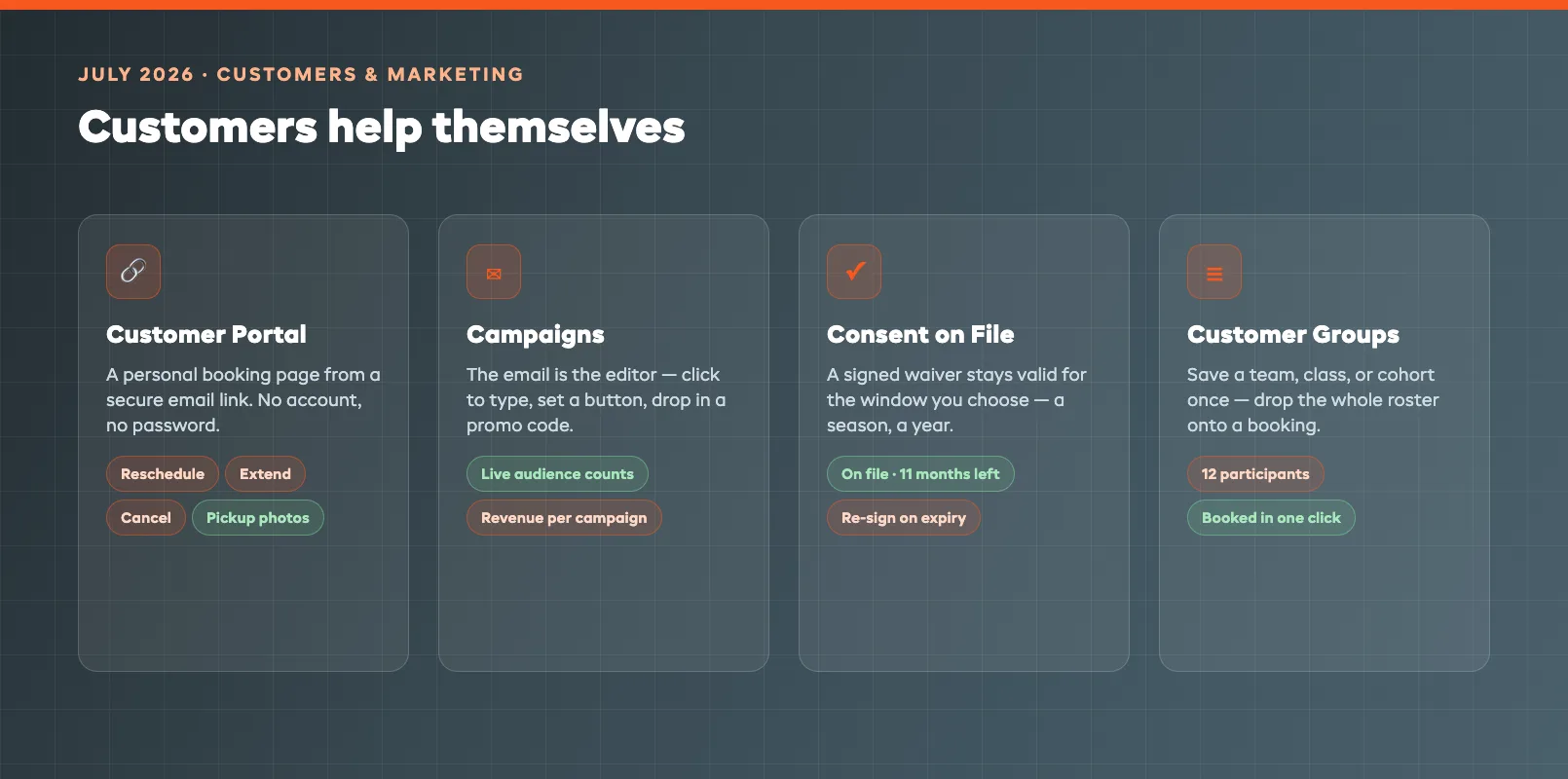
Customer Portal. Every customer gets a personal booking page from a secure link in their emails — no account, no password. They see everything they've booked — rentals and experiences — with dates and status, and can reschedule, extend, or cancel themselves. For rentals, they can even photograph items at pickup to confirm condition, so you can offer fully contactless handovers. Fewer "can I move my booking?" calls, and a paper trail on every handover.
Campaigns Enhancements. Campaigns, your built-in email and SMS marketing, gets a round of enhancements led by one idea: the email is the editor. You see exactly what customers get and edit by clicking — type on the text, set a button, add a photo or promo code. Pick an audience with live counts, then see the bookings and revenue each campaign earns, so you know which messages actually pay.
Consent on File. Stop re-collecting the same waiver every visit. Set how long a signed waiver stays valid — a season, a year, whatever you choose — and it counts as on file for repeat customers until it expires. Your regulars only sign again once it lapses, and your check-in queue moves faster for it.
Customer Groups. Book the same people again in one click. Save a named group of participants — a team, a class, a corporate cohort — and drop the whole roster onto a booking instead of re-entering everyone. The Tuesday club ride takes thirty seconds to book instead of ten minutes.
Operations
Three features for running the whole business — every line on one screen, the roster in your pocket, and prices that match what each site and model really costs.
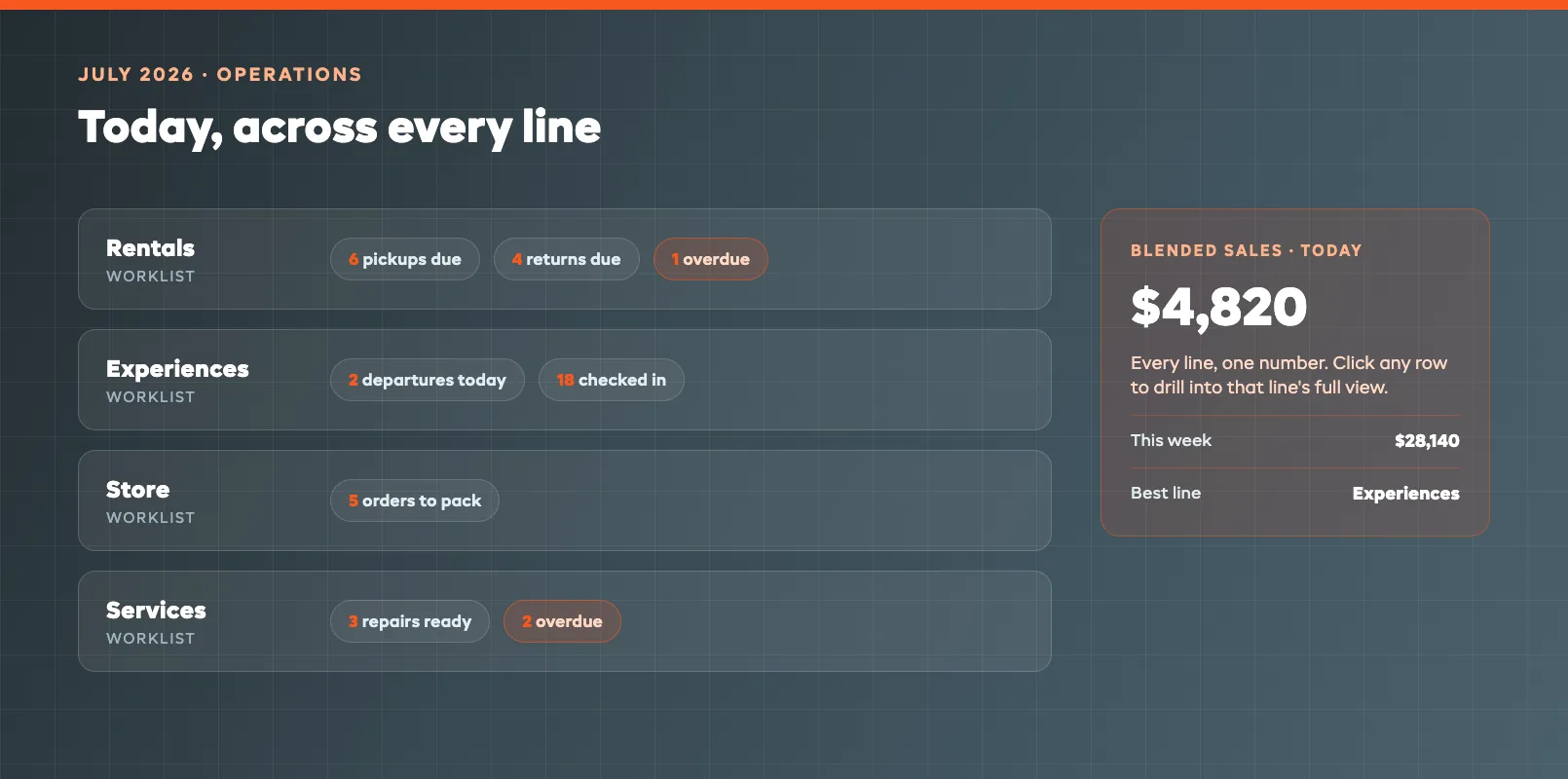
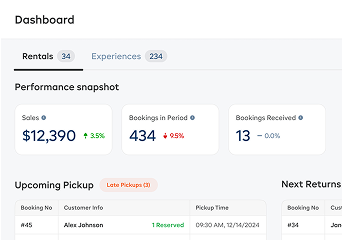
Unified Dashboard. Running more than one line — rentals, experiences, store, services? Now see them all on one dashboard. An "Everything" view shows today's worklist for each line — pickups and returns due, tour departures and who's checked in, orders to pack, repairs overdue or ready — plus blended sales for any date range. One click drills into any line's full dashboard when you need the detail.
Staff Scheduling on Mobile. Run your team from your phone. The EquipDash mobile app on iOS and Android now shows your staff roster and handles timesheets and clock in/out. Check who's rostered and who's on the clock, review hours actually worked, and let staff punch in and out from their own device — no need to be at the counter.
Price by Variation and Location. Charge more where it costs more. Give any variation of a rental product its own price, and any pickup location its own — so a premium model or a busier site can charge more than the rest. You can even price one variation at one location. The lakefront kiosk and the warehouse no longer have to share a rate card.
Bookings & Payments
Two features for selling bigger things cleanly — multi-session packages in one checkout, and group deposits that don't turn into accounting archaeology.
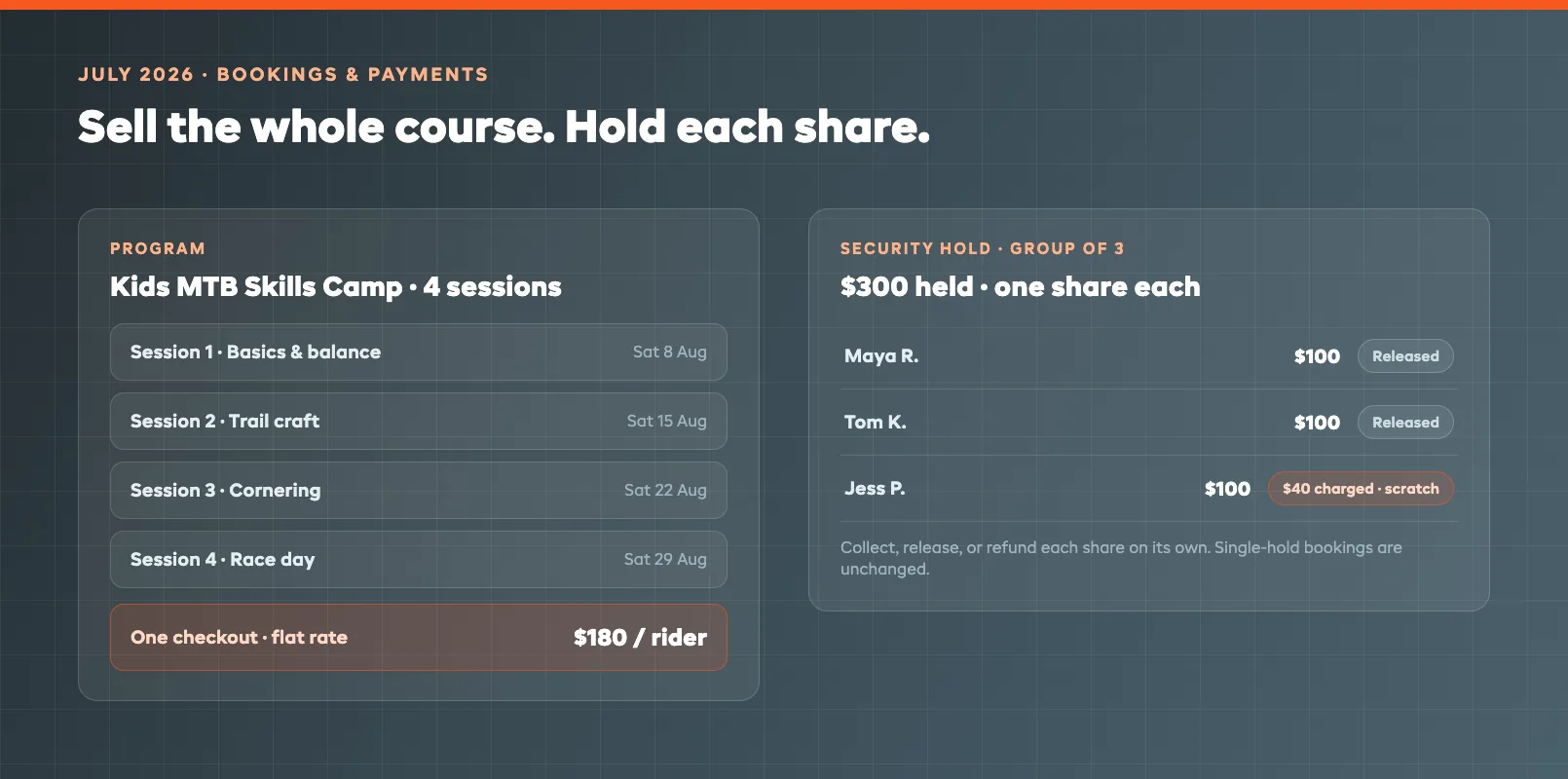
Programs. Sell multi-session packages as one purchase. Build a Program — a multi-week course, a camp, a season pass — by bundling several activities and their dates, then price it as the sum of the sessions or a flat rate per person or group. Customers book every session in one checkout, and you stop stitching eight separate bookings together by hand.
Split Security Deposits. When a group books together, split the security deposit into a part per person — then collect, release, or refund each one on its own. One renter returns a scratched paddleboard? Charge their share and release everyone else's. Single-deposit bookings are unchanged.
AI & Automation
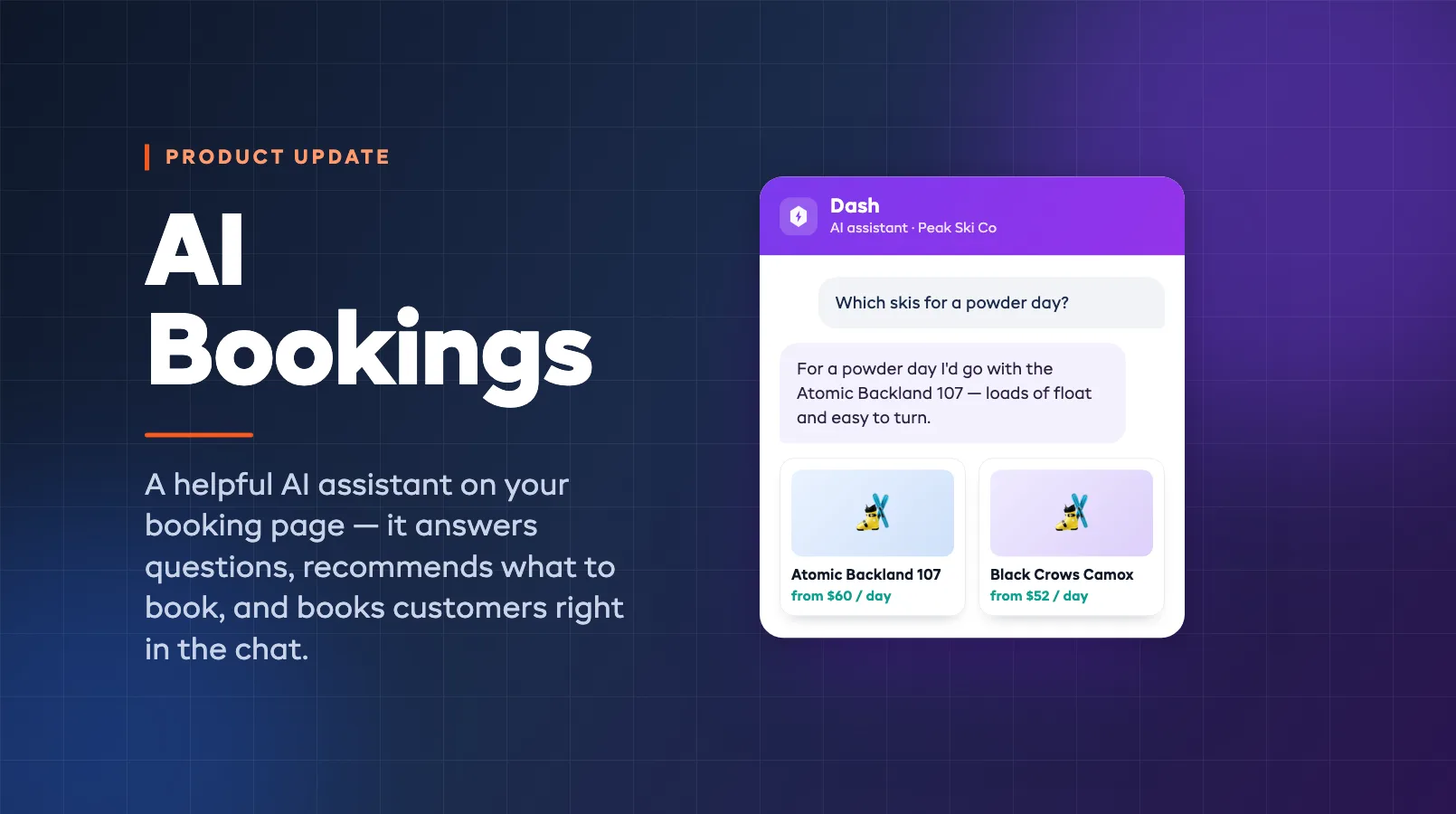
AI Front Desk. Add Dash, an AI assistant, to your booking page. It answers customer questions, recommends what to book, and lets them book right in the chat, all from your own catalog and policies. Dash now answers your phone on the same add-on, so see the full AI Front Desk rundown for how it handles calls, questions, recommendations and checkout.
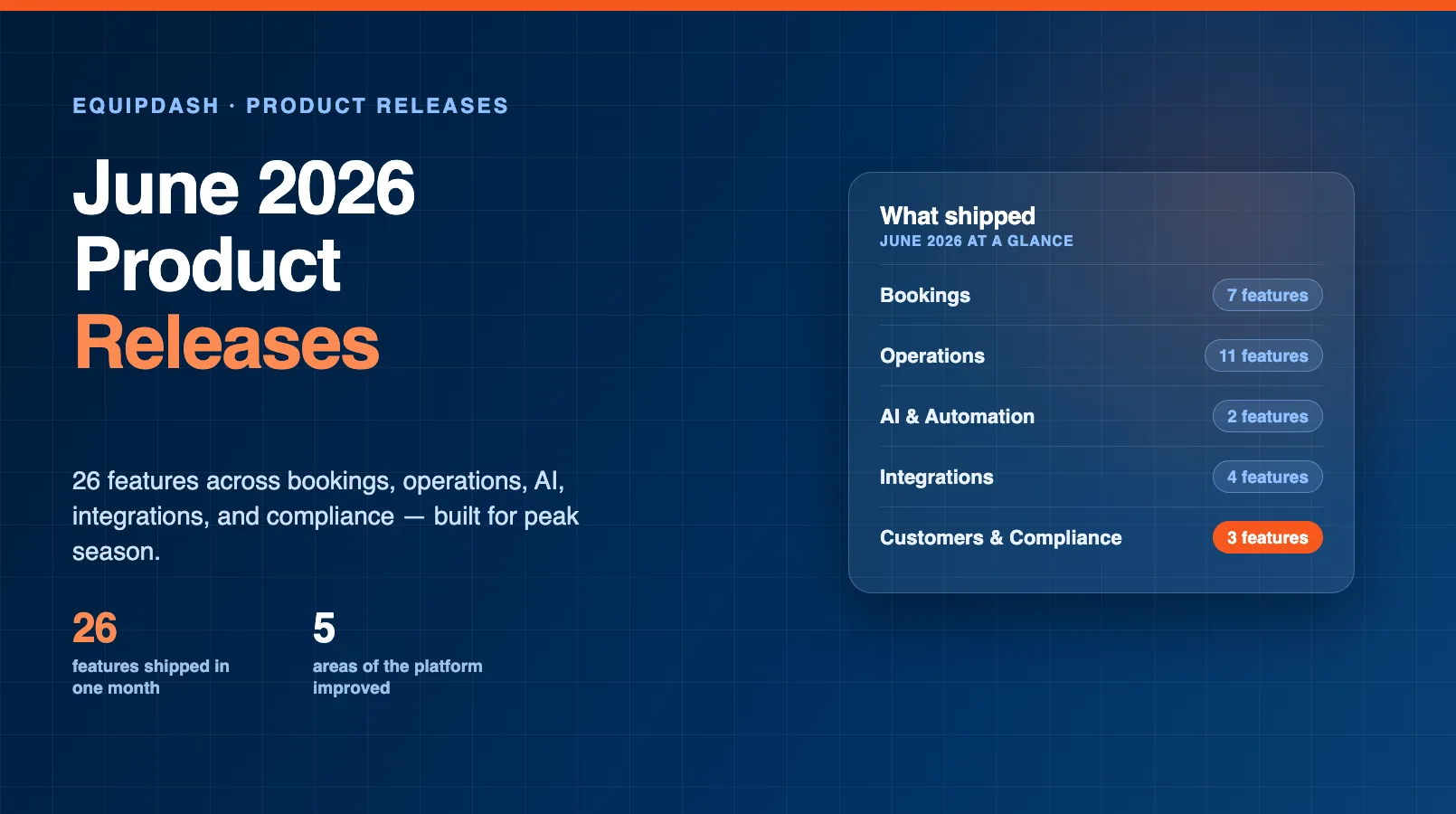
That's July. Ten features, most of them aimed at the same goal: fewer jobs that only you can do. Everything here is live in your dashboard now — nothing to install, nothing to update. Catch up on last month's drop in the June 2026 roundup, browse the full history on the releases page, or if you're not on EquipDash yet, see how it fits together on the product overview or book a demo.
FAQ
Are all 10 July features available on my plan?
Most July features are included on all plans, including the Customer Portal, Unified Dashboard, Customer Groups, Consent on File, Price by Variation and Location, Programs, and Split Security Deposits. AI Front Desk is a paid add-on you switch on from your dashboard, and some Campaigns capabilities depend on your plan. Check inside your dashboard or ask our team if you're unsure.
Do I need to install or update anything to get these features?
No. EquipDash is cloud-based, so every feature is already live in your dashboard. The only exception is Staff Scheduling on Mobile, which arrives through the normal app-store update for the EquipDash mobile app on iOS and Android.
What can customers actually do in the Customer Portal?
From a secure link in their emails — no account or password — customers see every rental and experience they've booked with dates and status, and can reschedule, extend, or cancel themselves. For rentals they can photograph items at pickup to confirm condition, which makes fully contactless handovers possible.
How are Programs different from normal bookings?
A Program bundles several activities and their dates — a multi-week course, a camp, a season pass — into one purchase. You price it as the sum of the sessions or a flat rate per person or group, and customers book every session in a single checkout instead of booking each date separately.
How do split security deposits work for group bookings?
When a group books together you can split the security deposit into a part per person, then collect, release, or refund each person's share on its own. Bookings with a single deposit work exactly as before.
Can my staff clock in and out from their phones now?
Yes. The EquipDash mobile app on iOS and Android now shows the staff roster and handles timesheets and clock in and out. You can check who's rostered and on the clock and review hours actually worked, and staff can punch in and out from their own device instead of the counter.
in one place