September 2026 Product Releases

September is about reaching customers wherever they already are — on the phone, in WhatsApp, through Muse, or on a site Dash builds from your catalog — plus tighter checkout and ops control. Twenty features shipped this month: payment rails for more countries, delivery priced by distance, deposits that adjust by rule, booking options and drafts, cart holds and season passes, two-factor login, custom terminology, and staff availability links. Whether you rent gear, run tours, or do both, here's the roundup, grouped by what it does.
Integrations
Five ways customers find you, pay you, and stay on your email list — without another stack of tools.
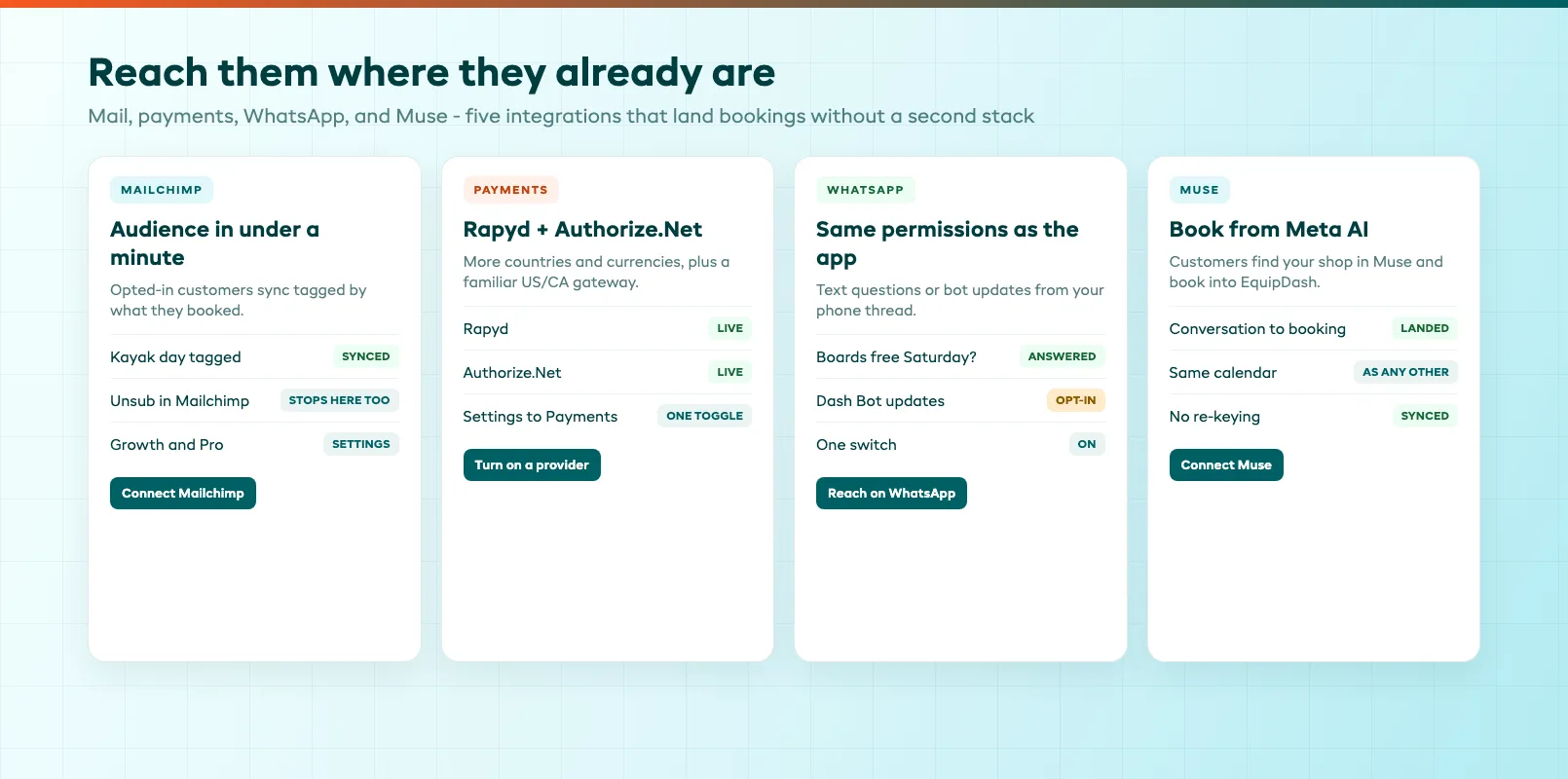
Mailchimp. Connect Mailchimp and customers who said yes to emails land in your audience within a minute, tagged by what they booked. Anyone who unsubscribes in Mailchimp stops getting emails from EquipDash too. On Growth and Pro, under Settings, API & Integrations.
Rapyd Payments. Rapyd is now available as a payment provider. Turn it on in Settings under Payments to take card payments across more countries and currencies.
Authorize.Net Payments. Authorize.Net is now available as a payment provider. Turn it on in Settings under Payments to take card payments — a familiar gateway for shops across the US and Canada.
Reach Dash on WhatsApp. Text Dash from WhatsApp any time and get an answer on the same thread, with the same permissions as in the app. Turn it on with one switch, then ask questions or opt in to updates from your Dash Bots, right from your phone.
Book through Muse. Connect EquipDash to Muse, Meta's AI assistant, so customers can find your shop and book it straight from a conversation with Muse. Those bookings land in EquipDash like any other.
Customers & Website
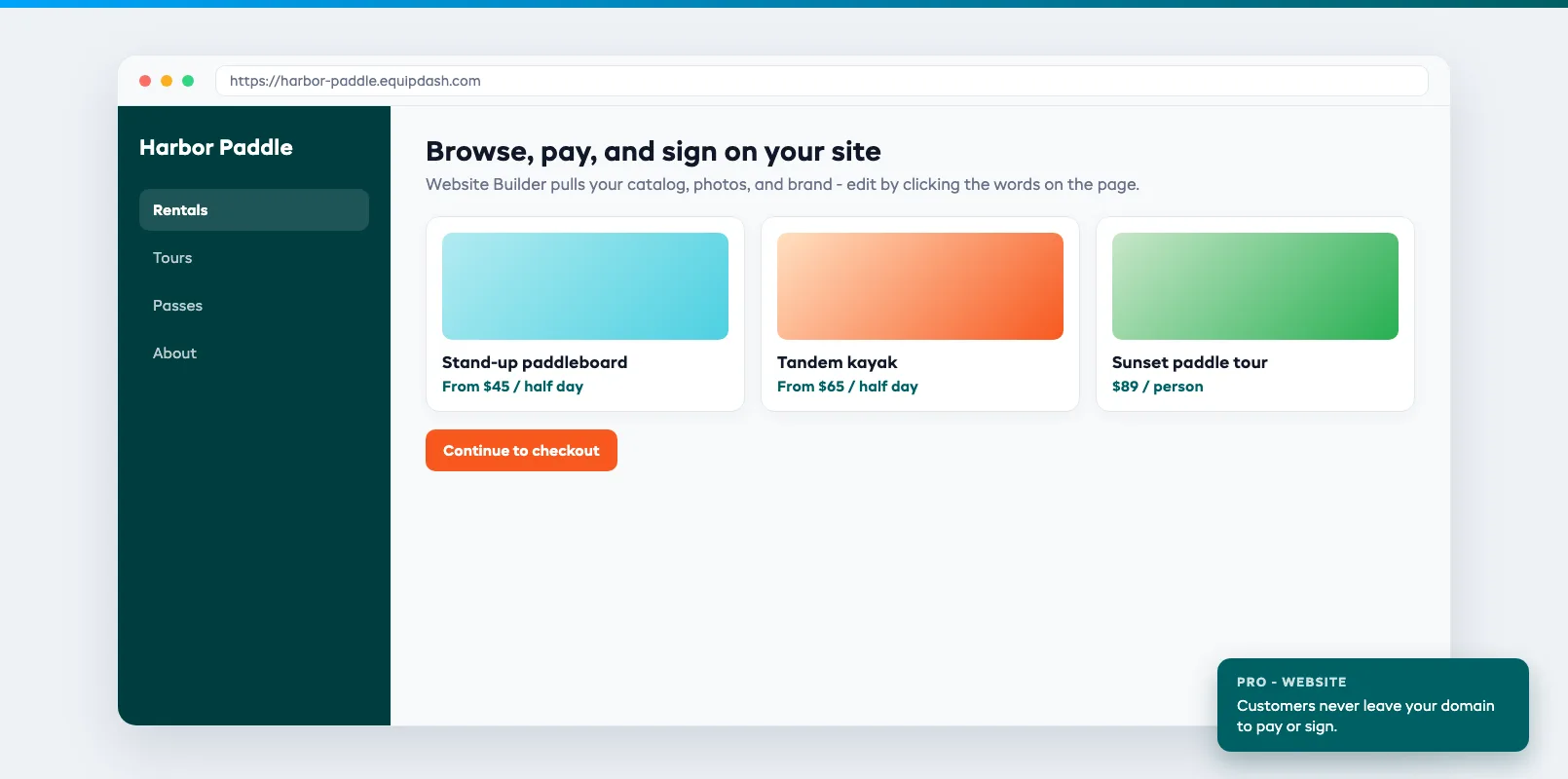
Website Builder. Describe your shop and Dash builds a full website from your own catalog, photos, and brand. Edit it by clicking the words on the page, and customers browse, pay, and sign without leaving your site. On the Pro plan, under Website.
AI & Automation
Your front desk answers the phone and the chat. Reviews get draft replies. Images go both ways. Customers reschedule without waiting on hold for a human to look up the policy.
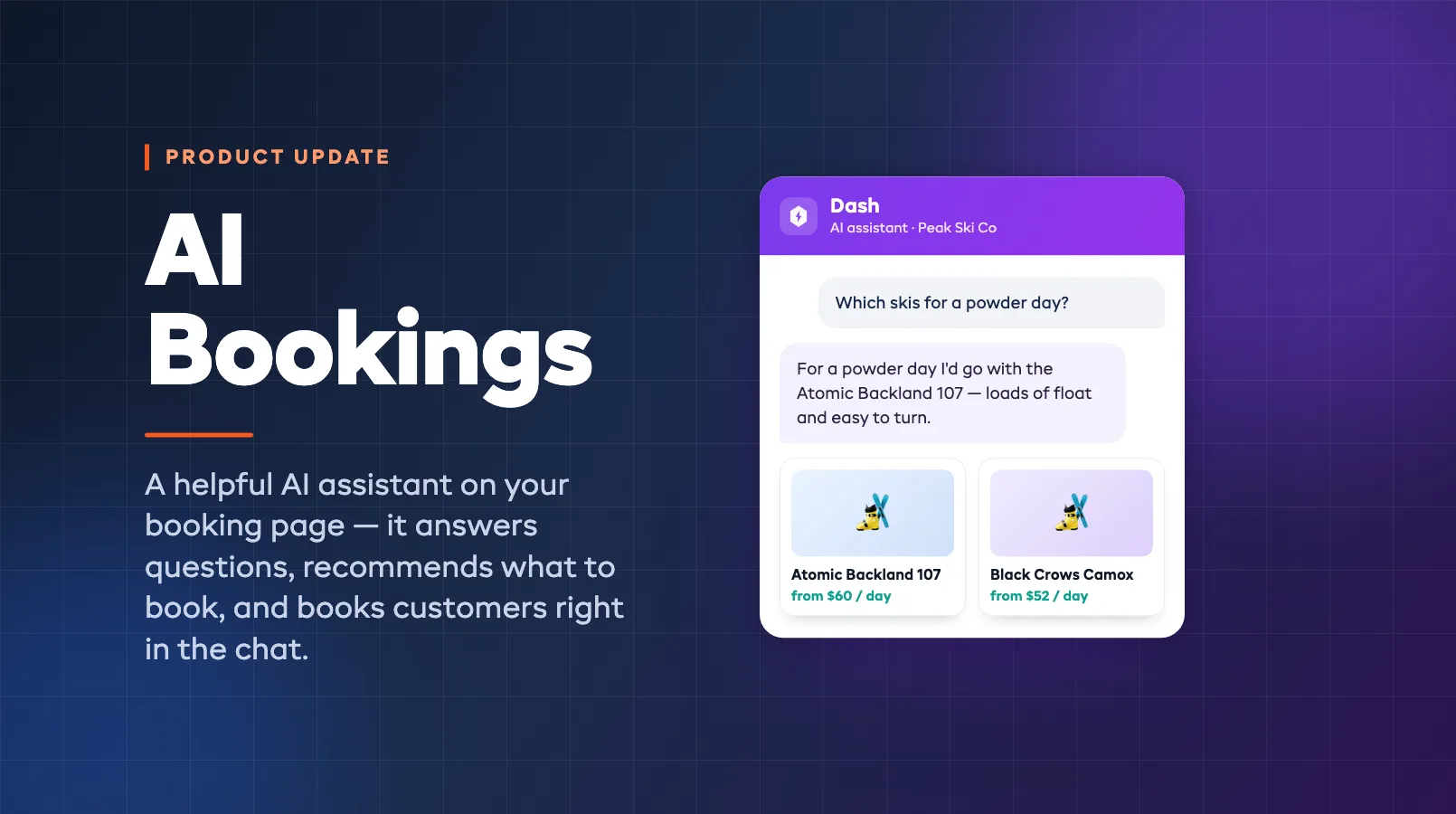
AI Front Desk. Dash now answers your phone as well as the chat on your booking page. It quotes real availability, takes the booking, and texts the payment link, and hands you anything it shouldn't decide. Your published number stays the same.
Talk to Dash. Ask Dash out loud instead of typing. Speak your question and Dash replies, then reads the answer back to you, so you can work hands-free on the web app or your phone. Handy when you're on the move or busy at the counter.
Dash Makes and Reads Images. Dash can now work with pictures. Ask it to create an image and drop the result where you need it, or send Dash a photo and it reads what's in it and works from there.
Google Reviews, Answered by Dash. Connect your Google Business Profile and your reviews sync into EquipDash. When a review lands, Dash drafts a reply and holds it for your approval, so you can respond quickly without starting from a blank box.
Reschedules and Cancellations by Dash. Customers can move or cancel a booking on the phone or in the chat, and Dash works out what they're owed from your own cancellation policy. Anything your policy doesn't cover comes to you instead.
Bookings
Six features for the messy middle of checkout: deposits that fit the job, options on one experience, drafts you confirm later, passes, and a cart that holds the last seat.
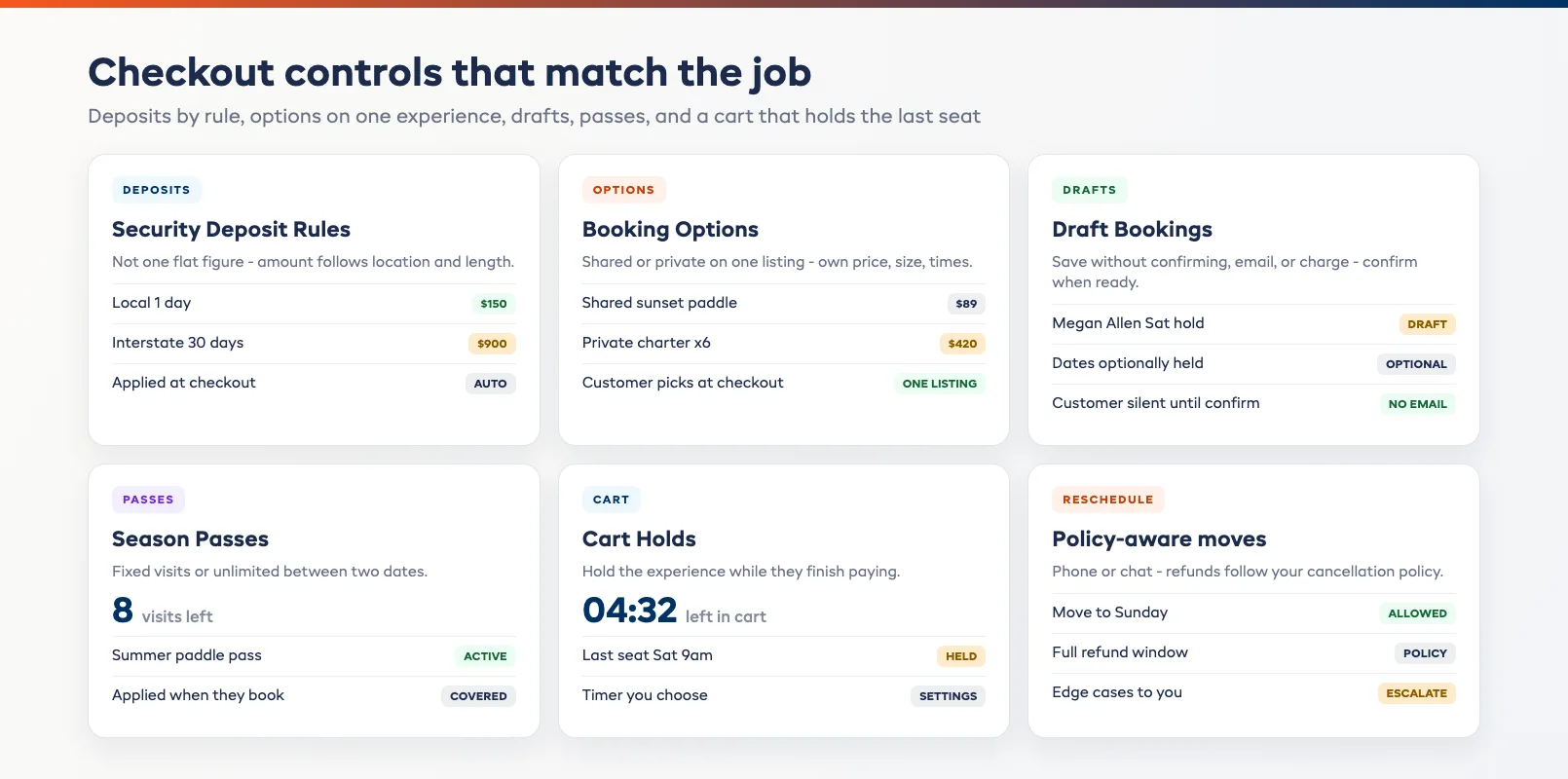
Security Deposit Rules. Set security deposit amounts by rule instead of one flat figure. The deposit adjusts to where the customer is and how long they're renting, so a short local booking and a long-distance monthly one each hold the right amount automatically, with no manual adjusting at the counter.
Booking Options. Sell the same experience more than one way. Add booking options like shared or private, each with its own price, its own group size limits, and even its own times, so one experience can cover several ways to join without setting up separate listings. Customers pick the option that suits them at checkout.
Draft Bookings. Start a booking and set it aside without confirming or charging it. Save it as a draft while you sort out details, optionally holding the dates so the slot is kept, then confirm when you're ready. Nothing goes to the customer — no email or payment request — until you confirm.
Season Passes. Sell passes with a set number of visits, or unlimited visits between two dates. Customers buy one online or at the counter, then use it when they book and that visit is covered. Each customer's record shows how many visits are left.
Cart Holds. Hold spots while customers check out. Turn it on and choose how long an experience stays held once it's in the cart. The cart shows how long is left, so nobody loses the last seat to someone else halfway through paying.
Operations
Delivery priced by distance, a second step at login, words that match your business, and staff who set their own availability.
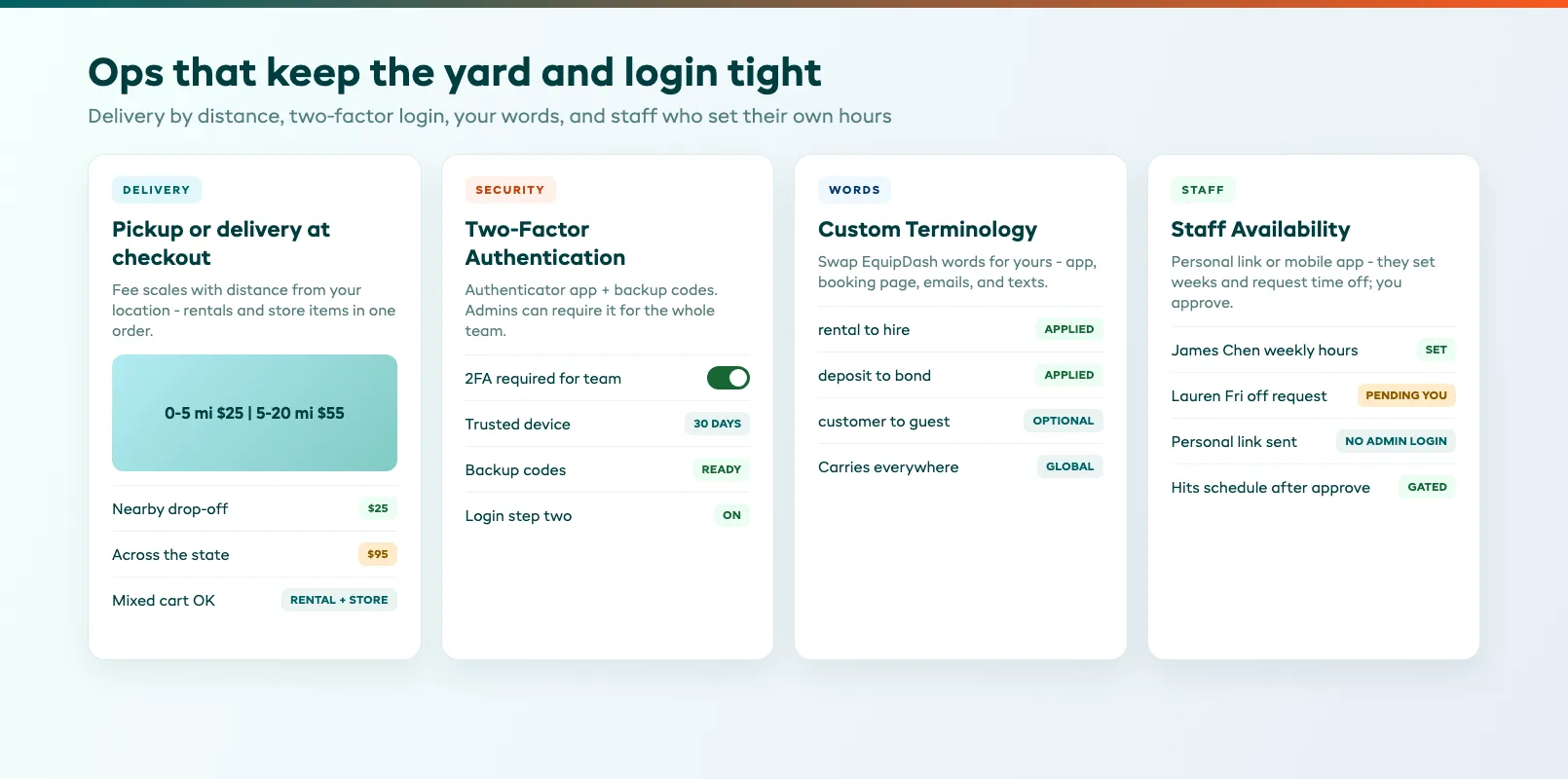
Delivery. Let customers choose pickup or delivery at checkout, and charge for it by distance. Set a delivery fee that scales with how far the drop-off is from your location, so a nearby customer pays less than one across the state. Works for rentals and store items in the same order.
Two-Factor Authentication. Add a second step at login to keep your account safe. Turn on two-factor authentication with an authenticator app and backup codes, and admins can require it for the whole team. Trust a device for 30 days so you're not prompted every time.
Custom Terminology. Call things what your business calls them. Swap the words EquipDash uses, like rental to hire or deposit to bond, and the change carries through the app, your booking page, emails, and texts.
Staff Availability. Send each staff member a personal link to set their weekly availability and request time off. They can also do it from the mobile app, and you approve time off before it hits the schedule.
That's September. Twenty features, most of them about meeting the customer on the channel they already use, then locking down checkout and the yard so the booking sticks. Everything here is live in your dashboard now — nothing to install. Catch up on last month's drop in the August 2026 roundup, browse the full history on the releases page, or if you're not on EquipDash yet, see how it fits together on the product overview or book a demo.
FAQ
Are all 20 September features available on my plan?
Most booking and operations features — delivery, security deposit rules, booking options, draft bookings, season passes, cart holds, two-factor authentication, custom terminology, and staff availability — are available across plans as documented in your dashboard. Website Builder is on the Pro plan. Mailchimp is on Growth and Pro. AI Front Desk, Talk to Dash, image tools, Google review replies, WhatsApp reach, Muse bookings, and policy-driven reschedules use your plan's Dash AI allowance. Rapyd and Authorize.Net are payment providers you enable under Settings. Check inside your dashboard or ask our team if you're unsure.
Do I need to install or update anything to get these features?
No. EquipDash is cloud-based, so every September feature is already live in your dashboard. Payment providers and Mailchimp are switched on under Settings. WhatsApp reach and Muse are one-switch connections. Website Builder lives under Website on Pro.
How does AI Front Desk use my phone number?
Your published number stays the same. Dash answers that number as well as the chat on your booking page, quotes real availability, takes the booking, texts the payment link, and escalates anything it shouldn't decide to you.
What's the difference between booking options and separate listings?
Booking options let one experience sell more than one way — shared or private, different prices, group sizes, or times — without creating separate listings. Customers pick the option at checkout. Separate listings are full products you maintain side by side; options keep the catalog lean when the experience is the same underneath.
How do security deposit rules decide the amount?
You set rules instead of one flat figure. The deposit adjusts to where the customer is and how long they're renting, so a short local booking and a long-distance monthly one each hold the right amount automatically at checkout.
Will Cart Holds block inventory for abandoned checkouts?
Cart Holds keep an experience held for the window you choose once it's in the cart. When the timer ends, the hold releases so the seat or unit can sell again. The cart shows how long is left so the customer knows the clock is real.
Can staff set availability without an admin login?
Yes. Each staff member gets a personal link to set weekly availability and request time off, and they can also do it from the mobile app. You approve time off before it hits the schedule.
in one place