Follow one day at a surf school on EquipDash, from the first online booking to the numbers at close.





They book on your own booking page, branded as your school, sitting on your website and quick on a phone.

Dash answers on your booking page and on the phone, from your own lessons, prices and age rules, and books the customer in.
The morning brief lists the lessons, boards going out and boards coming back, with only what needs you underneath.
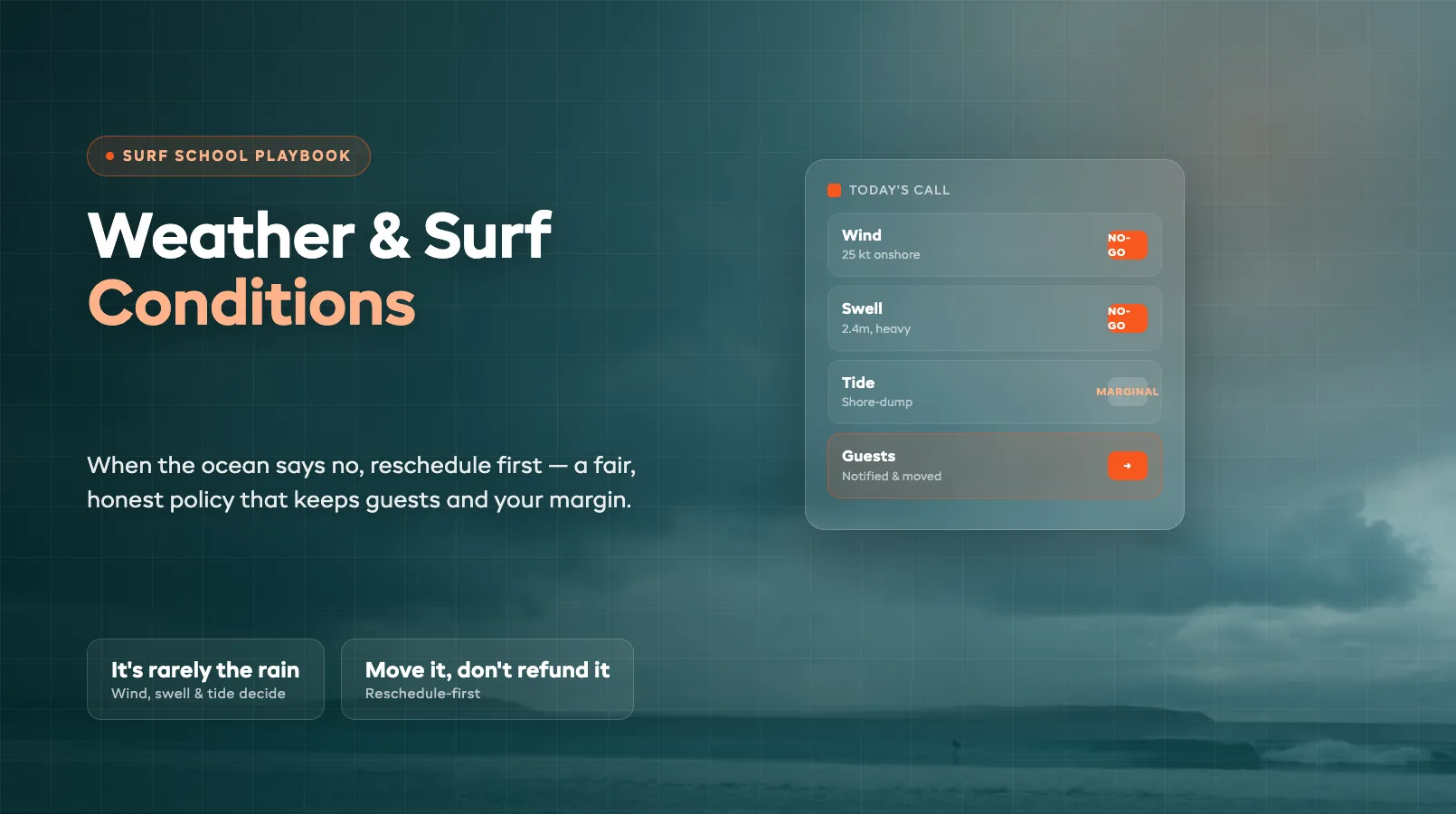
Set your own line for swell and wind. When the forecast crosses it, the dashboard warns you and names the lessons it hits.
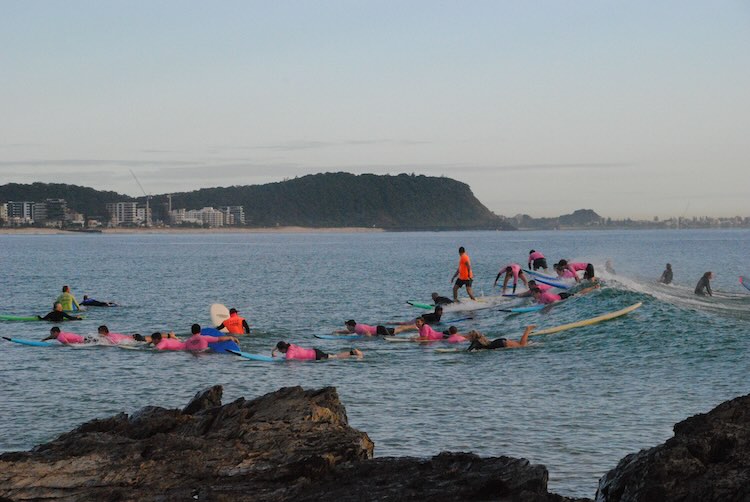
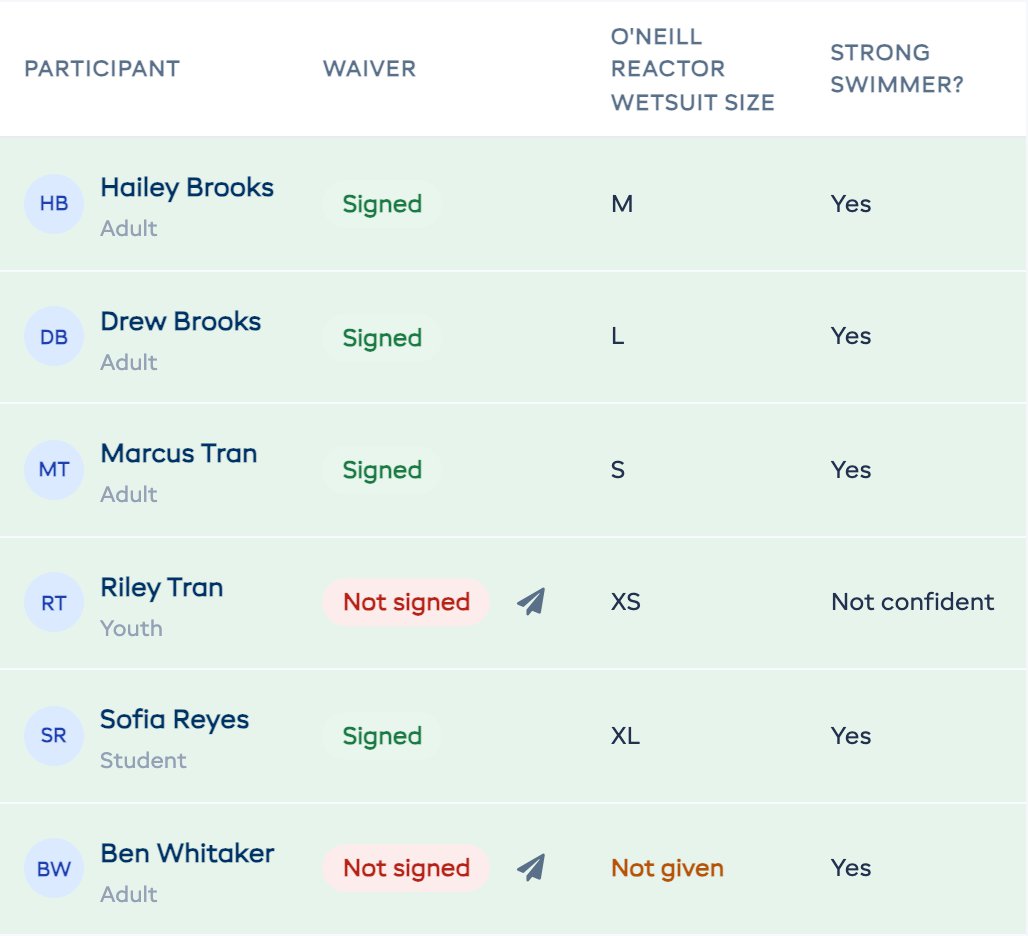
Wetsuit sizes for the whole group at the top, then everyone's waiver and what they said about swimming and surfing.
A walk-up's order goes to Dash in one sentence, and the cart fills with the right boards, wetsuits and wax.
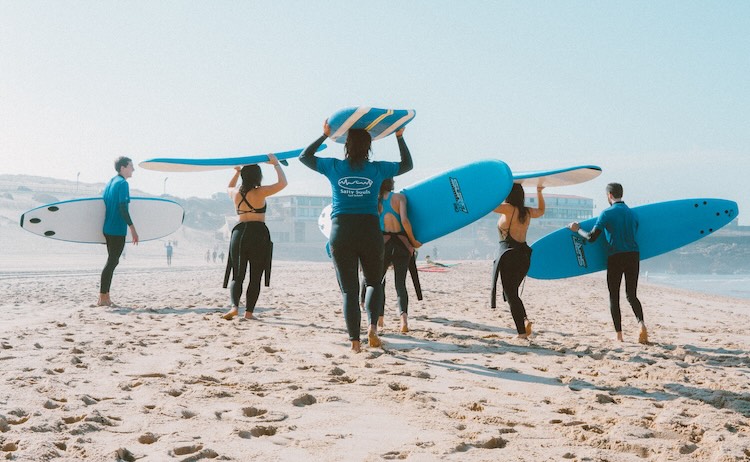
Mark each surfer back as they come up the sand, from the counter or from your phone on the beach.
Each one pulls the surfer's details from the booking, so nobody copies and pastes at 11pm.
Mark it damaged at return, add a note and a photo, and the board goes straight to the workshop.
Open the reports, or ask Dash and read the answer in plain words.
Describe a job in a sentence and a bot does it every day, asking you first when it should.
Free resources
Surf schools and board rental shops in our directory, by town.
Ready-made bots for surf schools. Turn one on in Dash in a few seconds.
Surf school and board rental terms, explained.
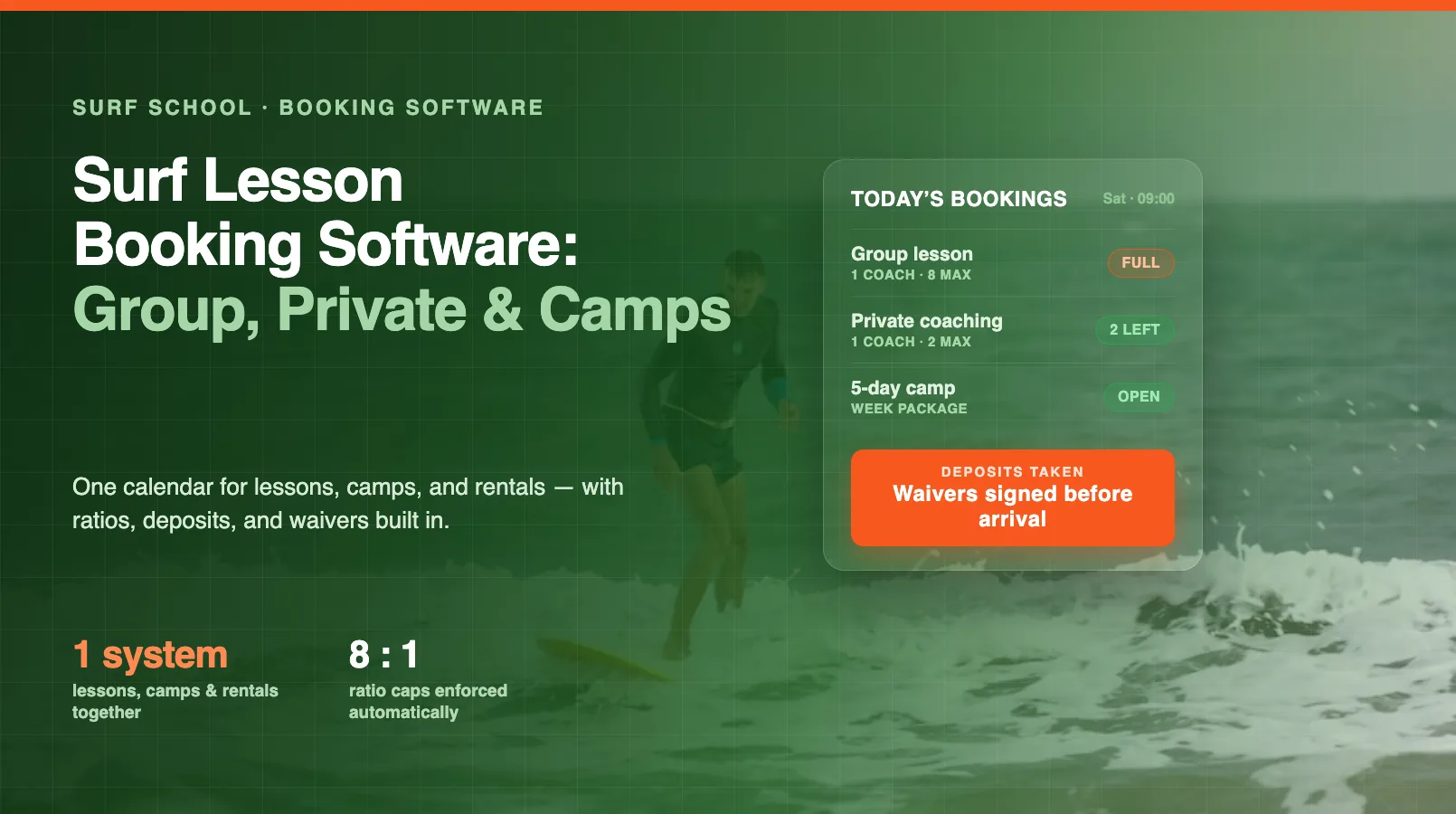
Surf school software is a platform that manages every part of a surf lesson and board rental operation — online bookings, board and wetsuit fleet, deposit holds, waivers with swim-ability, instructor assignment, tide-aware scheduling, payments, ding logging and customer comms — in one place. Modern systems like EquipDash replace the whiteboard-and-clipboard setup most surf schools grew up on and add AI bots that handle the repetitive admin (tide reminders, no-show follow-ups, review requests, board repair alerts) automatically.
A group lesson puts several students with one instructor at an agreed student-to-instructor ratio (commonly 4:1 or lower for beginners), priced per head. A private lesson is one-on-one or two-to-one coaching at a higher rate and a faster progression. Most surf schools run both, plus straight board rentals for surfers who don’t need coaching. EquipDash handles all three in one booking flow, with the ratio set per lesson type so a group session can’t oversell its instructor.
Beginner surf works best on a pushing or mid-tide with small, clean waves, so the good teaching window moves every day with the tide rather than sitting at a fixed clock time. Tide-aware scheduling ties each lesson slot to a tide state instead of a rigid hour, then confirms the exact meet time the evening before once the forecast firms up. EquipDash lets you build slots around the tide window and auto-suggests the workable ones; the Tide-Window bot texts booked surfers their meet time so nobody turns up to a blown-out low tide.
A damage deposit is a pre-authorization hold placed on the surfer’s card at booking — typically $50 for a soft-top up to $400 for a performance shortboard. The hold sits on the card without being charged; if the board comes back clean, it’s released automatically (Stripe voids the auth and the hold drops off in 2–7 days). If there’s a ding, a rate-card-priced repair charge is applied against the hold and the balance released. This is the standard approach across surf and water sports rental shops — far cleaner than billing a card on file after the fact.
A pre-rental board check is the quick inspection staff run on every board before it leaves the rack: dings and delamination, existing ding-repair integrity, fin system and fins, leash attachment and length, and wax condition. It takes about six minutes and catches damage before water gets into the foam. In EquipDash this lives as a per-board checklist on a tablet, and anything failing routes the board to the repair bench instead of the next surfer.
Best practice is to set explicit thresholds (wind over a set speed, swell too big for beginners, a flat or messy forecast), watch the marine forecast the evening before, and proactively text every booked surfer the night before — not the morning of — with a one-tap reschedule to the next good tide window. EquipDash automates this with the Tide-Window bot: the forecast hits your threshold, every booked surfer gets a personalized text, deposit holds roll forward, and refunds inside policy are self-serve. Decide evening-before, not morning-of: surfers are often already driving to the coast by sunrise.
A single-beach operation works from one break or meeting point — one board fleet, one instructor schedule, one set of lesson slots. A multi-beach operation runs lessons and rentals from multiple spots (a main beach plus a satellite bay, or a beginner beach plus a point break) with separate fleets and staff at each. Multi-beach schools need software that tracks boards and bookings per site — a blown-out forecast at one beach shouldn’t black out the others. EquipDash handles both single and multi-beach with no extra add-on.
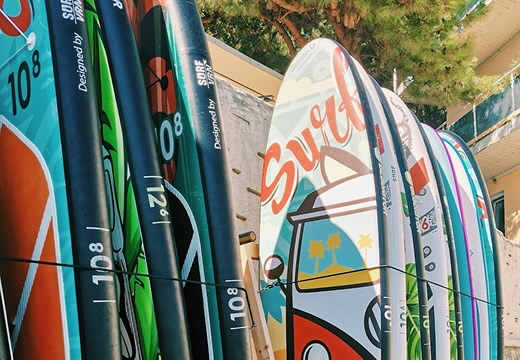
At check-in, each surfer is matched to a board by length and volume (heavier or newer surfers get more volume) and a wetsuit by size, both recorded against the booking. This keeps the fit right, keeps the fleet accountable, and means a board that comes back with a ding is tied to the session it came off. EquipDash assigns boards and wetsuits on the booking detail, tracks every board by length, volume and condition, and flags a torn wetsuit or a ding for repair at return.
A ding is a break in a surfboard’s outer skin — a crack, a gouge, or an open nose or rail — that lets water into the foam core if it isn’t sealed. A minor ding is a five-to-ten-minute UV-resin fix; deeper cracks need traditional resin work with a longer cure. In a rental fleet, any board flagged with a ding at return comes off the water until it’s repaired. In EquipDash, logging a ding at return auto-creates a repair ticket so the board is fixed before its next session, not after a bad rental.
Volume in liters, not length, is the metric that matters for a rental or lesson board. A rough guide: beginners want roughly their body weight in kilograms multiplied by 1.3–1.5, intermediates around 1.0–1.2, and advanced surfers 0.7–0.9. So a 90kg beginner needs a 120L-plus board, while a 70kg intermediate is happy on 75–80L. Matching surfer weight and ability to the right volume at booking is the single biggest driver of a good first session — EquipDash records volume on every board so staff assign the right one.
Most surf schools send four touchpoints by SMS: a tide-window reminder with the meet time and beach (the evening before), a waiver and swim-ability chase (a few hours before, if unsigned), a no-show follow-up with a rebook link (shortly after a missed session), and a review request (an hour after the surfer comes in). Each is a small touch but stacked together they cut no-shows, recover day-of bookings, and lift your Google rating. EquipDash ships these as pre-built Dash Bots — no scripts to write, no SMS provider to wire up.
Yes. Rental boards take constant knocks — rock contact in the shore break, drops in the car park, sun damage in storage — and the retirement driver is usually accumulated water damage from un-repaired dings, not shape wear. EquipDash tracks every board by length, volume and condition, logs each ding and repair against the board, and the Board Repair Alert bot flags anything with a fresh ding so it goes to the bench before its next session. Wax and leash checks fold into the same pre-rental routine.
BLOG
 Guides
 Guides
 Guides
 Guides
 Guides
 Guides
Other industries
FREQUENTLY ASKED QUESTIONS
Real questions from surf school owners and board rental shops evaluating EquipDash. If yours isn't here, get in touch.
Contact UsPlans start at $29/month. 21-day free trial, no card. There is a 1–2% platform fee you can pass to the surfer at checkout — so unlike FareHarbor or Peek Pro pulling 1–6% off your top line, your margin stays yours.
Start your free 21-day trial and explore every feature, including Dash AI and Dash Bots. No credit card, no commitment.