
 Claude integration
Connect Claude Desktop and ask about bookings and payments in plain English. Or pick Claude Sonnet 5 as the model Dash AI runs on.
 EquipDash · list bookings
No Anthropic account needed.
Anthropic bills you and your tokens stay untouched.
Give one bot Claude and leave the rest as they are.
Claude Desktop only reaches what its API key allows.
CLAUDE AND EQUIPDASH
Claude can be the model Dash AI runs on inside EquipDash, or work on your EquipDash data from Claude Desktop.
Nothing to install. Ask a question and it answers from your bookings, customers and calendar.
Careful reasoning, and long instructions with rules it follows exactly.
Give a single bot Claude, or make it the model for every chat.
Cancellations, refunds and deposits worked through against your terms.
Connect once and ask about bookings and payments in plain English.
The API key's permissions decide what Claude can read and change.
No Anthropic account needed.
Paste an Anthropic key and Anthropic bills you. Your tokens stay untouched.
ONE BOT AT A TIME
Every Dash Bot has its own "Which AI it uses" setting. Claude suits bots with long instructions and rules to follow exactly.
Overdue Ski Return ChaserDash Bot DeepSeek V4.1 Flash
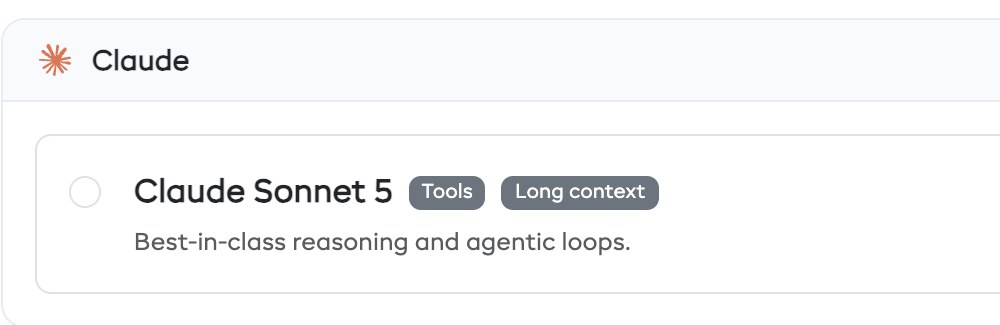
 GPT-5.6 LunaClaude Sonnet 5Selected
ALL OF DASH
Pick Claude Sonnet 5 in Settings, AI Assistant, and every Dash chat uses it. Write your rules once in Custom instructions.
CLAUDE DESKTOP
EquipDash speaks MCP, the open standard Claude uses to work with other tools. Add the EquipDash server to Claude Desktop once.
THREE WAYS IN
Pick the model in Settings, or connect Claude Desktop with an API key.
Settings, AI Assistant, Model & instructions. Pick Claude Sonnet 5.
Dash AI, Bots. Open the bot and change Which AI it uses.
Create a key in Settings, API & Integrations, API Keys, then add the EquipDash server to Claude Desktop.
MORE INTEGRATIONS
EquipDash works with the booking channels, payment and accounting apps, and AI assistants you already use.
 WordPress
Website
 GetYourGuide
Booking channel
 Viator
Booking channel
 Stripe
Payments
 Xero
Accounting
 QuickBooks
Accounting
 MYOB
Accounting
 Mailchimp
Email marketing
 Google Calendar
Calendar
 Google Drive
Documents
 Twilio
Text messages
 Zapier
Automation
ChatGPT
AI assistant
 Gemini
AI assistant
 Grok
AI assistant
 Kimi
AI assistant
 Shopify
Website
 Wix
Website
 Squarespace
Website
 Webflow
Website
 GoDaddy
Website
 Square Online
Website
 Weebly
Website
 Joomla
Website
 Framer
Website
 Any other website
Website
FREQUENTLY ASKED QUESTIONS
Find answers to your questions below. Contact us if you couldn't find what you're looking for.
Contact UsDash AI is the assistant built into EquipDash. It runs on one model you choose in Settings, and Claude Sonnet 5 is one of them. Each Dash Bot can also have its own model.
Start your free 21-day trial and pick Claude in Settings.