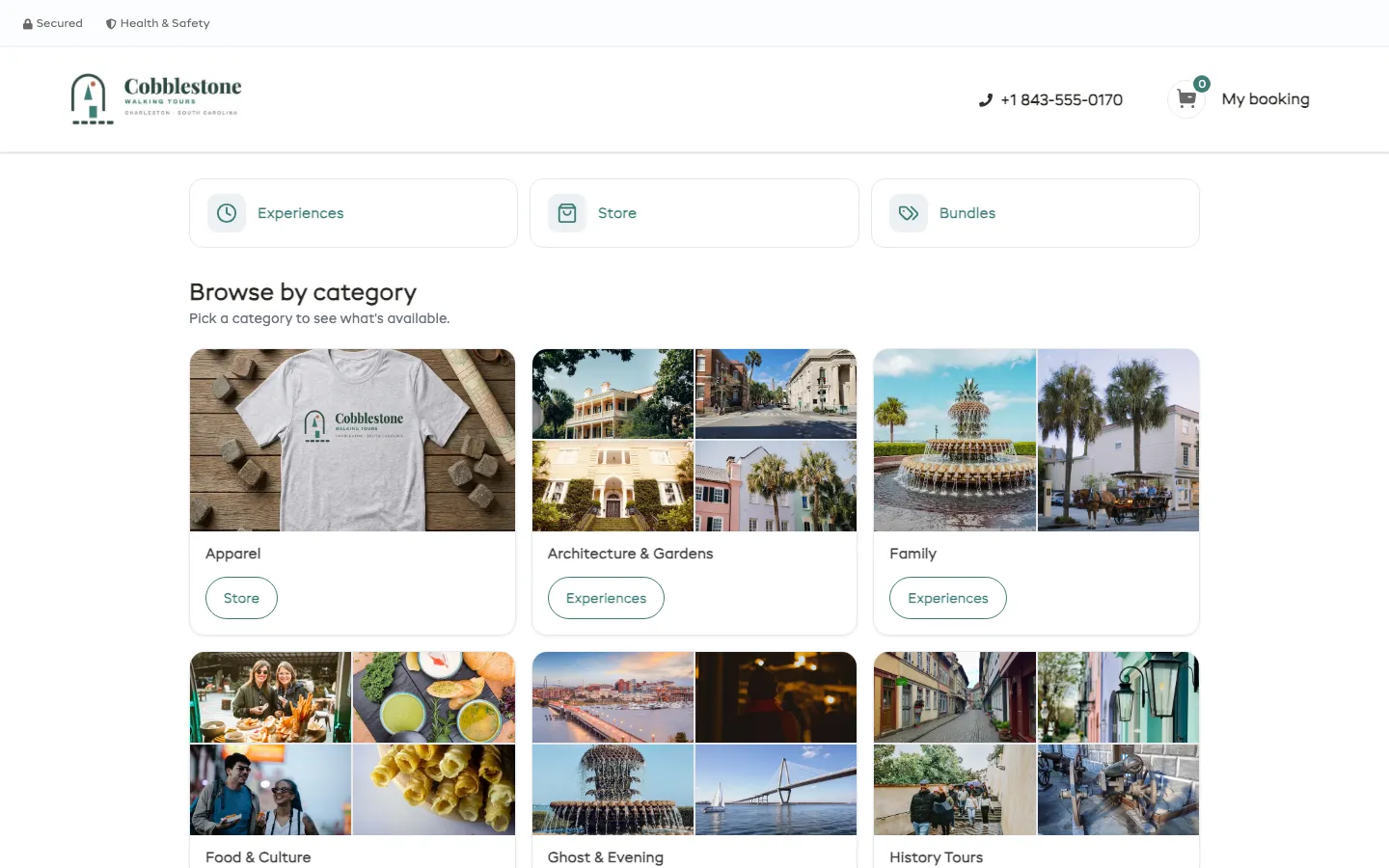
Small-group history, food, and ghost tours of historic Charleston, built, sold, staffed and run on EquipDash.
Try it yourself · 2 minThe departure schedule, waitlists, guide rosters and the weather call, all on EquipDash.
Pick a tour and a departure, mix adults and kids, pay, or ask Dash which tour to take.
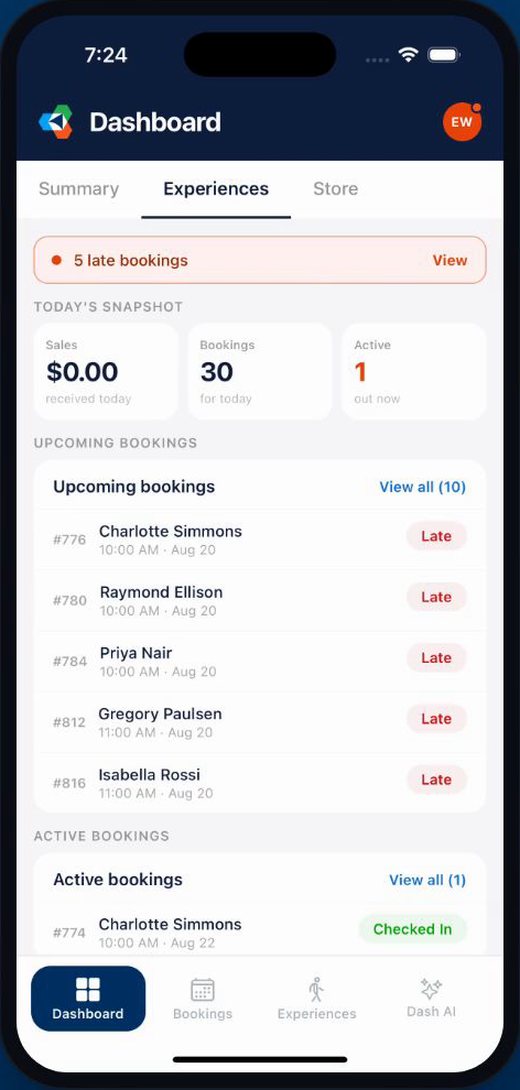
Guides check their groups in from a phone, with the run sheet for each departure.
Start times that fill a whole season, and the week’s departures full, soft and empty.
A waitlist on sold-out departures, guide licenses checked, and a storm call to everyone.
Ratings by guide after every tour, and revenue and seats filled by tour.
Questions about your own setup? Book a live demo with our team.
Six ways to add the booking page to a site. Pick one to try it live.
The whole booking page on one page of your site, with cart and checkout.
Which page: Main, Experiences or Store · Hide top bar · Hide logo · Hide footer · Transparent background · Your own cart icon
How to add it to your website →One item on its own page of your site. Customers pick dates and people right there.
Hide top bar · Hide footer
Transparent background
Button text · Button icon · My booking button · Pick people and see the total
A page of items you pick, in your order. Mix anything you sell.
Layout · Columns · Show prices · Search box · Ask for dates first · Page or floating button
How to add it to your website →A button in the corner of every page. It opens booking in a pop-up, so customers never leave your site.
Opens: Main, Experiences or Store · Button label · Bottom right or left · Icon · Your own cart icon
How to add it to your website →
cobblestone Now taking bookings online. Pick your date here:
app.equipdash.com/widget/cobblestone-walking-toursA booking page we host. No website needed.
Instagram bio · Emails · Google Business Profile · A Book link in your menu · QR code at the counter
How to add it to your website → EquipDash Bookings
No code to copy. The free EquipDash Bookings plugin adds the same booking page as a block.
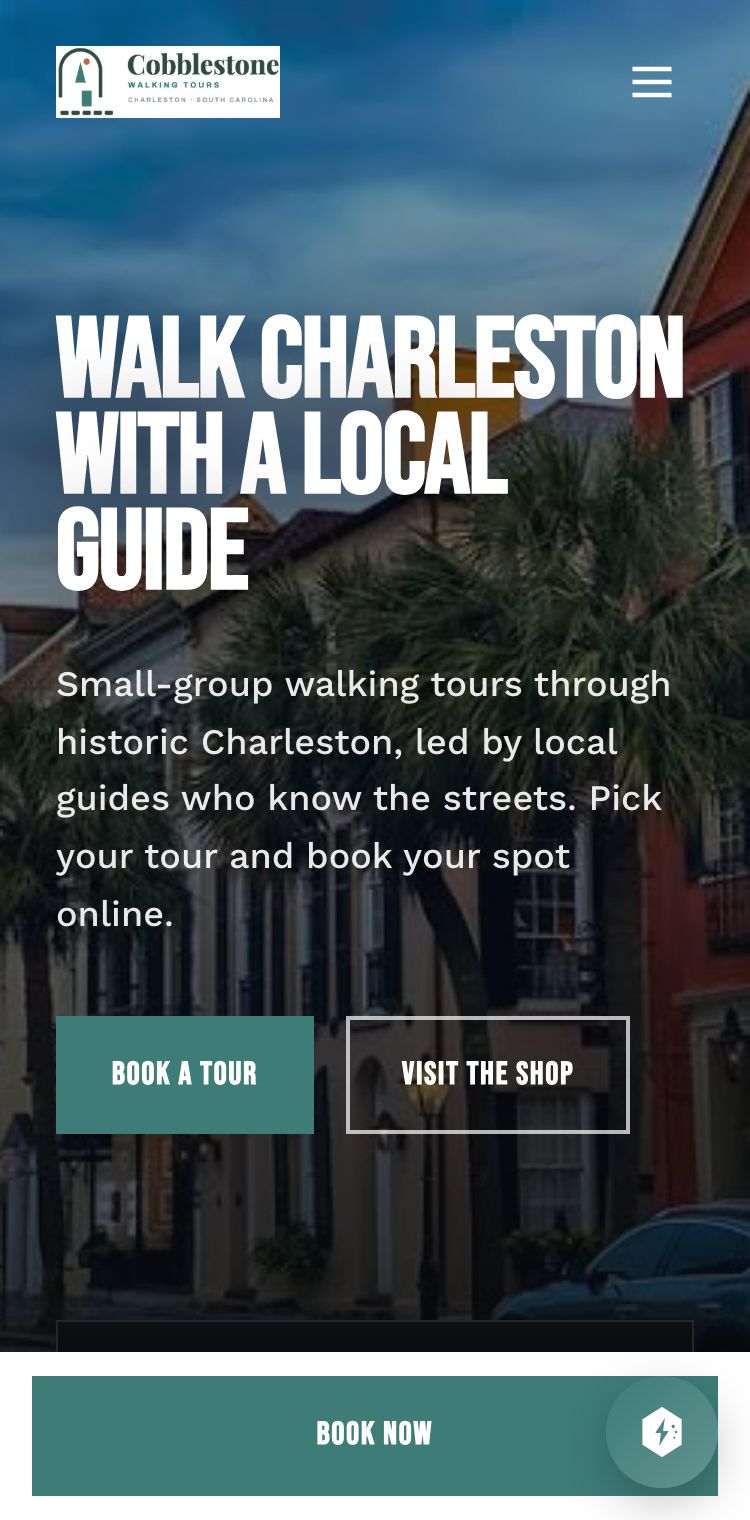
Cobblestone's website was made in EquipDash. Booking, the cart and gift cards are built in, so there is no code to paste.
Open Cobblestone's website How the website builder works →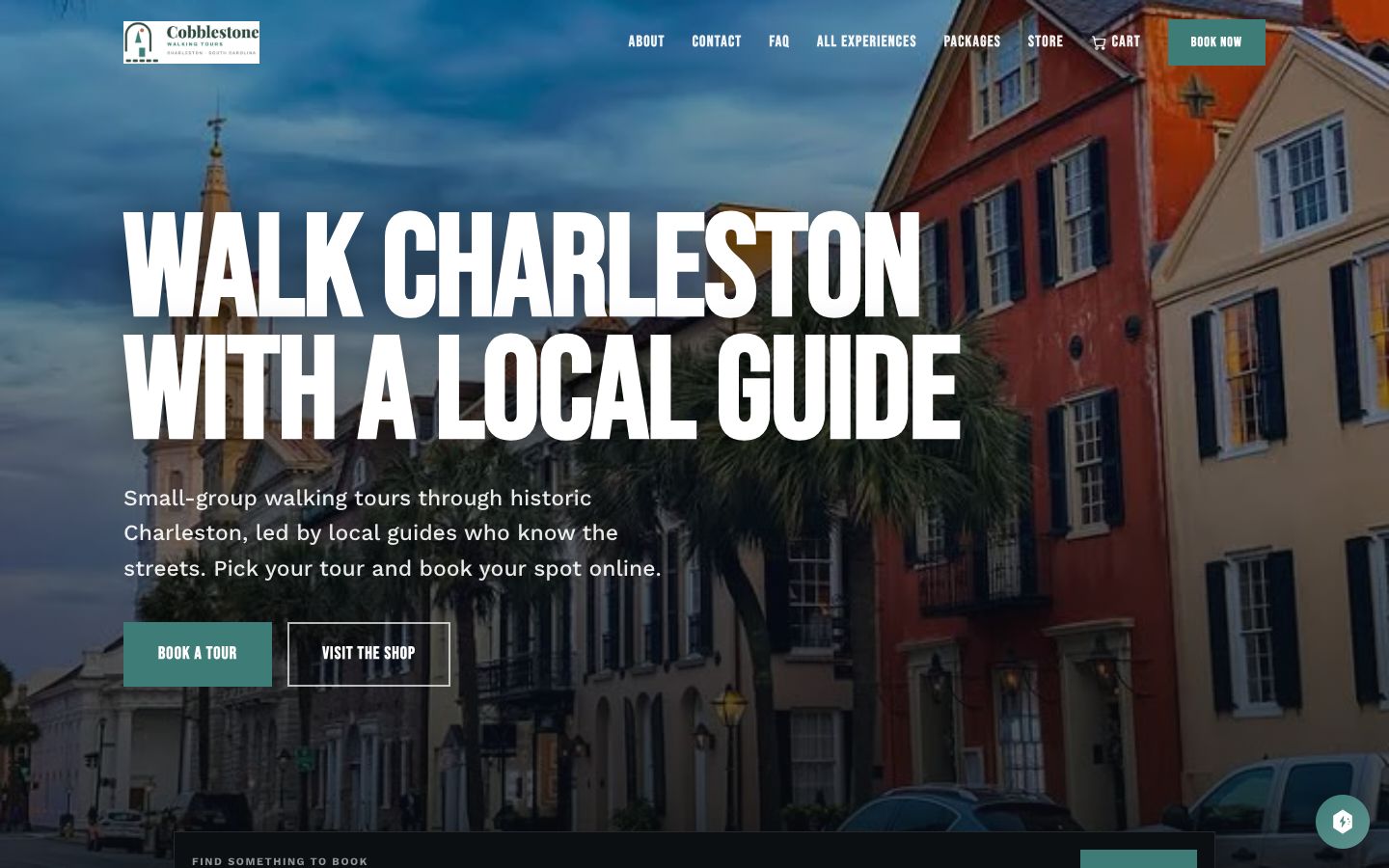
Step by step
From building the first tour to the reports at the end of the season.
A tour built from nothing, with its duration, group size, meeting point and separate adult, child and senior rates.
The part customers actually read: the story, the route as a step-by-step itinerary, what is included and where to meet.
Recurring start times that create a whole season of departures, with differences by day of the week.
Tell Dash to move the winter start times or drop a departure, and it edits the season in bulk instead of session by session.
The booking page: pick a tour, pick a departure, mix adults and kids, pay. Booked in a minute.
A visitor who doesn't know which tour to pick just asks. Dash recommends one, checks the seats and books it.
History plus ghosts as one discounted package, and the customer picks their own departure for each tour.
Customers join the waitlist from the booking page and get an email when a seat opens up.
Private tours priced by the group, requested online, quoted and turned into a booking when they accept.
Every departure for the week with the seats sold on each, so full, soft and empty departures show at a glance.
Ask Dash which departures are running soft and how that compares to normal. It answers from the actual bookings.
Licensed guides with their certifications and expiry dates on record, and a warning before a license lapses.
One sentence to Dash staffs the week, keeping to the rules and clearing the understaffing warnings.
Fifteen departures from one desk: who's booked, who's checked in, and a run sheet for each departure.
Guides check their groups in from the street, and Dash answers questions from a phone.
A storm rolls in. Cancel the departure, refund or credit under the policy, and message everyone on it at once.
NPS surveys with per-guide ratings. Happy guests get the review link, and unhappy ones come to you first.
Revenue by tour and by guide, seat occupancy, or ask Dash how the season is going.
Everything above is standard EquipDash: the departure schedule, the booking page, waitlists, guide rosters and the weather call, set up for your tours instead of Cobblestone's.
Tour operator software →See the same system set up for a different kind of business.
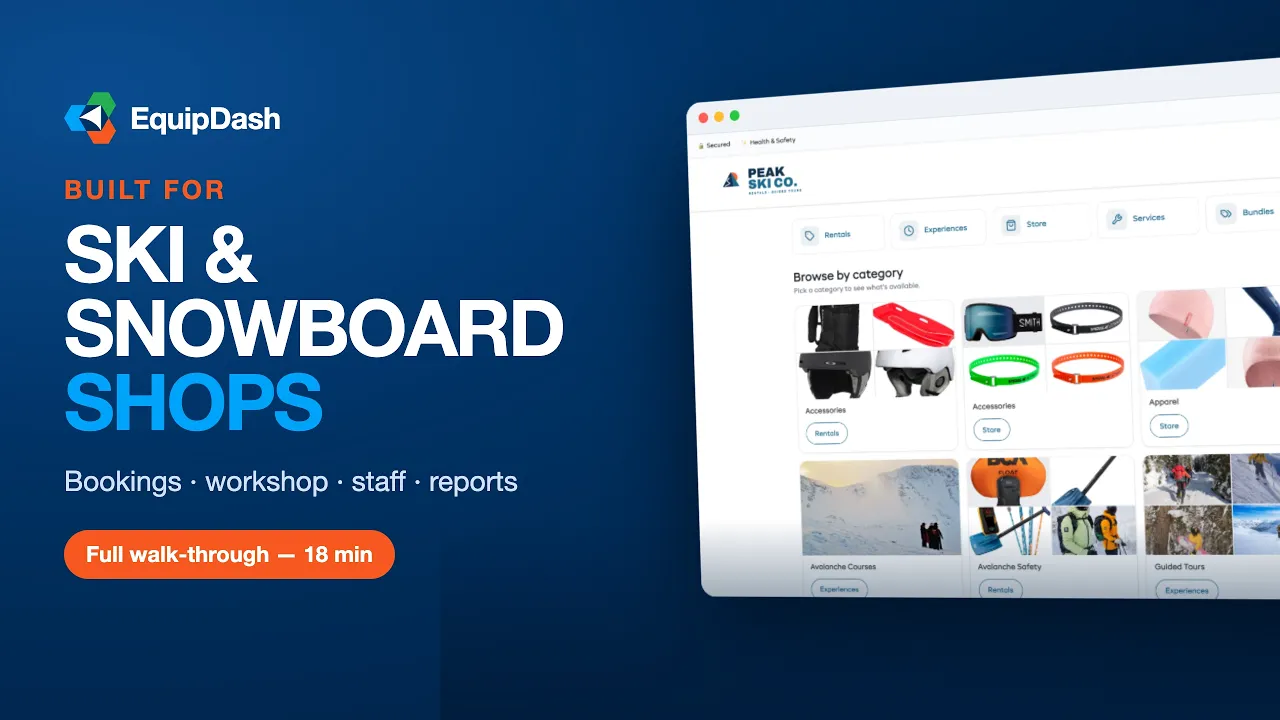 18 min
 22 min
 25 min
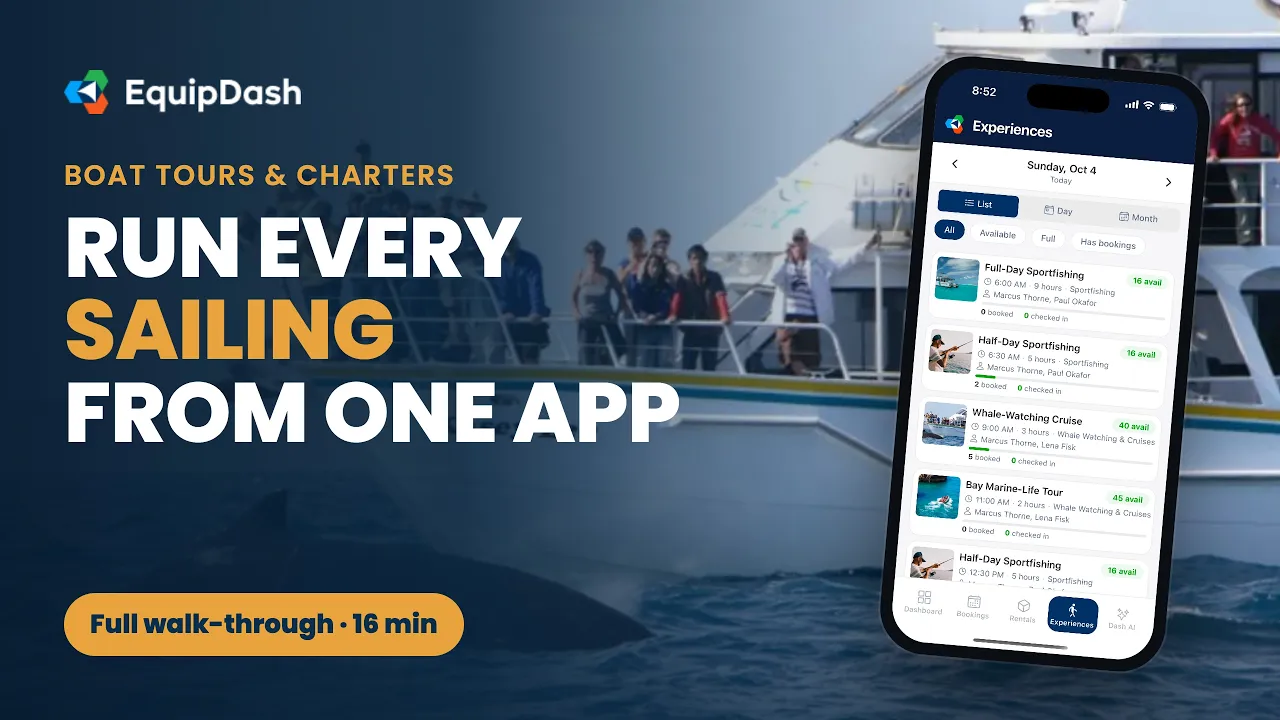 16 min
 22 min
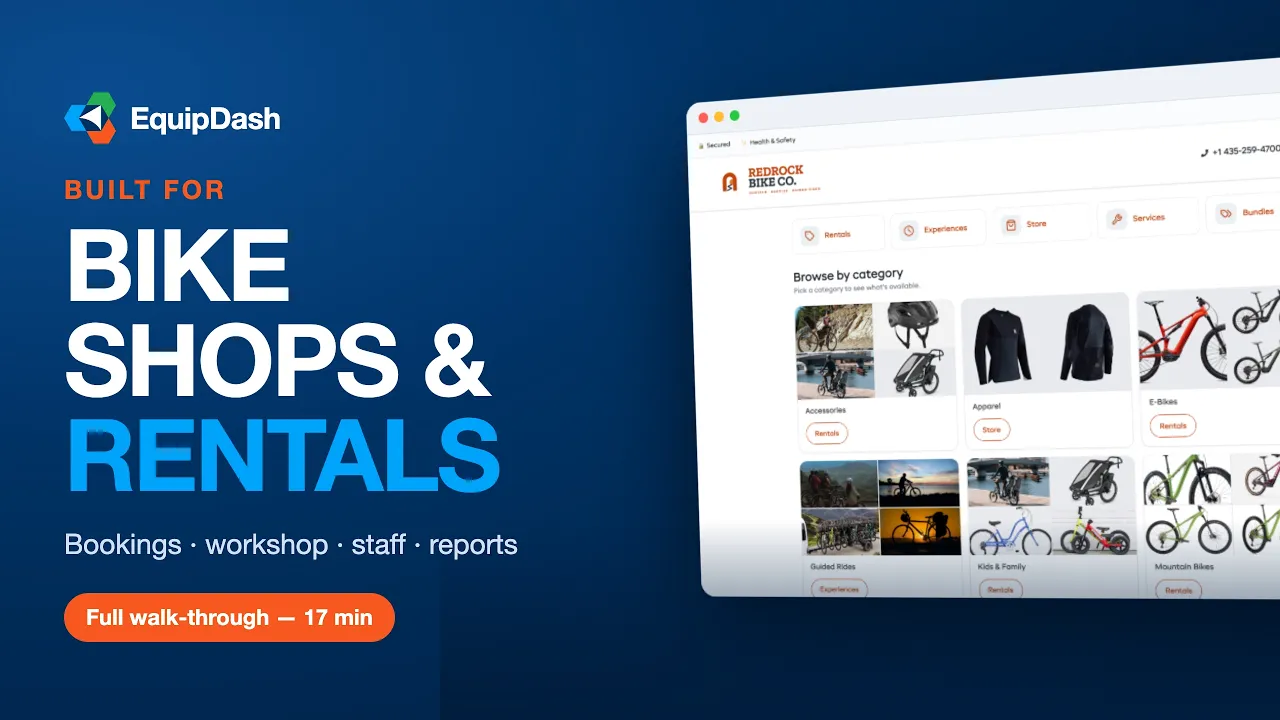 17 min
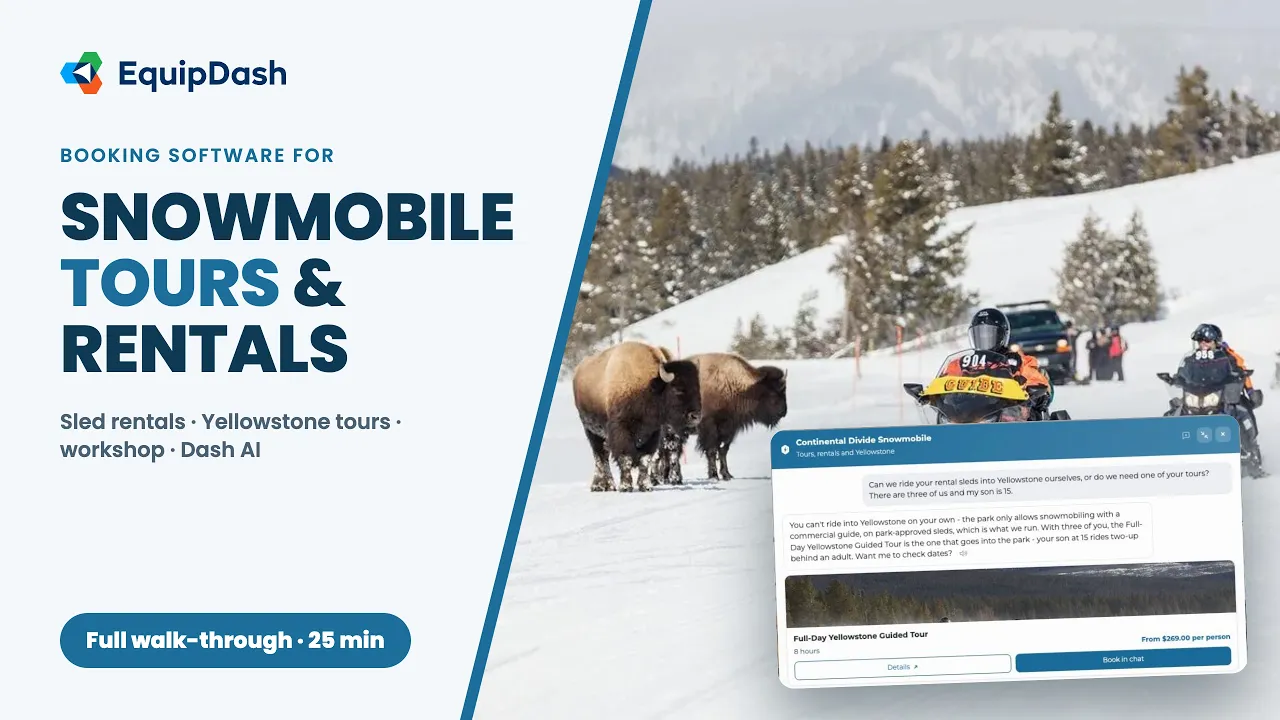 25 min
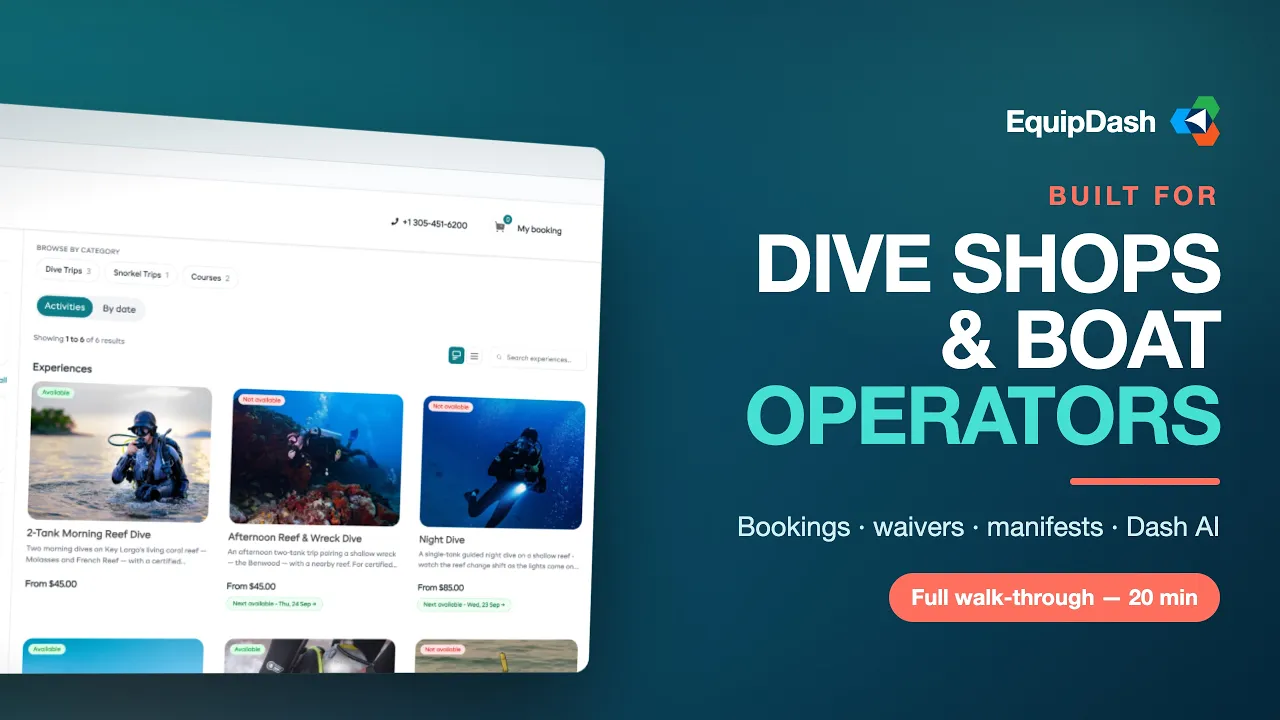 20 min
 22 min
 20 min
 23 min
 20 min
 21 min
 24 min
 22 min
Start a free 21-day trial and set it up with your own products. No credit card needed.