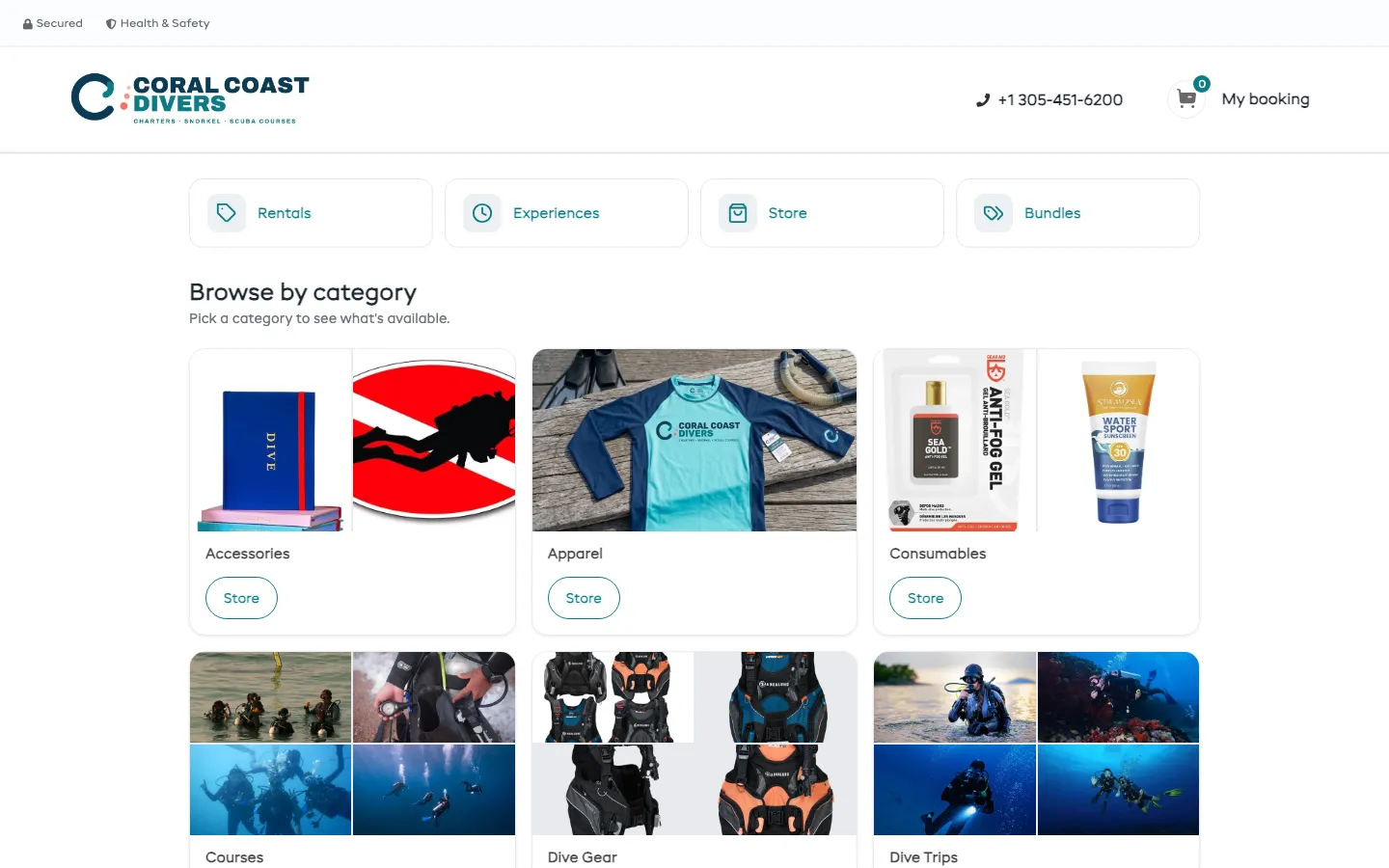
Reef and wreck charters, snorkel trips, courses and gear rental, set up by talking to Dash and run from the dock on a phone.
Try it yourself · 2 minDepartures, the diver medical, the boat manifest and the weather rules, all on EquipDash.
Products, a promo code, a survey and the waiver, all asked for in plain sentences.
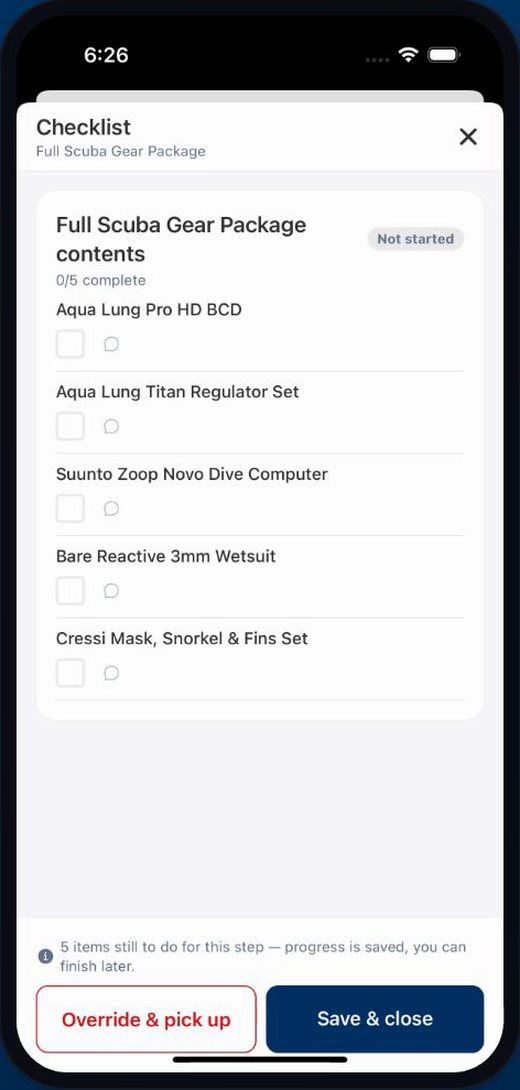
Divers ticked off as they walk down the dock, or scanned from their ticket.
Certification agency, level and card number, then the standard diver medical.
Certification, card number and the diver medical, all signed inside checkout.
Seats gone on every departure this week, and twenty pay links sent from one line.
Each diver’s level by their name, lapsed guide cards flagged, and boats moved for weather.
Dash in WhatsApp and on the phone, surveys after every dive, and which boats earn most.
Questions about your own setup? Book a live demo with our team.
Six ways to add the booking page to a site. Pick one to try it live.
The whole booking page on one page of your site, with cart and checkout.
Which page: Main, Rentals, Experiences or Store · Hide top bar · Hide logo · Hide footer · Transparent background · Your own cart icon
How to add it to your website →One item on its own page of your site. Customers pick dates and people right there.
Hide top bar · Hide footer
Transparent background
Button text · Button icon · My booking button · Pick people and see the total
A page of items you pick, in your order. Mix anything you sell.
Layout · Columns · Show prices · Search box · Ask for dates first · Page or floating button
How to add it to your website →A button in the corner of every page. It opens booking in a pop-up, so customers never leave your site.
Opens: Main, Rentals, Experiences or Store · Button label · Bottom right or left · Icon · Your own cart icon
How to add it to your website →
coralcoast Now taking bookings online. Pick your date here:
app.equipdash.com/widget/coral-coast-diversA booking page we host. No website needed.
Instagram bio · Emails · Google Business Profile · A Book link in your menu · QR code at the counter
How to add it to your website → EquipDash Bookings
No code to copy. The free EquipDash Bookings plugin adds the same booking page as a block.
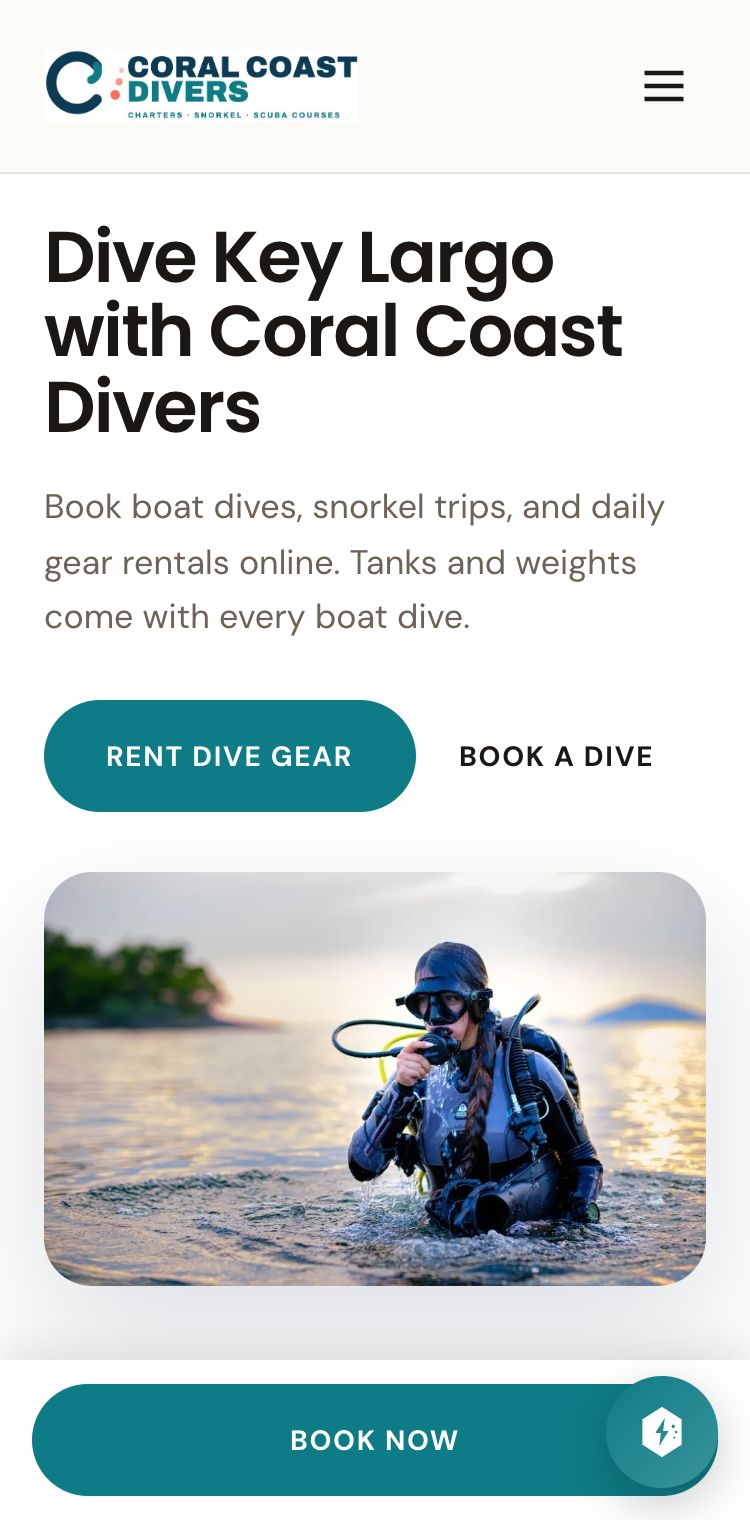
Coral Coast's website was made in EquipDash. Booking, the cart and gift cards are built in, so there is no code to paste.
Open Coral Coast's website How the website builder works →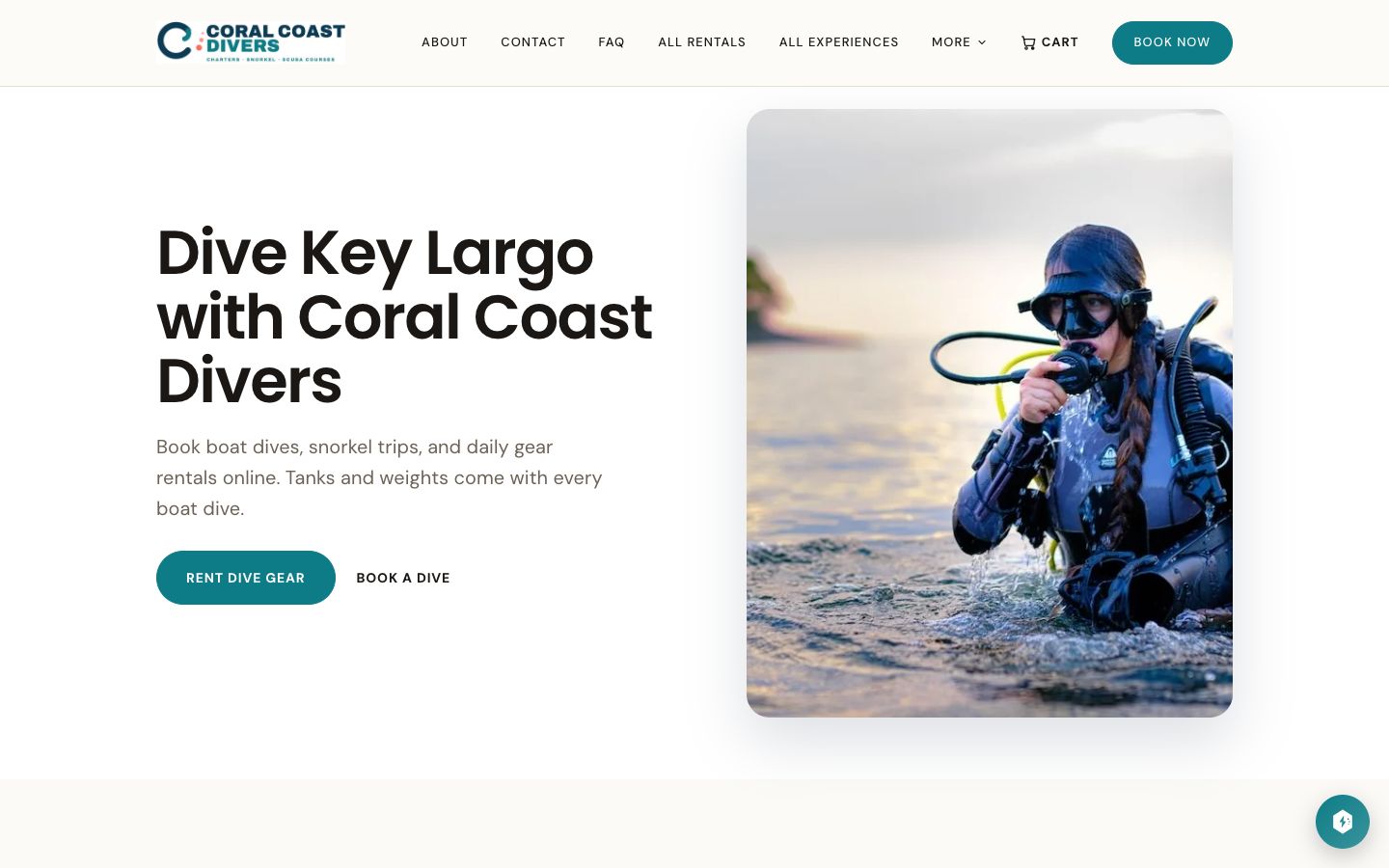
Step by step
From an empty account to a Saturday morning on the dock.
The shop gets built in conversation instead of forms. Store products, a promo code, a survey and the waiver, all asked for in plain sentences that are still there to read back.
Gear, boats, courses, the shop and the bundles on one page, priced by who is on the trip rather than one rate for everyone, with seats left showing live on every departure.
Someone who has never dived asks the assistant where to start. It reads the catalog, comes back with Discover Scuba, and shows the open times instead of a form.
One line from Dash on what it did overnight and what needs you. Twenty bookings still unpaid, with send twenty pay links sitting on the same line as a button.
Next week by booking or by experience, with every departure, how many seats have gone on each, and the manifest a click away.
Boats, gear and the shop on one list of bookings, and a card at the top that already knows what needs you today so you are not going looking for it.
Certification agency, level and card number, then the standard diver medical, all signed inside the checkout. Any yes needs a doctor to sign off first, and the form says so.
What the crew works from. Every departure today, who is booked, who has turned up, and each diver's certification level and card number beside their name.
Five staff, three of them guides, with every certification and expiry date read for you. One lapsed and one running out in three weeks, both flagged before you open anything.
Chasing waivers, described in one sentence the way you would tell a new member of staff, and it goes away and builds the job around what you actually sell.
Set what you will not go out in, and a bot reads the marina forecast against it every afternoon. When the ocean makes the call, move the departure and every diver on it gets told.
Three steps to connect and no typing, then that chat is your shop. Ask from the boat what needs you, and it offers to text the divers who have not signed.
Dash picks up, works out what the caller wants, checks the boat and books them on the line. Every call lands next to the chats with what it did about it.
Every boat going out today on your phone, with divers ticked off as they walk down the dock or scanned straight from the code on their ticket.
One diver's weekend from the desk. Check-in turns the manifest green, then five real items come off the shelves onto her booking and get counted back in.
Everyone on the boat gets asked how it went, not just whoever paid. Happy divers get pointed at Google and TripAdvisor, and anyone unhappy comes back to you first.
Boats, gear and the shop side by side against last month, then by trip, so you can see which boats earn their keep and how full they run.
Everything above is standard EquipDash: the booking page, the departures, the diver medical, the boat manifest, the weather rules and the phone that answers itself, set up for your shop instead of Coral Coast.
Scuba diving software →See the same system set up for a different kind of business.
 18 min
 22 min
 25 min
 16 min
 22 min
 17 min
 25 min
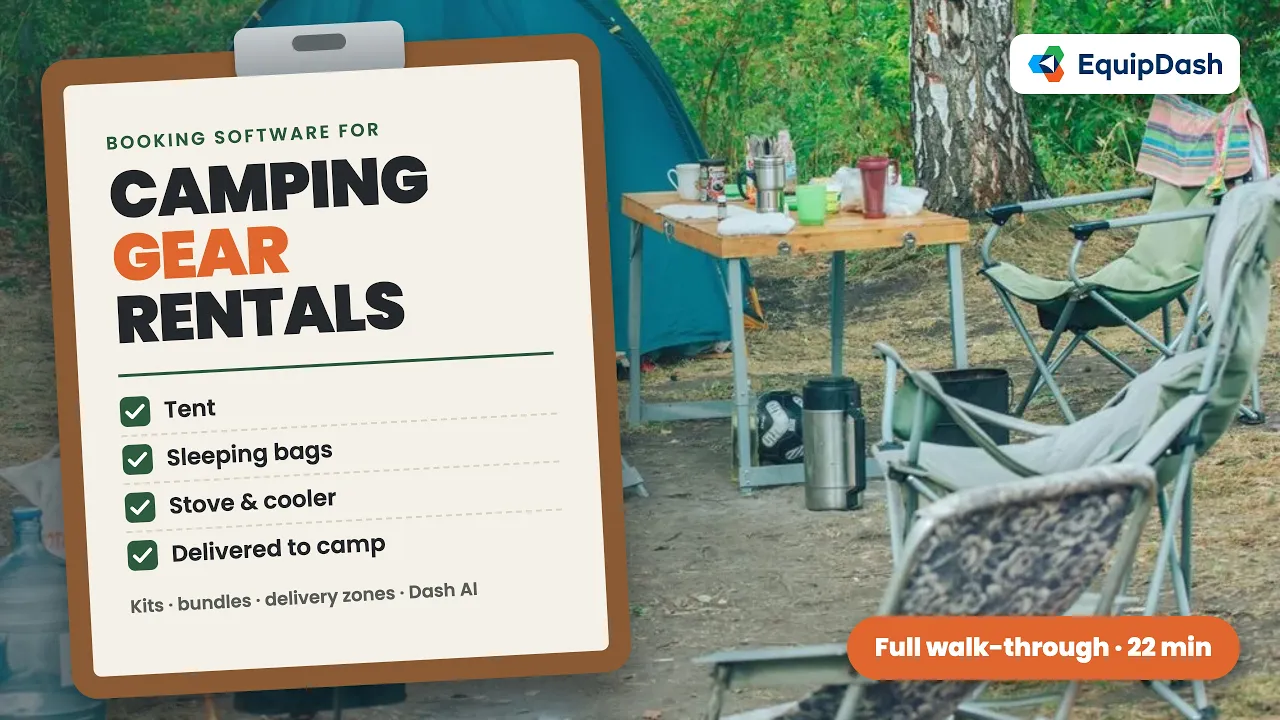 22 min
 20 min
 23 min
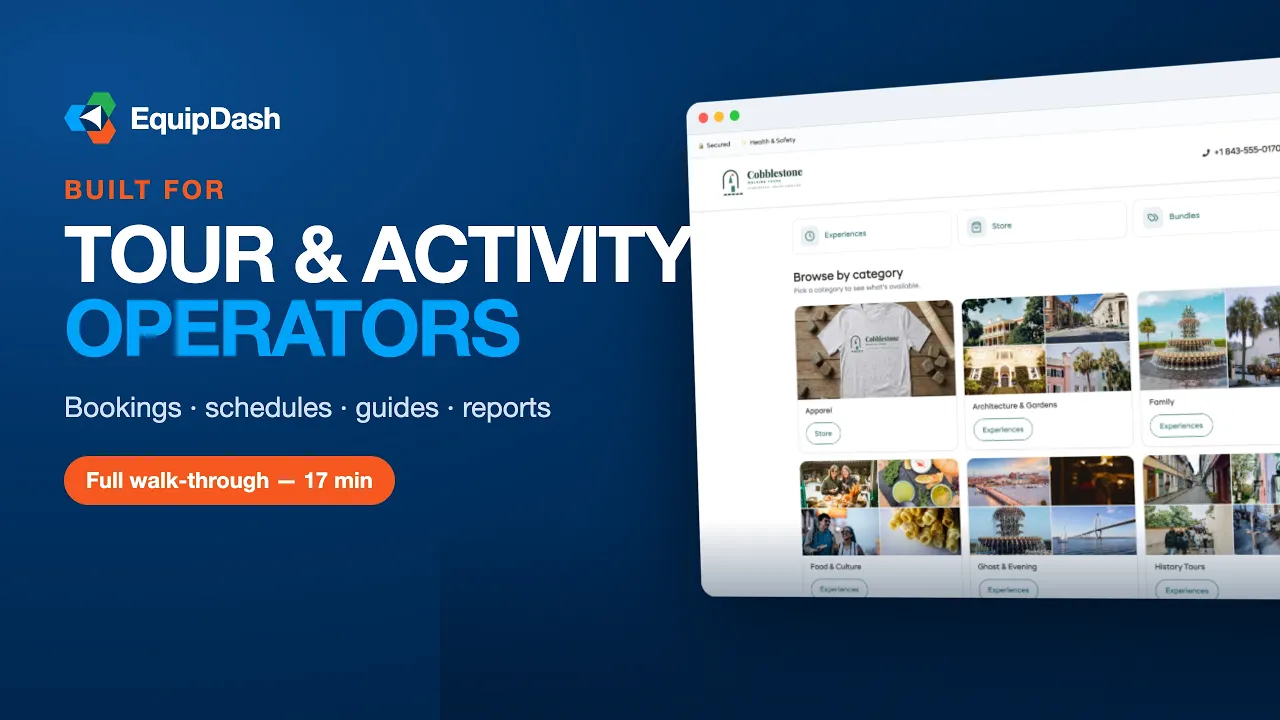 18 min
 20 min
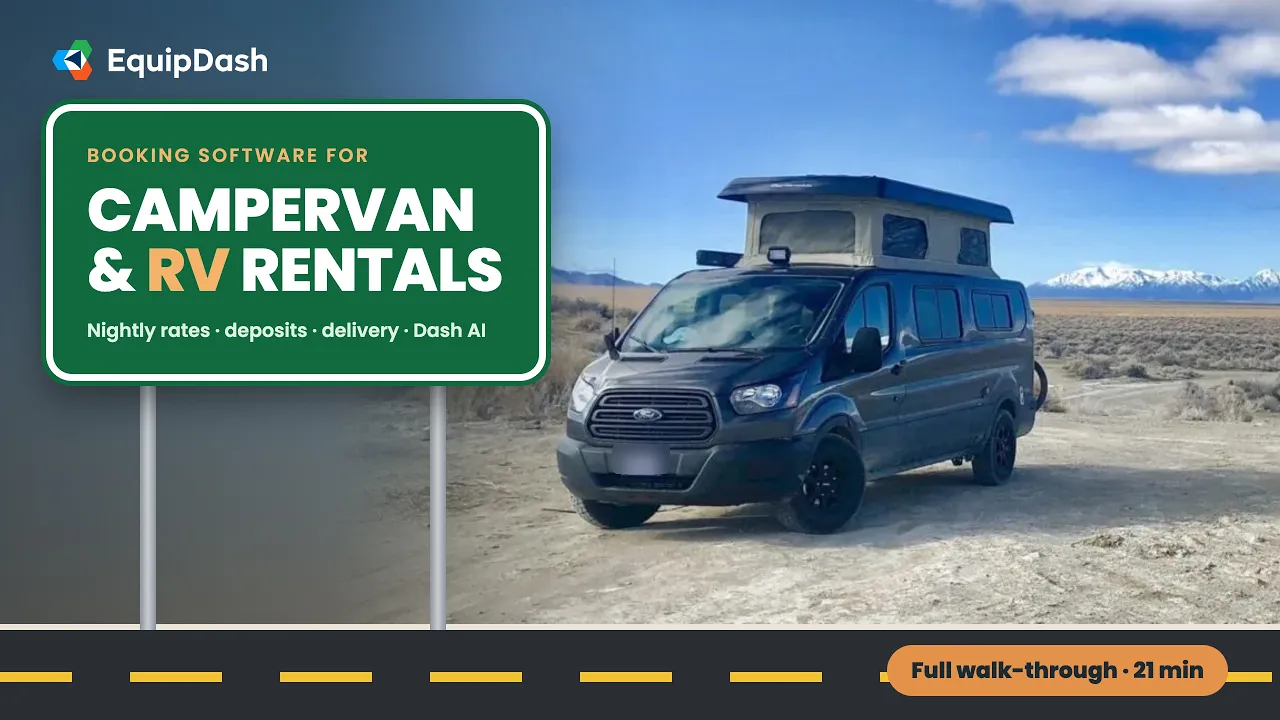 21 min
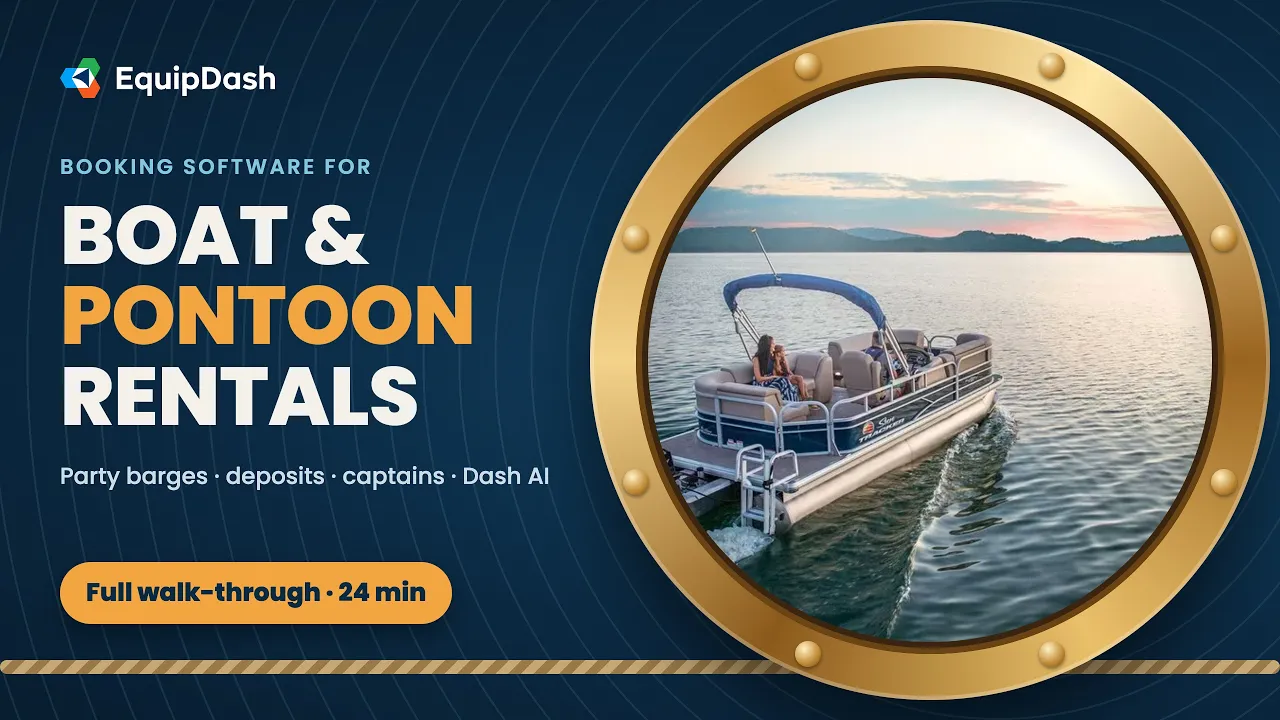 24 min
 22 min
Start a free 21-day trial and set it up with your own products. No credit card needed.